Introduction
intermediate conceptsVoxel Play 4 · World Architecture
In Voxel Play 4, a World is defined by a main object of type WorldDefinition:
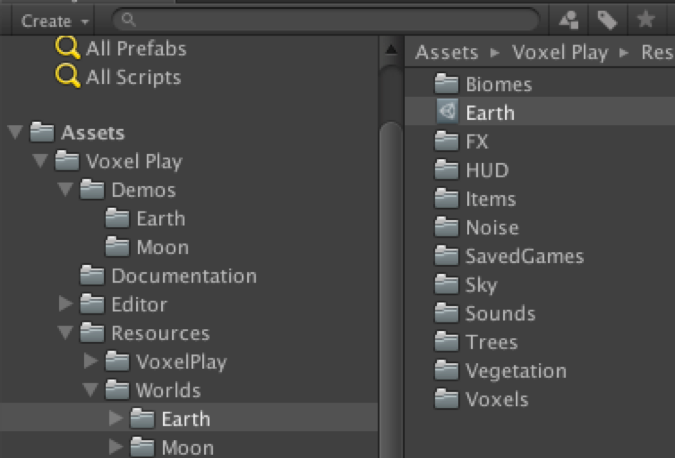
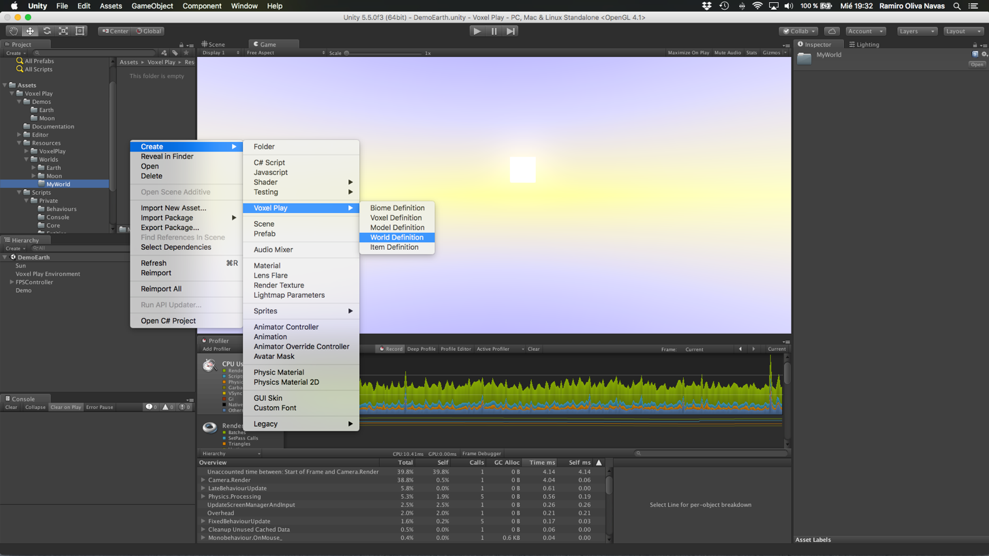
To create a new world you can duplicate the Earth folder and customize the files or create a new world definition using the contextual menu:
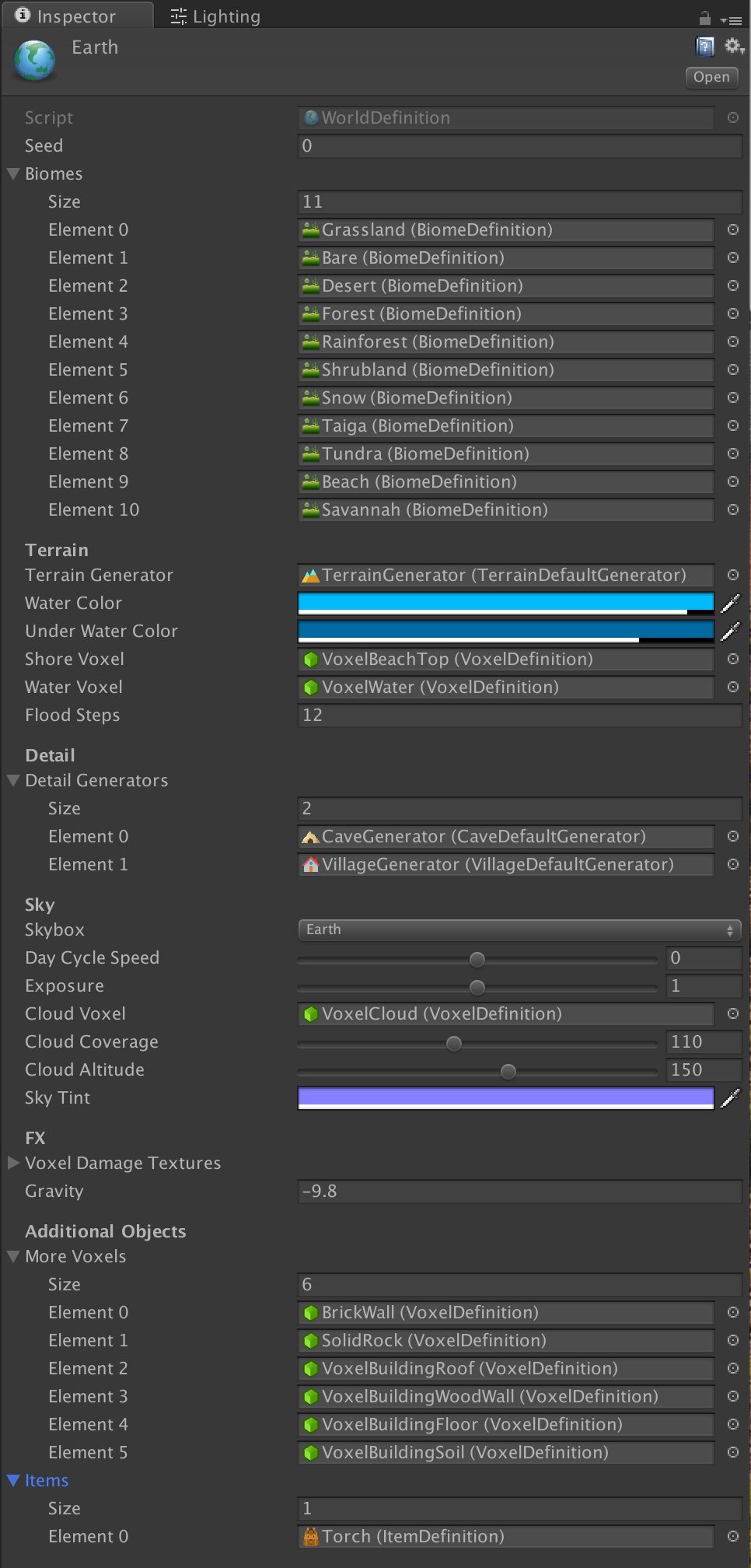
Select the World Definition file and you will see the contents of the ScriptableObject in the Inspector panel:
Important: it's recommended that you place all your textures and definitions inside a folder of the same name than your world. For example if your world definition asset is named "MyNewWorld", then place your model, voxel definition, textures, etc. in a directory structure similar to this one:
/Resources
/Resources/MyNewWorld
/Resources/MyNewWorld/Voxels
/Resources/MyNewWorld/Models
...
Reason is that Voxel Play 4 will automatically scan and load all voxel definitions contained in the folder with same name than your world.
Suggest an improvement
Help us improve this documentation page.