Introduction
beginner start here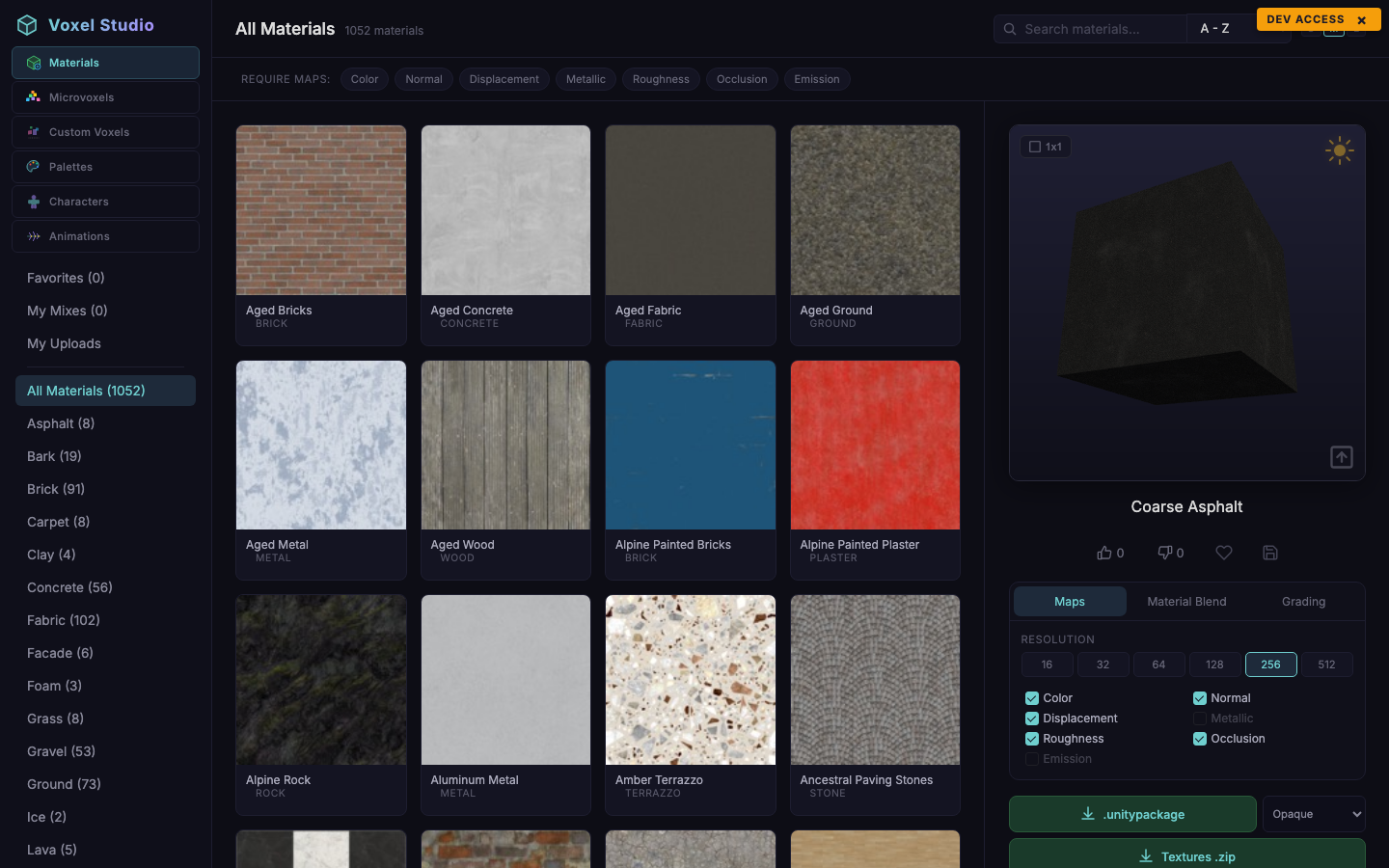
Voxel Studio is a browser-based authoring suite for voxel content. It runs at kronnect.com/apps/voxelstudio and ships six workspaces in a single tool: PBR Materials, MicroVoxels, Custom Voxels, Palettes, Characters and Animations.
Voxel Studio is a standalone product, sold and licensed separately from Voxel Play. Exports are tuned for Voxel Play 4 (Unity packages with ready-to-use VoxelDefinition assets, prefabs, meshes and materials), but also include portable formats (OBJ + MTL, textures as PNG/ZIP) that work in any Unity project or DCC tool.
What you can do
- Browse a catalog of hundreds of seeded PBR materials, blend two of them with three blend modes, and download the result at 256–2048 px.
- Explore a library of micro-voxel shapes (architecture, terrain, geometry, decoration, nature, pipes, props) and fork any of them into your own edits.
- Model arbitrarily sized custom voxels (mechs, statues, props, vehicles) and export them as a Unity package with a correctly wired
VoxelDefinition. - Build colour palettes and reuse them across micro-voxels, custom voxels and characters.
- Rig and pose voxel characters from a bank of rig templates (humanoids, quadrupeds, undead, dragons).
- Author animation clips on any rig template and preview them on any of your characters.
Who it is for
Voxel Studio is aimed at Unity developers using voxel content in their games. It is the recommended content pipeline for Voxel Play 4, but it also works as a standalone asset producer: the meshes, textures and prefabs it generates are standard Unity assets that drop into any project.
Suggest an improvement
Help us improve this documentation page.