Custom Voxels Overview
beginner feature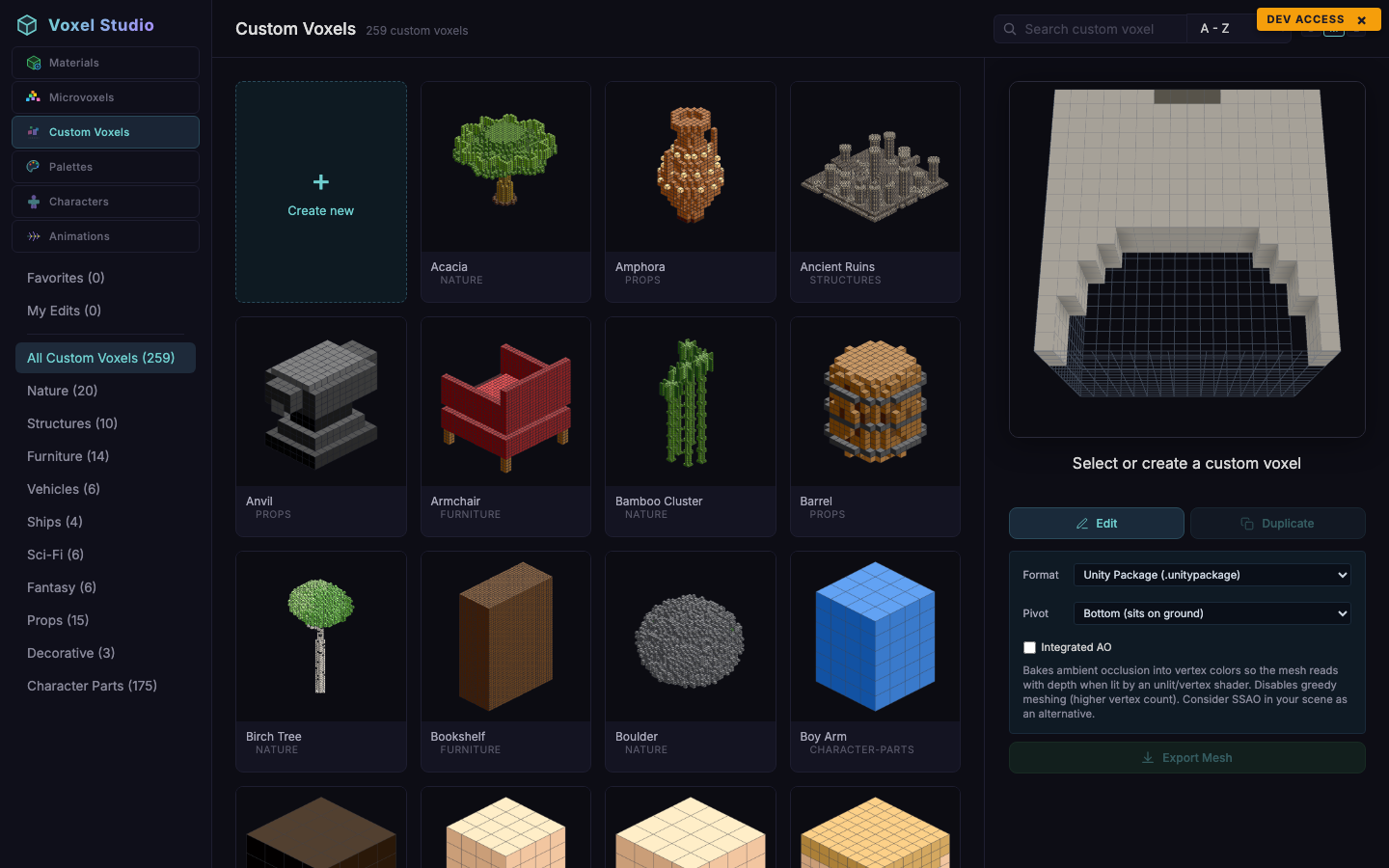
Custom Voxels are arbitrarily sized voxel models that export as standalone Unity packages. Unlike MicroVoxels (which live inside a 16^3 parent cell), custom voxels can be any size you want - a 32 x 48 x 20 mech, a 96 x 12 x 96 floor tile, a 4 x 16 x 4 lamp post. The exported package includes a mesh, materials, a prefab and a pre-wired VoxelDefinition you can drop into Voxel Play 4.
The catalog
Seeded categories cover a broad range of asset types: nature, structures, furniture, vehicles, ships, sci-fi, fantasy, props, decorative, character-parts, misc. The sidebar also shows Favorites and My Edits with live counts.
Thumbnails
Each card shows a pre-rendered thumbnail. Edits that have not been re-rendered yet fall back to a grid preview generated from the voxel cells.
Selecting a voxel
Clicking a card selects it and mounts the detail panel on the right. From there you can:
- Edit - open the voxel in the Custom Voxel Editor.
- Duplicate - create a private copy you can edit.
- Export Mesh - see Exporting to Unity.
- Favorite - heart icon.
Meta fields
- Grid size (
size_x,size_y,size_z): arbitrary positive integers. The editor enforces a sensible maximum to keep meshes under control. - Scale (
scale_m): how many metres a single voxel represents when exported. Default 1.0; set to 0.5 for half-metre voxels, 2.0 for two-metre voxels. - Palette: up to 255 colours.
Suggest an improvement
Help us improve this documentation page.