Animation Clips
beginner feature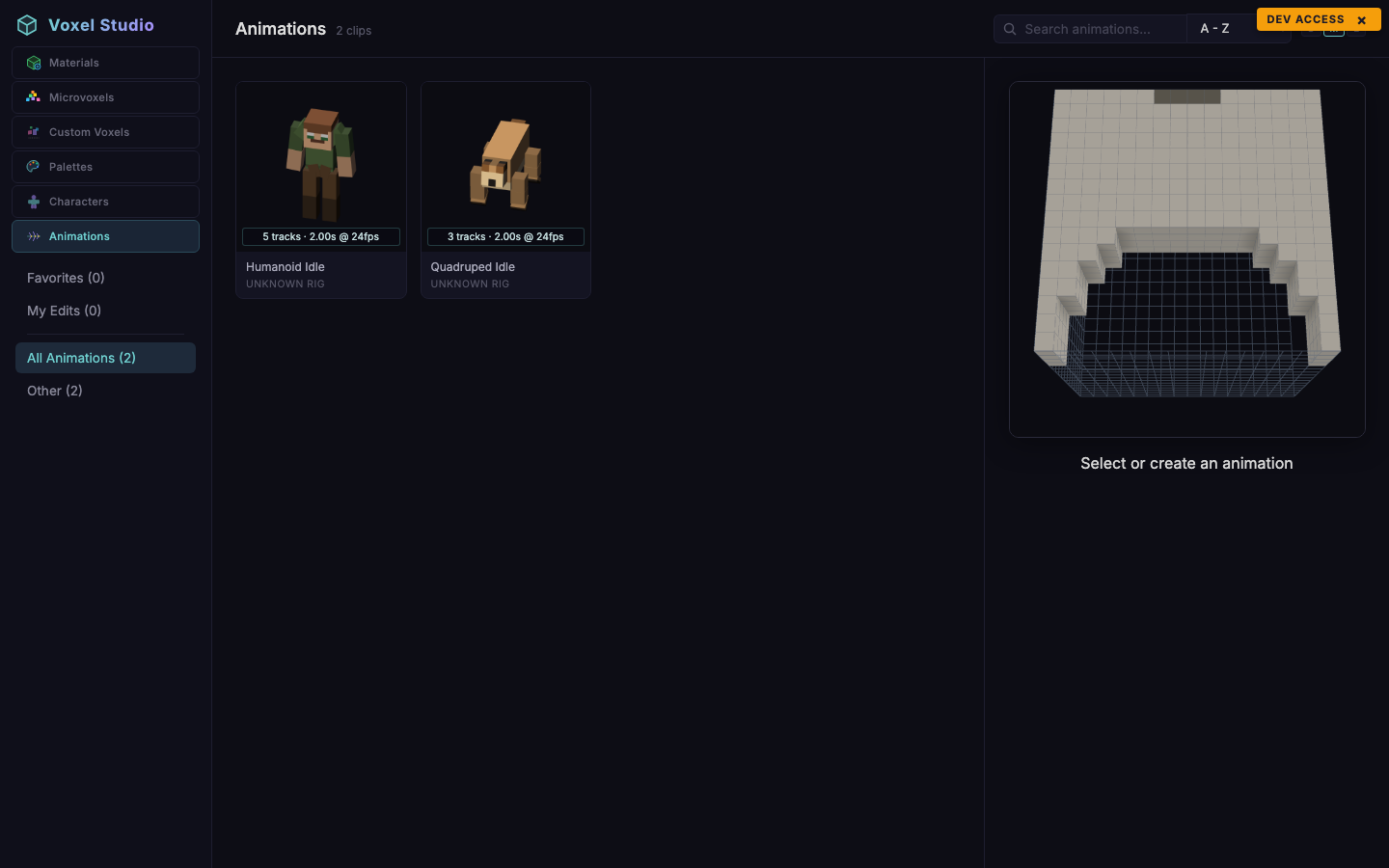
The Animations workspace lists animation clips grouped by rig template. A clip is a set of keyframed tracks (one per bone) that describes how the skeleton moves over time.
Grouping by rig template
Instead of categories, the sidebar lists every rig template (humanoid, quadruped, biped-small, dragon). Each template lists its own clips. Selecting a clip previews it on a sample character that uses the same rig.
Meta fields
- Name - free text.
- Duration - length in seconds.
- FPS - sample rate used in the editor. Unity reimports as a float curve and resamples at scene time.
- Tracks - number of bones animated.
Preview character
Pick the character to preview from the dropdown above the viewer. Any character that uses the same rig template is valid.
Exporting clips
Clips are consumed through Voxel Play 4, which pulls them directly from the Voxel Studio catalog at build time. You do not need to export clip files by hand.
Was this page helpful?
Suggest an improvement
Help us improve this documentation page.