Rain & Water
intermediate conceptsGlobal Snow & Rain 3 · Core Concepts
Overview
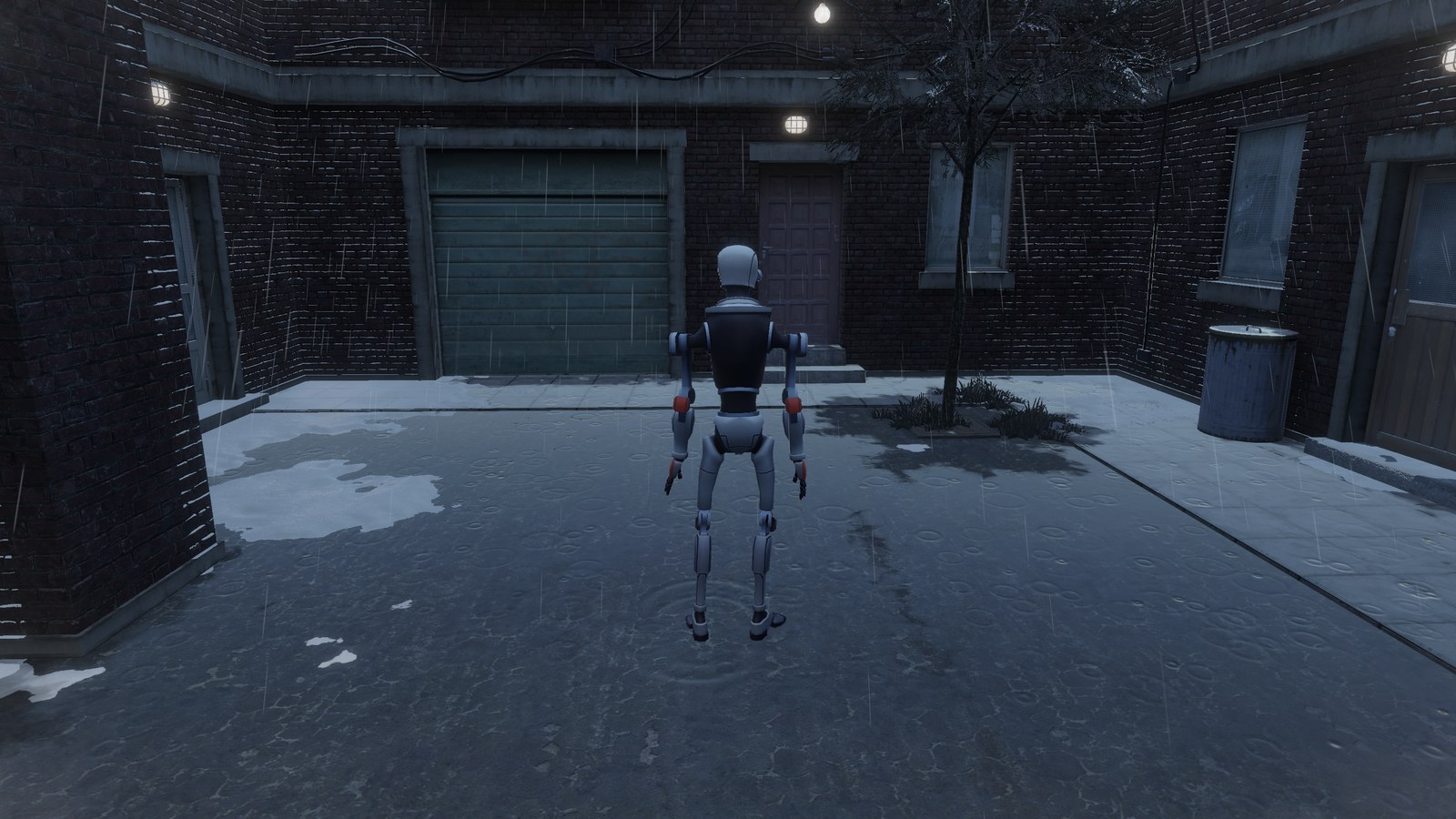
Global Snow can rain as well as snow, in the same scene and at the same time. Temperature and Intensity in the Weather block set what falls: snow and rain mixed from +1 °C, and only rain above +3 °C. Two settings drive the water:
- Rain, at the top of the Rain & Wetness foldout, sets how much it is raining: the falling rain plus the wetness of the surfaces it reaches. Temperature and Intensity set it, and you can fine-tune it afterwards.
- Puddles, in the Weather block, sets how much standing water the scene has. It works on its own, so you can have puddles after the rain has stopped.
The options are in the Rain & Wetness foldout. See Parameters for the full list.
Rain
To start the rain, raise Temperature above +1 °C with an Intensity above 0, or move the Rain slider above 0. The rain falls around the camera and is pushed by the shared wind (Wind in the Snowfall, Dust & Wind foldout). With Rain above 0, the Rain & Wetness foldout shows three extra options:
- Speed and Streak Length change how fast the rain falls and how long the streaks look.
- Contrast sets how visible the falling drops are, without changing the amount of rain. At 1 the streaks stay visible on a bright sky or on snow. At 0 the drops only bend the view behind them, like small lenses.
Camera Rain, in Rain & Wetness below Puddles, puts drops on the camera lens while it rains, with Drop Size and Distortion. More drops land when the camera faces the rain or moves into it, and none with its back to the rain or looking down. The drops grow in the rain and, once they are heavy enough, run down with the slant of the rain without stopping until they leave the lens, joining other drops and leaving wet trails that dry. The more the camera looks up or down, the slower they run, so looking straight up they stay on the lens, grow and join. When the camera turns or the wind changes, the drops and trails already on the lens stay where they are and only the running drops change their way. Under a roof no new drops land and the ones on the lens dry out. It shows only on the camera with Global Snow.
Wetness
Rain wets the surfaces it reaches. Bare ground gets darker and shinier. Snow exposed to the sky gets the wet look too, up to the Rain amount. Snow Wetness is the minimum wetness of the snow, applied everywhere, also under cover. Use it for melting snow without rain.
The wetness of the surfaces follows the Rain value directly, so the surfaces are dry again as soon as Rain goes back to 0. Puddles, Snow Wetness and Wall Wetness do not depend on Rain, so you can keep them after the rain stops. In Play mode, the drops of Camera Rain dry out on the lens over time.
Wall Wetness
Walls and other steep surfaces get wet where the rain reaches them. Wall Wetness adds a wetness of its own, rain or not, from 0 (default) to 1: use it for walls that stay damp. It adds some work to the snow pass, so leave it at 0 when you do not need it.
Rain does not always fall straight down, so under small roofs it still reaches part of the walls. The wind pushes the rain under the roof onto the walls that face it, up to 1.5 m in. Walls deeper under cover, or on the side away from the wind, get less water.
Puddles
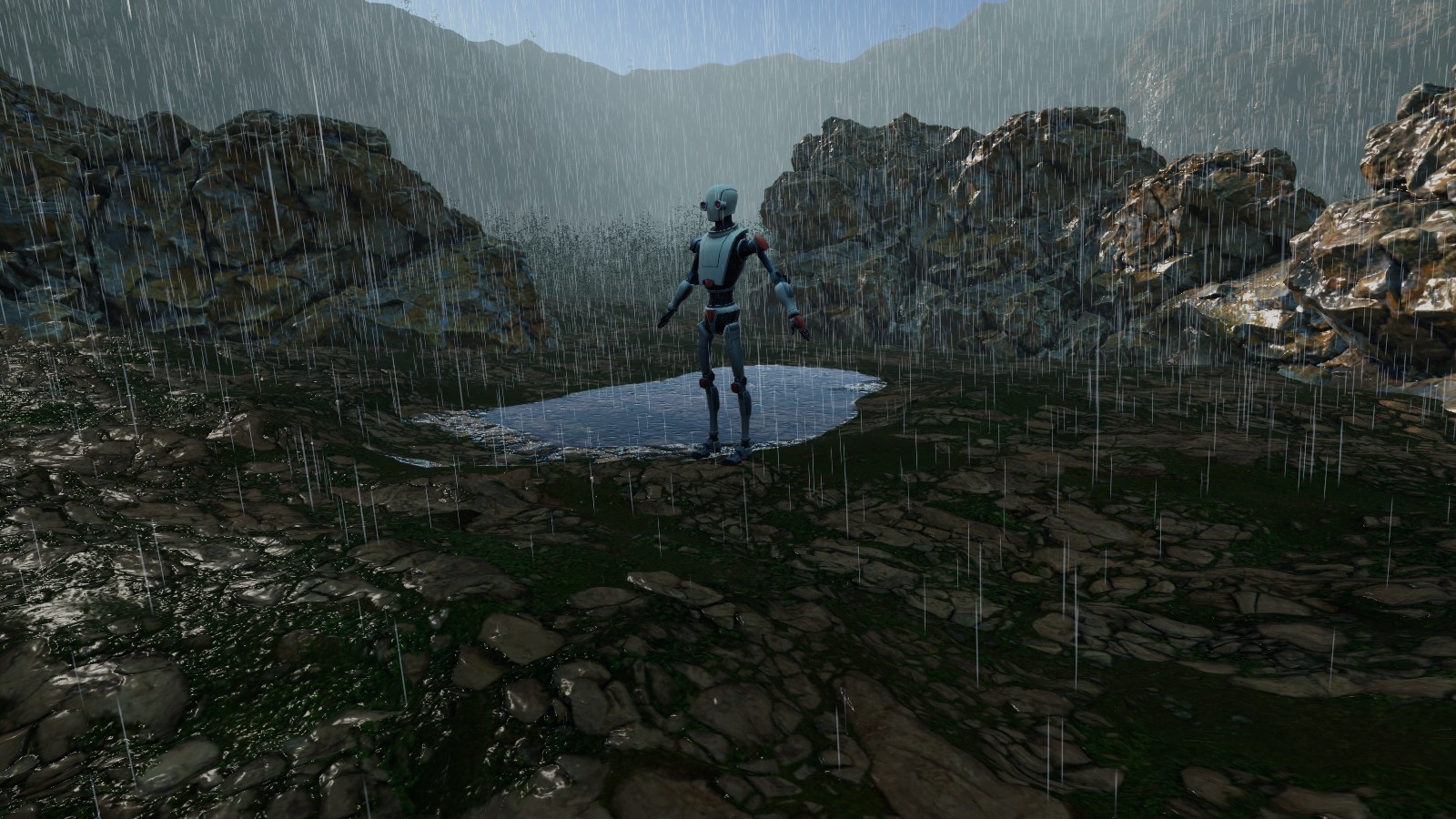
Move the Puddles slider to add standing water. It starts at 0. Puddles form:
- On ground up to Puddles Max Slope (3 degrees by default). Rounded tops do not hold water.
- Steeper ground up to about 30 degrees gets running water instead, a thin layer that flows downhill. Walls do not hold water.
- Where the rain can reach. The ground under roofs stays free of puddles.
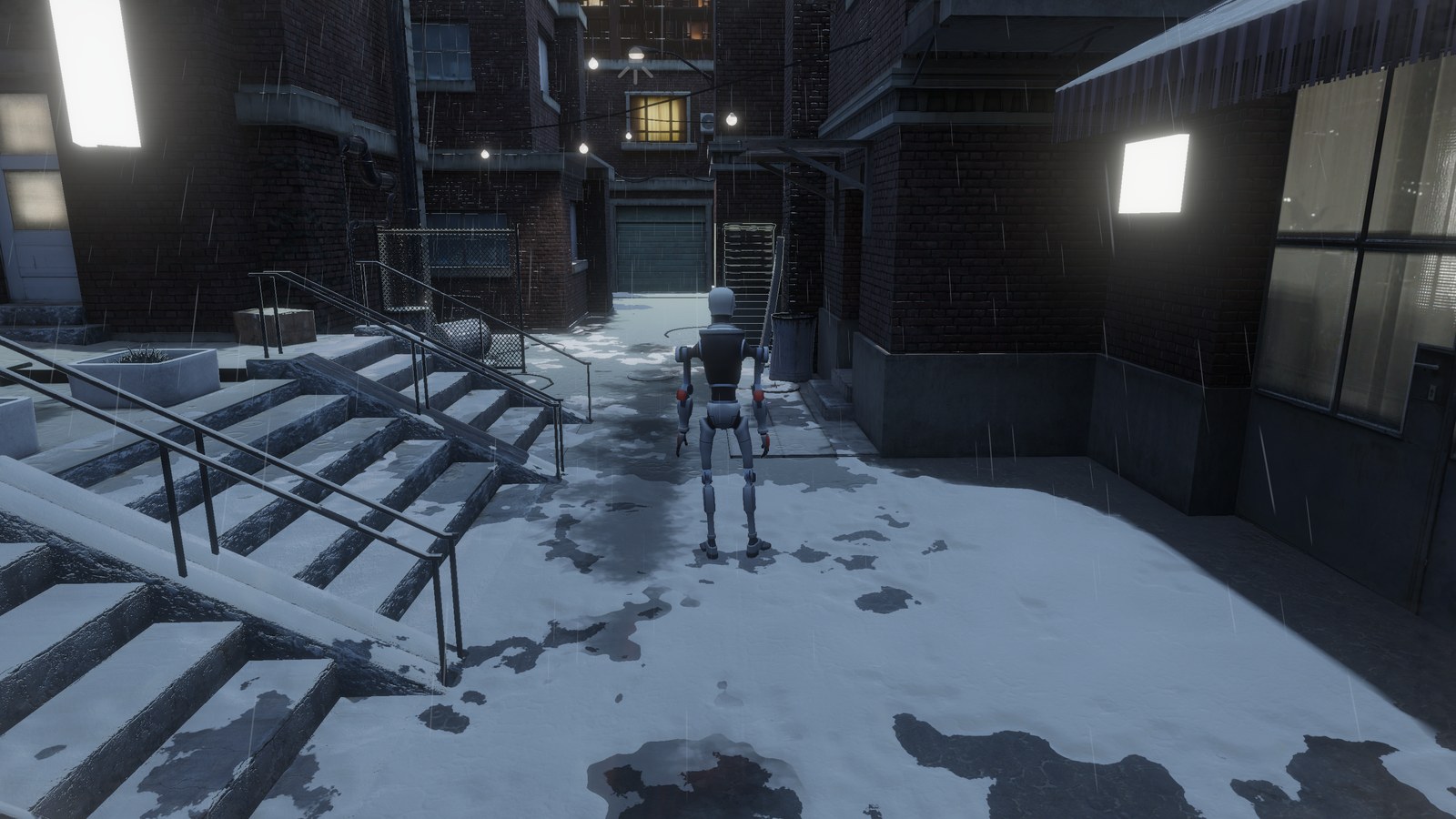
- On bare ground, and on the dirt that marks reveal in the snow. Where snow covers the ground, the water shows in the bare patches (see Scatter in Snow Appearance).
- In the hollows of Deep Marks, footprints and furrows in the snow. The water fills them from the bottom up, and at the top of the slider it reaches just under their rim.
At the top of the slider, the puddles join and cover all the level ground they can reach. Below 0 °C, Temperature freezes them (see Ice in Water Look).
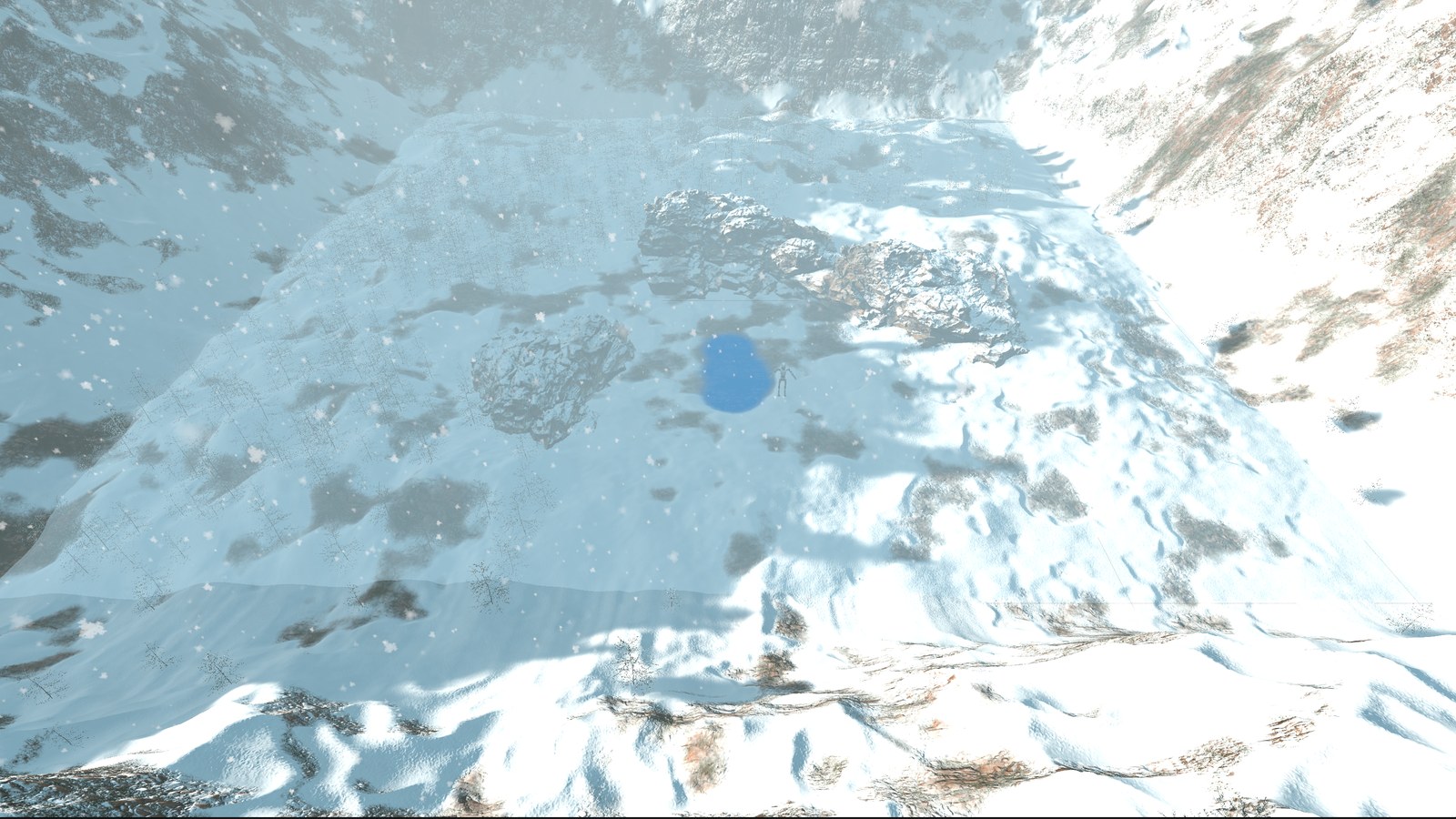
To see where the standing water is, set Rain Debug View to Puddles in the Tools & Debug foldout: it shows the water in solid blue over the scene.
Choosing Where Puddles Form
Without a mask, Global Snow places puddles with a procedural pattern. Puddles Scale sets its size: higher values give smaller, more isolated puddles.
For full control, assign a Puddle Mask. Global Snow reads its red channel and maps it on the world: white areas get puddles first, black areas never get puddles. Set Mask World Size (meters covered by the mask) and Mask World Center (X and Z position of its center). Outside the mask the ground stays dry. In black areas and outside the mask, the Deep Marks, footprints and furrows in the snow still fill with water while it rains.
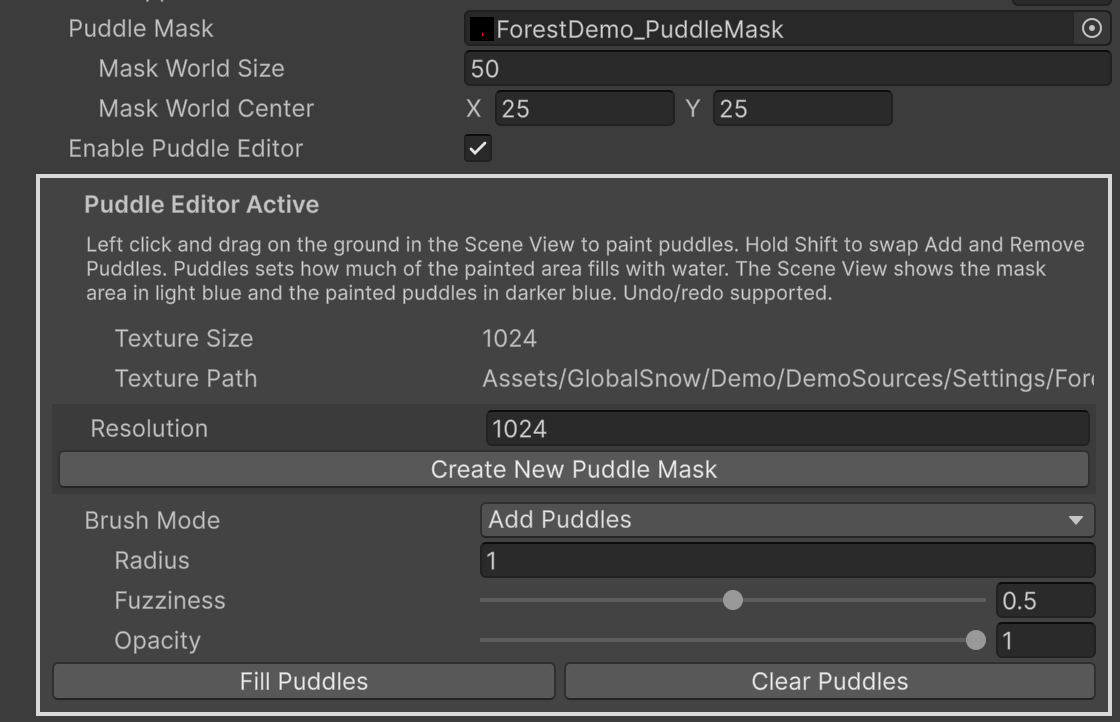
To paint the mask by hand, turn on Enable Puddle Editor under Puddles in the Rain & Wetness foldout. It works like the Mask Editor, with the same brush, Shift to swap Add Puddles and Remove Puddles, and undo, and only in Edit mode. If there is no mask yet, press Create New Puddle Mask: it creates an empty mask next to the scene and sets Mask World Size and Mask World Center to cover the active terrain. With a Puddle Mask, Puddles at 1 fills the painted areas and never floods the rest.
While the Puddle Editor is on, the Scene View shows the whole mask area in light blue and the painted puddles in darker blue, over the ground, rocks and slopes seen from above, so you can see where the mask reaches before you paint. Changing Mask World Size or Mask World Center moves and stretches what is already painted with it.
The Coverage Mask of the Coverage foldout only shapes the snow. The rain wetness, the puddles and the running drops do not follow it, so where it removes the snow the ground gets wet and holds puddles like any bare ground.
Water Look
| Option | Description |
|---|---|
| Puddles Smoothness | How smooth the water of the puddles is. Lower values give shorter, wider and softer reflections of lights such as headlights. Range 0.3 to 1. Default 0.95. |
| Puddles Max Slope | Steepest ground, in degrees, that holds standing water. Steeper ground up to about 30 degrees gets a thin layer of water that runs downhill, with the rain rings carried along. Rounded tops never hold puddles. Range 0 to 20. Default 3. |
| Ice | How frozen the puddles are, from 0 water to 1 still ice. Frozen puddles are pale, cloudy ice with white cracks, and they have no ripples, flowing water, wind ripples or splashes. The cracks follow the Ice Color and Ice Tiling of Frost. Temperature sets it, water from 0 °C and solid ice at -4 °C, and you can also set it by hand. Range 0 to 1. Default 0. |
| Deep Water Tint | Color of the water that collects in deep marks, footprints and furrows in the snow, where it is deepest. Alpha sets how much it darkens the snow below, also in the shade, so you can make that water look muddier or clearer. The thin water on the ground and the puddles on bare ground keep their look. Default a light blue gray with alpha 0.8. |
Ripples
Ripples move the water of the puddles. They only show on puddles and running water, so they need Puddles above 0 and some water where the ripple happens.
| Option | Description |
|---|---|
| Contact Ripples | Ripples left by footprints, marks and impacts. They come from objects with Global Snow Interaction, first person footprints, objects added with AddContactSource(), and the MarkAt(), MarkTrail(), MarkPath(), EmitImpactFX(), FootprintAt() and FootPlantAt() methods. They work in Play mode, in view of the camera and within the Impact FX Distance (30 m by default). Range 0 to 2, 0 turns them off. Default 1. |
| Rain Ripples | Rings left by the rain drops on the puddles and on the water that fills the marks in the snow. They are round on that water, and stretched and carried downhill on running water. They need Rain above 0. Range 0 to 2, 0 turns them off. Default 1. |
The wind also moves the standing water. Puddles show small ripples running downwind, stronger in gust patches that drift with the wind. On ground steeper than Puddles Max Slope the ripples also run downhill, so on level ground only the wind moves them, and on curb edges or bumps the water does not climb the slope. They start with light wind and are full at 4 m/s, and they follow the Wind settings of the Snowfall, Dust & Wind foldout, Manual or Wind Zone. They have no setting of their own. Frozen puddles stay still. The water in the snow marks has no wind ripples.
Splashes
Rain Splashes are the small splashes that the rain drops throw within 12 m of the camera wherever they hit, also with Puddles at 0. On standing water, such as puddles and the water that fills the marks in the snow, a drop throws a crown and droplets with a ring around it, strongest on a thin layer of water and smaller on deep puddles. On wet surfaces and running water, such as roads without puddles, roofs, rocks and car bodies, it spreads flat with a few low droplets and no crown.
The splashes take the light of the scene, ambient and sun, so they show in the shade too and shine more in the sun. Their size follows the angle at which the drops hit the surface, so with wind the faces turned to it also splash. Frozen puddles get none. They need Rain above 0, and Performance Level Fastest turns them off. Rain Splashes sets the size of each splash, not how many there are. Range 0 to 2, 0 turns them off. Default 1.
Running Drops
Running Drops are beads that appear on wet sloped surfaces and walls, run down under gravity following the real shape of the surface, merge and leave trails. Covered rocks, with moss, needles or snow layers, get them too. Level ground gets no running drops. They show near the camera only, on the Game and Scene View cameras. They need Rain above 0 and they are the heaviest part of the rain.
| Option | Description |
|---|---|
| Wall Drops | How many running drops appear on walls and other steep surfaces, compared with gentle slopes. Higher values give more drops on walls. Default 0.35. |
| Half Resolution | Draws the running drops at half resolution. About half the cost, with softer drops. Performance Level Medium and Fastest turn it on. |
| Contrast | How much the running drops stand out. At 1 they also darken bright surfaces such as snow. At 0 they only show reflections and sun glints. Default 1. |
To see where the drops can appear, set Rain Debug View to Running Drops Receiver in the Tools & Debug foldout.
Rain on Objects
Objects with Global Snow Ignore Coverage, Block Snow/Rain and Precise, such as a parked car, keep the rain, the wetness and the puddles off the ground under them, and the rain follows their own shape: drops hit their real top and throw small droplets, and the standing and flowing water follow their surface, so the water stays only on their level parts and runs down their slopes. The Snow Accumulation receivers get the same while the accumulation is on.
With Block Snow/Rain and Precise on, turn on Include Transparents to get rain drops, hit rings and running drops also on the transparent parts of the object, such as car windows, within 30 m of the camera. It needs Running Drops on and costs one more draw of those parts per camera while it rains. It is off by default.
Frost and Rain
Frost covers the ground and the lower part of walls with hoarfrost ice, up to Wall Height. It stays off the faces sheltered from the sky, Wall Height counts from the ground in front of each face, and it lies under the snow, the dirt and the marks.
Rain melts the frost. The higher the Frost value, the less the rain melts it, so a strong frost survives a light rain. Temperature sets Frost: none above -2 °C, full at -15 °C.
Scripting
Every option above has a property in the GlobalSnow class, for example rainAmount, puddleAmount, puddleIce, rainWallWetness and rainDetail. These methods help:
SetPrecipitation(temperature, intensity)sets what falls, with the same result as the Temperature and Intensity sliders.GetSnowAndWaterAtPositionAsync()returns the snow, the standing water and the frozen water (ice) at a world position, 0 to 1 each.ResetRainDrops()clears the running drop history. Call it after a camera cut or any jump of the camera.ShiftOrigin(Vector3 offset)keeps the rain, the puddles and the rest of the snow in place when you use a floating origin. Pass the same offset you added to the scene.
See Scripting Support for the full API.
Next Steps
- Parameters - every Rain & Wetness option.
- Performance Tips - keep the rain light.
- FAQ - common questions about rain and puddles.
Suggest an improvement
Help us improve this documentation page.