Few things change the feel of a 3D scene as much as atmosphere. The same level geometry can read as flat and gamey or moody and believable depending entirely on how light and air behave between the camera and the horizon. The problem is that "fog" in Unity is not one technique. It's at least four, with very different looks, very different costs, and very different sweet spots. This guide walks through all of them on the Universal Render Pipeline: what each one does, when to use it, and how to keep it fast on desktop, mobile and VR.
Why fog matters more than you think
Fog is not just weather. It's the cheapest depth cue available in real-time rendering:
- Aerial perspective. In the real world, distant objects lose contrast and shift in tone because of the air in between. Without it, large scenes look like miniatures.
- Depth separation. A little haze separates foreground from background and makes silhouettes readable, which helps gameplay as much as aesthetics.
- Hiding the seams. Fog masks terrain LOD transitions, pop-in and the far clip plane. A shorter draw distance behind a fog wall is a performance feature.
- Mood. Horror, survival, cozy morning forest, sci-fi corridor: atmosphere is often the difference between a scene and a screenshot-worthy scene.
The four families of techniques, roughly from cheapest to most expensive: Unity's stock distance fog, depth-based distance and height fog, true volumetric fog, and per-light volumetric scattering (god rays). Let's take them in order.
1. Unity's stock distance fog in URP: the free baseline
URP ships with classic distance fog, configured per scene in Window > Rendering > Lighting > Environment. You get three modes (Linear, Exponential, Exponential Squared) and a single color. It costs almost nothing because URP evaluates it as part of regular shading, and the same settings are exposed to scripts, so you can fade it in as a storm rolls over:
// URP reads these scene fog settings at runtime
RenderSettings.fog = true;
RenderSettings.fogMode = FogMode.ExponentialSquared;
RenderSettings.fogColor = new Color(0.71f, 0.75f, 0.80f);
RenderSettings.fogDensity = 0.015f;
It's a fine starting point, and for some stylized games it's all you need. But its limits show up fast:
- It's uniform: the same density everywhere, at every height, with no local control.
- It doesn't interact with light. No sun glow through the haze, no beams, no shadows in the fog.
- It's static. No wind, no drift, no animation.
- Custom shaders need to support the fog keywords, or objects will pop against the fogged background.
When people say "Unity fog looks bad", this is the fog they mean. Everything below is about doing better, at a price you choose.
2. Distance and height fog: atmosphere on a budget
The next step up keeps the cost model of classic fog (depth-buffer based, no raymarching through the air) but adds the two things that matter most visually: height falloff and animation. Ground mist that pools in valleys and drifts with the wind reads as "real fog" to players, even though it's computed from the depth buffer rather than a simulated 3D density field.
This is exactly the niche of Dynamic Fog & Mist 2: volume-based fog and fog of war with live, animated movement, designed to stay fast on desktop, mobile and VR. It supports all URP rendering paths including the newer Render Graph, ties fog color to a directional light or Sun object for day/night cycles, and uses animated noise and wind to simulate anything from light haze to strong wind zones. VR is covered with Multi-Pass, Single Pass Stereo and Single Pass Instanced support, which is where many fog assets quietly fall over.
In URP you never attach anything to your camera or your scene objects. The effect enters the scene as dedicated fog volume objects: right-click the Hierarchy and choose Effects > Dynamic Fog 2 > Fog Volume, and the asset instantiates a ready-made, self-contained fog volume (a coordinating Dynamic Fog Manager object is handled for you). Assign a profile and you're done. The only URP configuration it needs is Depth Texture enabled on your URP Asset; there are no render features to install. Appearance lives in DynamicFogProfile assets (ScriptableObjects you can create, reuse and share between scenes), and the same architecture is available from scripts:
using DynamicFogAndMist2;

// Spawn a new self-contained fog volume at runtime,
// same as the GameObject menu does
GameObject vol = DynamicFogManager.CreateFogVolume("Swamp Fog");

// Tweak an existing, configured volume through its profile
DynamicFog fog = existingVolume.GetComponent<DynamicFog>();
fog.profile.density = 0.5f;
fog.UpdateMaterialProperties();
A particularly useful pattern is sub-volumes: when the player enters a designated area, the fog blends toward that area's profile. Thick haze inside the swamp, clear air in the village, and the transition handles itself. There's also distance-based fading of whole fog volumes using the player or camera as the reference point, which doubles as a performance control. Full details are in the parameters reference and quick start.
Use this approach when: you're targeting mobile or VR, you need many large scenes fogged cheaply, or your art direction wants stylized, painterly fog rather than physically simulated scattering.
3. True volumetric fog: light inside the air
Screen-space fog approximates what fog looks like. Volumetric fog simulates what fog is: a 3D density field that light travels through. The renderer marches rays through the volume, accumulating scattering, which is what makes shafts of sunlight, glowing lamps in the mist and shadows cast into the fog possible. It's the single biggest visual jump in this list, and also the point where performance becomes a design decision.
Volumetric Fog & Mist 2 is our take on this for Built-in and URP (forward, forward+ and deferred), and it has shipped in productions like Unity's own Gigaya demo and Praey for the Gods. The workflow is volume-based: you create fog areas of any size, in the editor or at runtime, and shape the atmosphere per area.
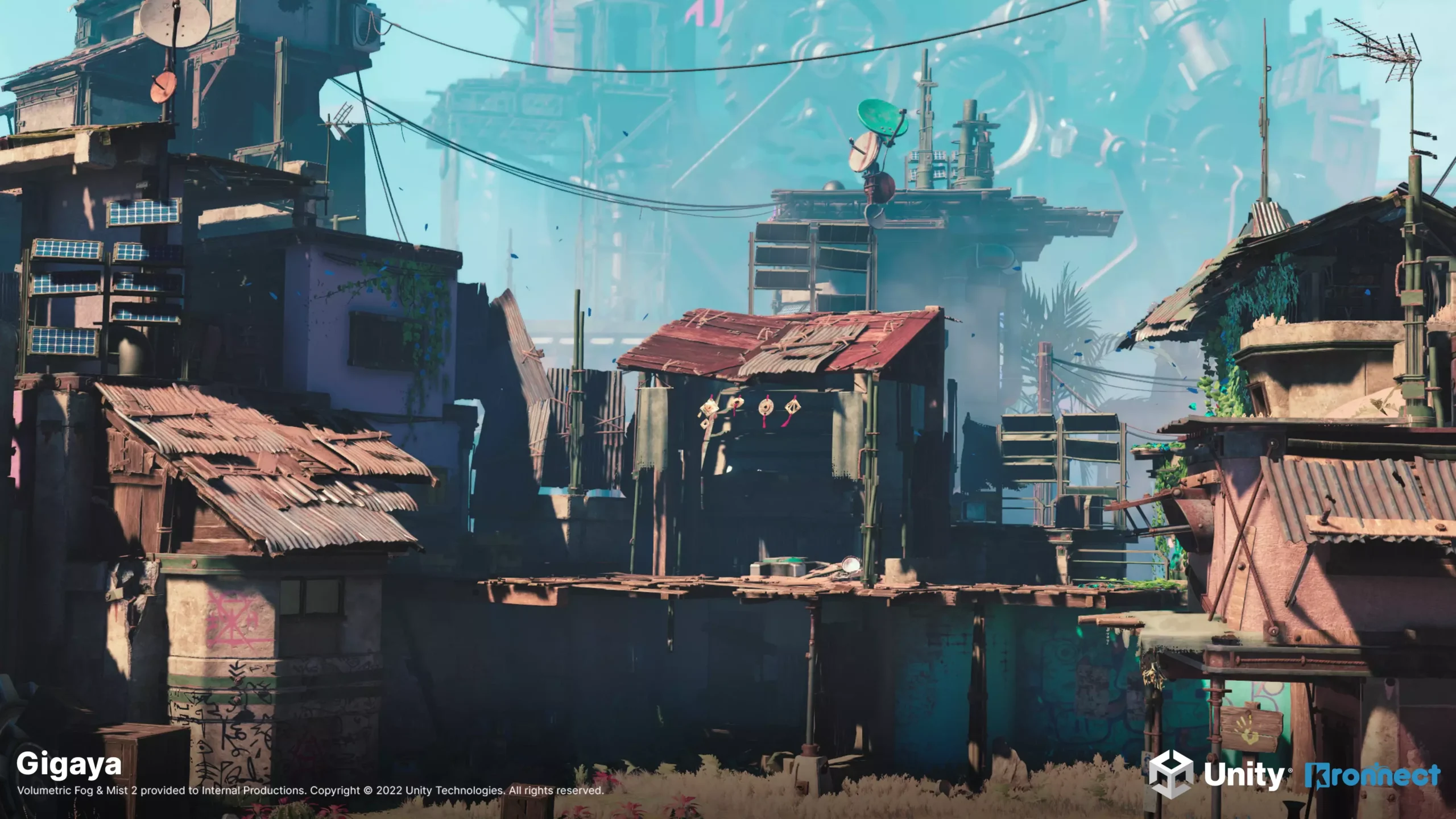
The features that end up mattering in production:
- Fog voids: subtractive 3D shapes that carve holes in the fog, for clearings, interiors or gameplay reveals.
- Lighting: native directional light support with shadows (with a cascade option), plus a fast point light system that can cast light on the fog from 16+ sources with global controls when native lights would be too costly.
- Fog of war: paint, clear or tint fog interactively with a brush or from scripts, useful well beyond strategy games.
- Realism extras: terrain fit, depth blur, light scattering, distant fog, wind, turbulence, and floating clouds you can actually fly through.
The URP integration follows the same philosophy: no camera scripts, no components on your geometry. Fog volumes, fog voids and sub-volumes are dedicated scene objects created from the Hierarchy's right-click menu under Effects > Volumetric Fog 2 (Fog Volume, Fog Void, Fog Sub-Volume), instantiated from ready-made prefabs. The first volume also brings a Volumetric Fog Manager object that owns the global options: camera and Sun references, point light tracking, and the downscaling and blur quality controls. On the pipeline side you enable Depth Texture on your URP Asset, and for advanced transparency you can optionally add the included render features (a depth pre-pass and the Volumetric Fog 2 Render Feature for depth peeling) to your URP Renderer Data.
From scripts, volumes can be spawned the same way (VolumetricFogManager.CreateFogVolume), and appearance follows a pattern any Unity developer will recognize, mirroring material vs sharedMaterial:
using VolumetricFogAndMist2;

VolumetricFog fog = fogVolume.GetComponent<VolumetricFog>();

// Runtime tweaks for THIS volume only: go through settings.
// First access instantiates a copy of the profile and the volume
// uses that copy from then on, so the shared asset stays untouched.
fog.settings.density = 1.2f;

// fog.profile is the shared profile asset itself: changing it
// affects every fog volume that references the same profile.
Appearance lives in profile assets you can share across volumes and scenes, and there are ready-to-use presets to start from. See the quick start and the fog volume settings reference.
Use this approach when: atmosphere is a core part of your look, you need lights to visibly interact with the air, or you need localized, art-directed fog (a foggy lake, a cursed forest, a smoke-filled room) rather than a global tint.
4. Volumetric lighting and god rays: the per-light approach
Sometimes you don't want the whole scene wrapped in fog. You want that window to throw a visible shaft of light across the room, that street lamp to glow in the night air, that flashlight to cut a cone through the dark. That's volumetric lighting: scattering rendered per light, inside the light's own volume, instead of across the whole scene.
This is what Volumetric Lights 2 does for Built-in and URP. In URP the workflow is deliberately simple: the asset adds new entries to the standard light creation menu, so you create a Volumetric Spot Light, Volumetric Point Light, Volumetric Rect Area Light or Volumetric Disc Area Light from GameObject > Light, pre-configured and ready to go. Lights you already have can be upgraded in place too, and the effect automatically matches the light's type, range and color. The only URP prerequisite is Depth Texture enabled on the URP Asset. Everything is adjustable at runtime:
// URP edition runtime control
using VolumetricLights;

VolumetricLight vl = GetComponent<VolumetricLight>();
vl.density = 0.35f;
vl.mediumAlbedo = new Color(1f, 0.9f, 0.8f);
vl.brightness = 1.4f;
vl.noiseStrength = 0.8f;
vl.windDirection = new Vector3(0.05f, 0.01f, 0);

// Schedule a refresh after changing settings from code
vl.UpdateMaterialProperties();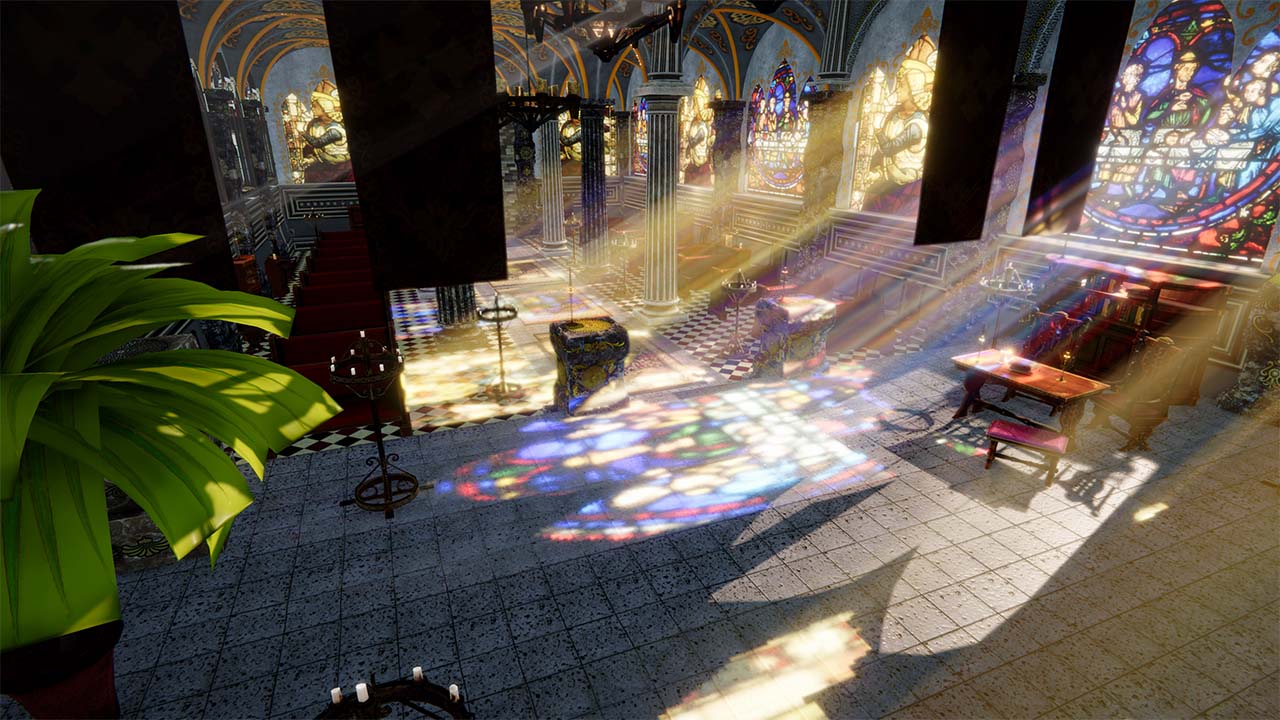
What separates a believable beam from a glowing cone mesh is occlusion and detail, and that's where the interesting features live:
- Shadow occlusion: real-time shadows inside the beam, so geometry blocks the light shaft the way it should. On URP this is self-managed: the first time you enable it, the asset adds a lightweight dedicated depth renderer to your URP Asset's renderer list, and that's it. For static setups, baked volumetric shadows plus distance culling keep the cost down.
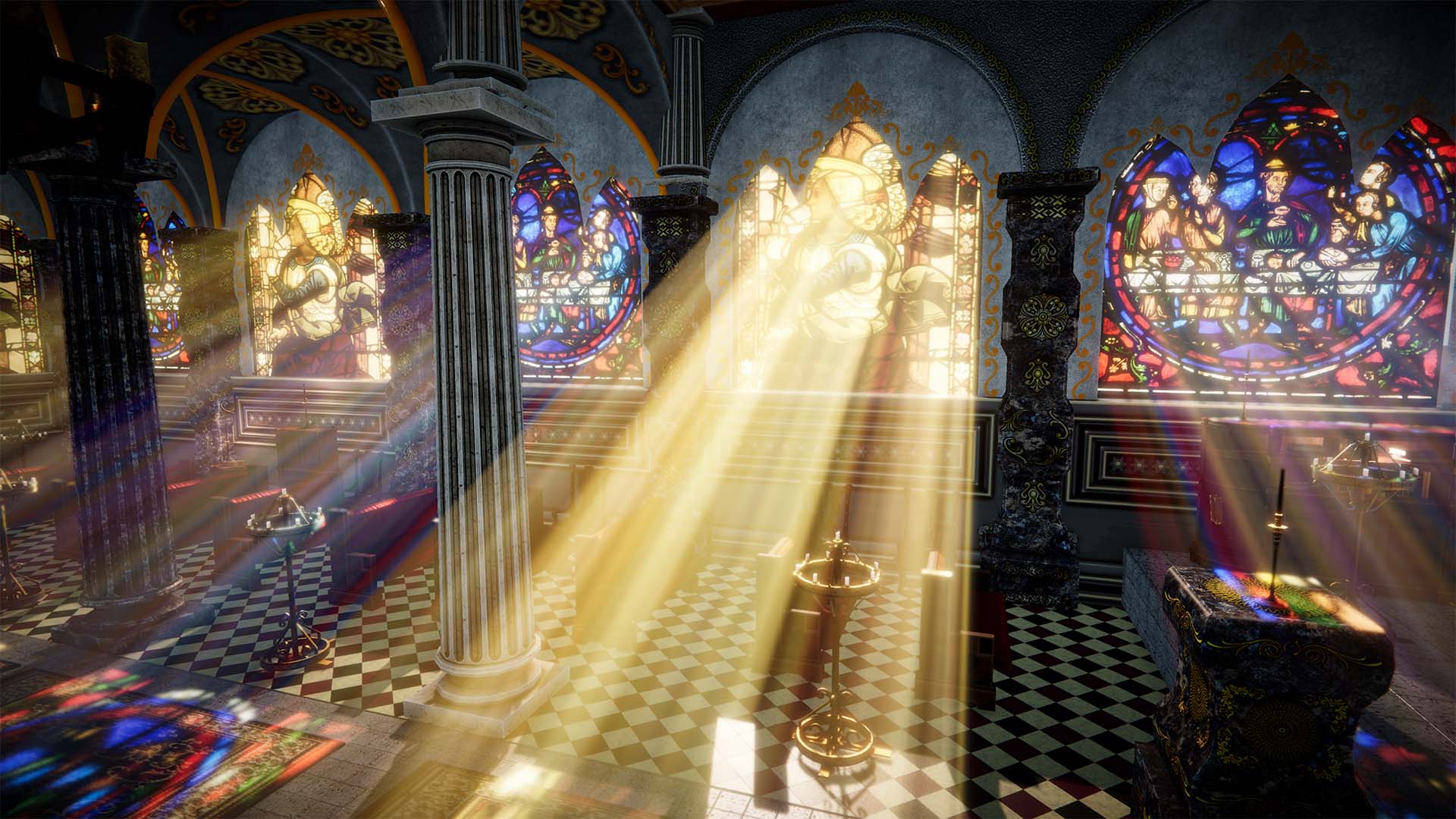
- Translucency shadow maps: light picks up color as it passes through translucent or transparent materials, like stained glass. See the translucency docs.
- Direct light casting: in deferred mode the volume can actually illuminate nearby scene objects, so the beam is a light source, not just an effect (details).
- Atmosphere in the beam: dust particles, colored animated cookies and colored shadows, plus smooth or 3D-noise based looks.
- Profiles: settings can be stored in a profile asset and synchronized across many lights at once, which is how you keep fifty street lamps consistent.
- Global composition blur: an optional Volumetric Lights Render Feature for the URP Renderer that smooths the combined result on desktop.
Use this approach when: you want dramatic, localized lighting moments, with or without scene-wide fog. It also combines naturally with the techniques above: cheap height fog for the scene, volumetric lights for the money shots. For shadow occlusion, translucent shadow maps, shadow caching and performance tuning in depth, read our dedicated guide to volumetric lighting in Unity URP.
Choosing: a practical comparison
| Technique | What you get | Typical cost | Best for |
|---|---|---|---|
| Stock distance fog | Uniform color-over-distance | Near zero | Prototypes, very stylized games, absolute low end |
| Distance + height fog (Dynamic Fog & Mist 2) |
Height falloff, wind and animation, day/night color, sub-volume blending, fog of war | Low; one fast pass, mobile and VR friendly | Mobile, VR, large open scenes, stylized looks |
| Volumetric fog (Volumetric Fog & Mist 2) |
Raymarched 3D fog, lights and shadows in the air, voids, clouds, per-area control | Moderate to high, scales with steps and resolution; strong quality controls | Desktop and consoles, atmosphere-driven games |
| Volumetric lights / god rays (Volumetric Lights 2) |
Per-light scattering with shadow occlusion, translucency, dust, direct light cast | Pay per light; baked shadows and culling keep it cheap | Interiors, night scenes, hero lighting moments |
These aren't mutually exclusive. A common production setup is height fog everywhere, a handful of volumetric fog areas where the camera spends time, and volumetric lights on the lights that deserve it. If you're weighing the two fog assets specifically, there's a dedicated side-by-side comparison of the three assets in the docs.
The URP performance playbook
Whatever you pick, the same handful of levers control the frame cost of atmospheric effects:
- Render at lower resolution, upsample smartly. Fog and light shafts are low-frequency; rendering them downscaled with a bilateral filter (so edges stay crisp) recovers a large chunk of GPU time with little visible loss. Both Volumetric Fog & Mist 2 and Volumetric Lights 2 ship this as a built-in option.
- Spend raymarching steps where they show. Fewer, jittered steps plus blur usually beats brute force. Tune per platform, not globally.
- Cull and fade by distance. Fog volumes and volumetric lights the player can't see shouldn't cost anything. Distance culling and volume fading are your friends.
- Bake what doesn't move. For static lights, baked volumetric shadows give you occluded beams at a fraction of the real-time cost.
- Prefer specialized light paths. Where many lights need to tint fog, a fast point-light system (as in Volumetric Fog & Mist 2) is far cheaper than full native lights.
- On mobile and VR, start with depth-based fog. Height fog plus one or two carefully placed volumetric lights almost always beats scene-wide volumetrics on these platforms, and Single Pass Instanced support is non-negotiable for VR.
- Profile on target hardware. Fill-rate-bound effects behave completely differently on a phone than in the editor.
- Mind URP quality level overrides. All of these effects sample the depth buffer, and Unity allows a different URP Asset per quality level. If fog renders in the editor but not in a build, the usual culprit is Depth Texture being disabled on the URP Asset that quality level actually uses. Enable it on every URP Asset in both Graphics and Quality settings.
Each asset's documentation has a dedicated performance page with product-specific advice: Volumetric Fog & Mist 2, Volumetric Lights 2, Dynamic Fog & Mist 2.
Four quick recipes
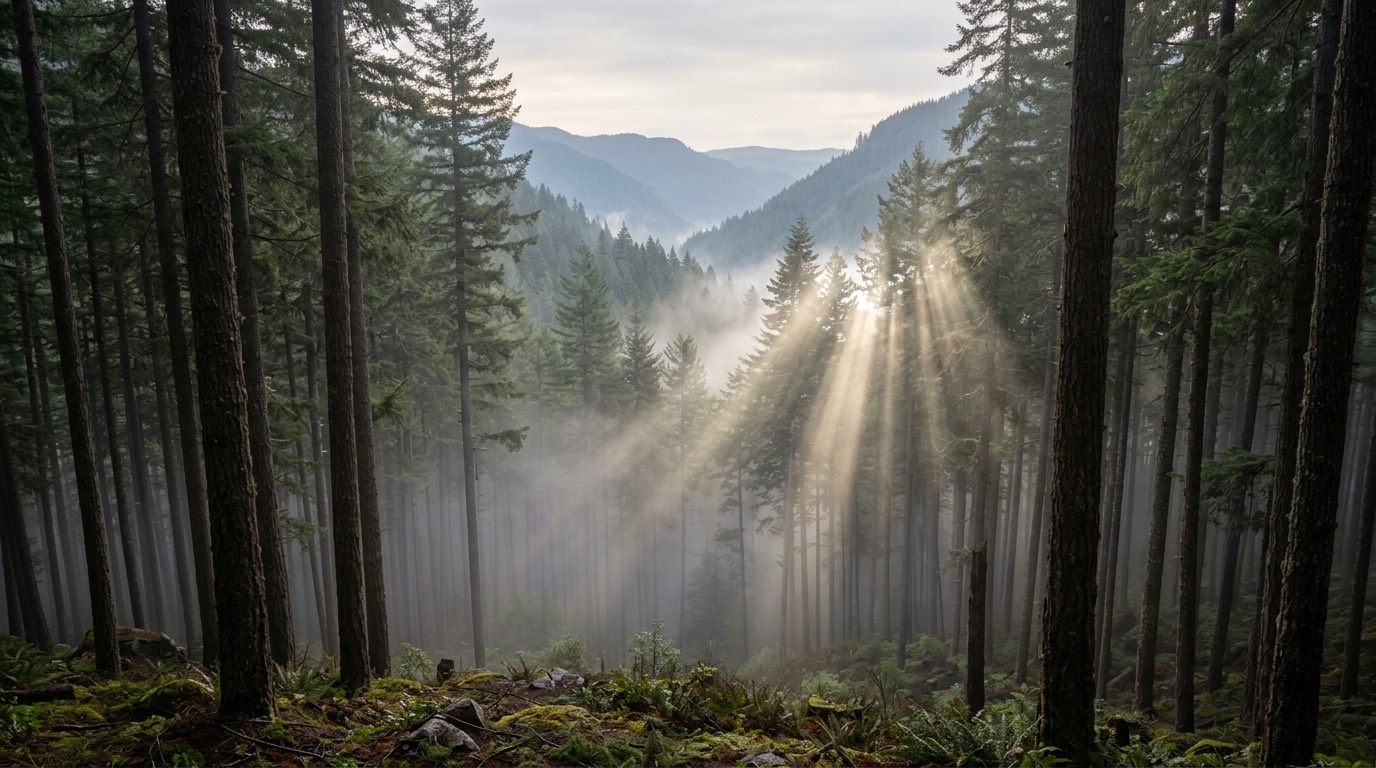
Misty forest at dawn. Height fog with a warm gradient tied to the sun for the base layer. One volumetric fog area over the lake with gentle wind, and let its directional light scattering with shadows carve the sun shafts through the canopy.
Horror interior. Thin global haze so lights have something to scatter in. Volumetric spot lights with real-time shadow occlusion for flashlights, dust particles on. Fog voids to keep safe rooms visually clean.
Stylized mobile game. Depth-based height fog with animated noise, gradient colors for that warm-dawn look, day/night cycle driven by the sun object. No raymarching anywhere.
Strategy or top-down. Fog of war painted and cleared at runtime, either screen-space or volumetric depending on budget, plus distant fog to soften the horizon.
Seen in shipped games
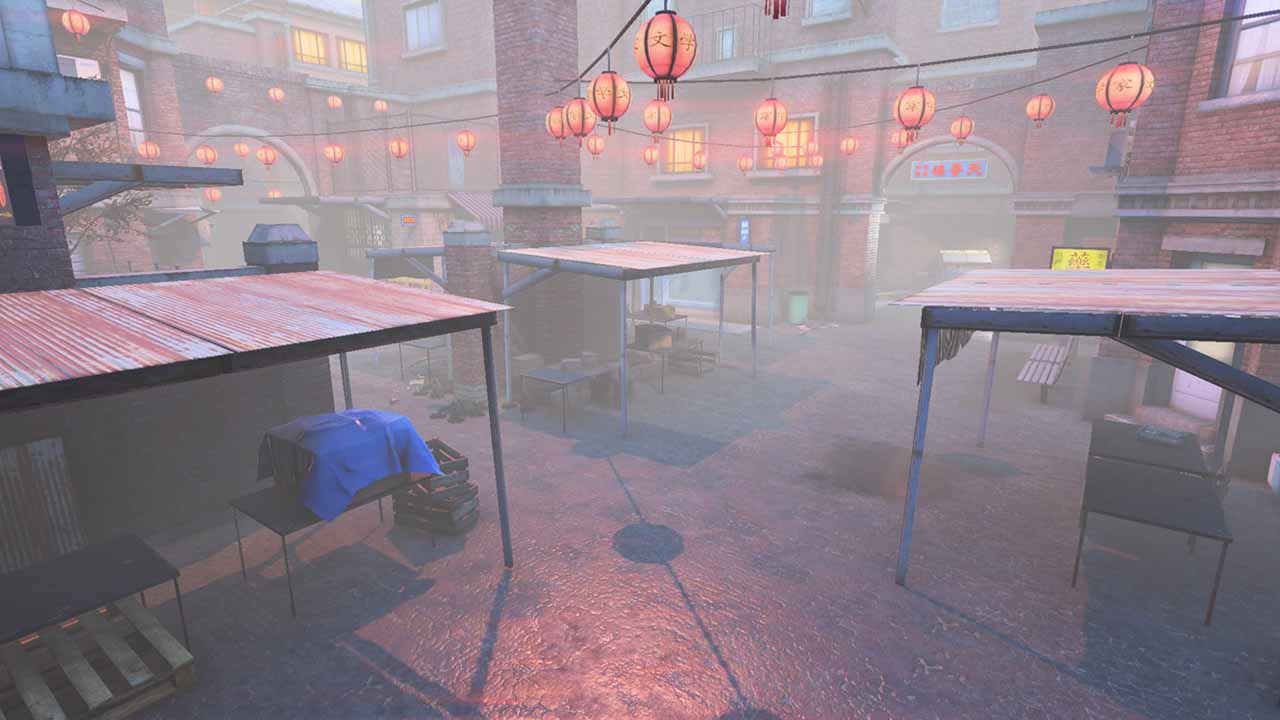
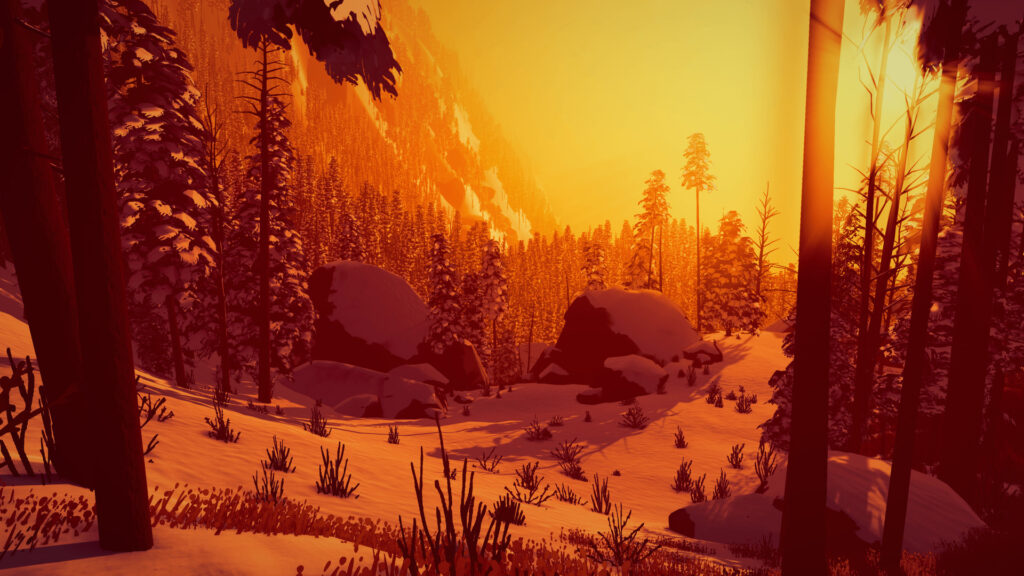
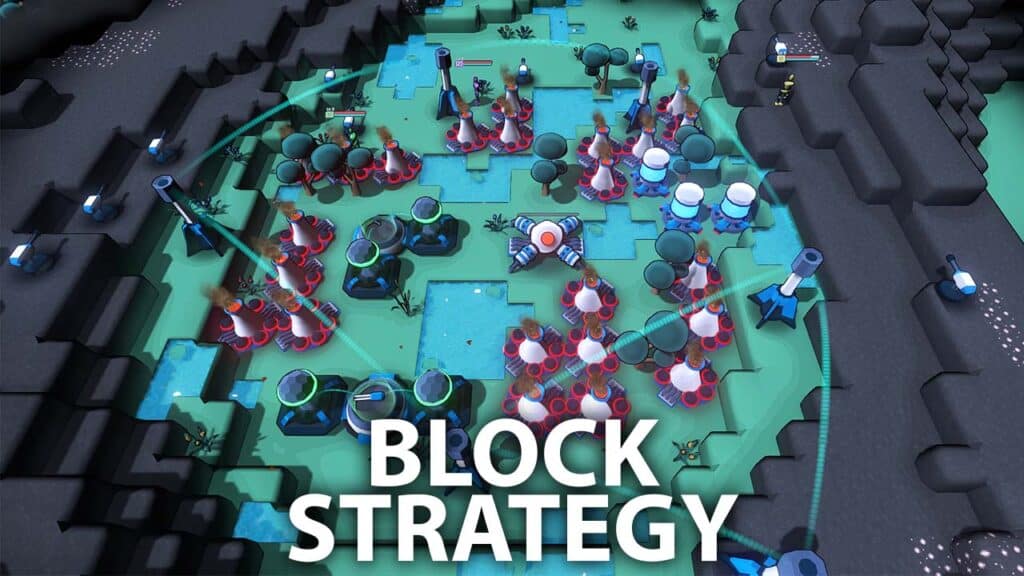
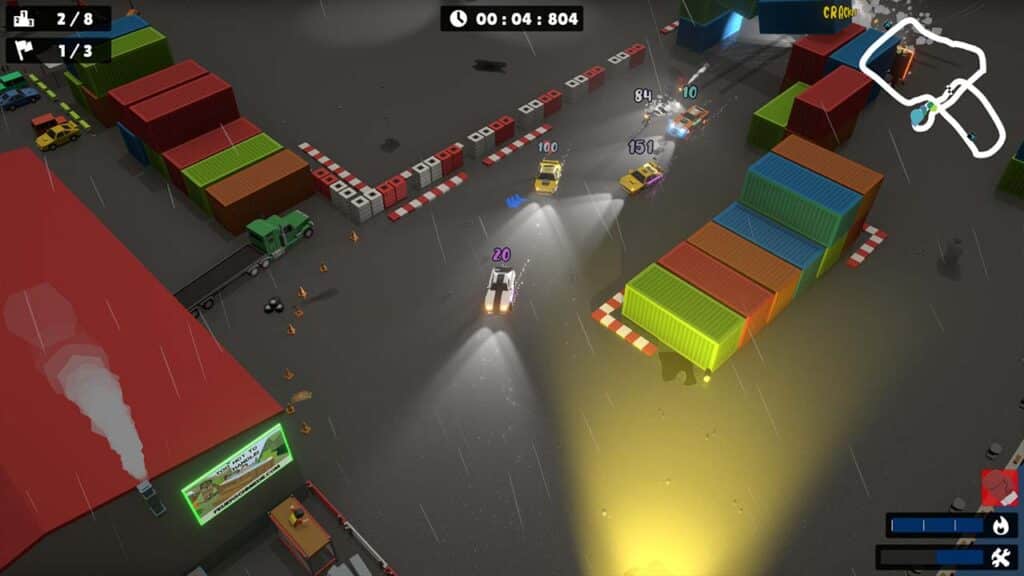
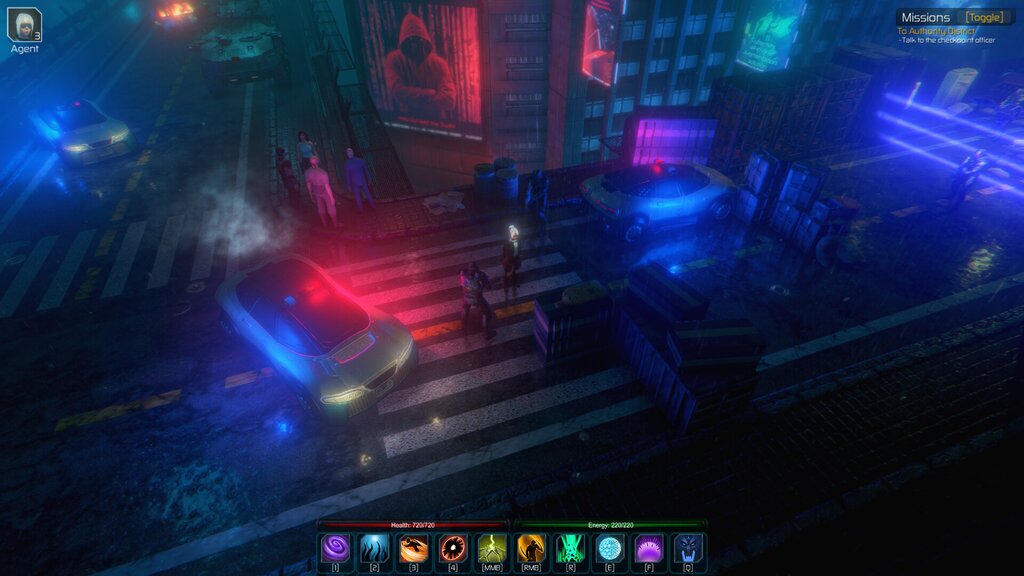
These aren't demo-scene techniques. A few titles from our community showcase that build their atmosphere with these exact tools: GRIME II and Arctic Awakening use Volumetric Fog & Mist 2 for their fog (alongside Praey for the Gods and Unity's Gigaya mentioned above), Block Strategy combines it with Volumetric Lights 2, Smells Like Burnt Rubber lights its night races with Volumetric Lights 2, and Alpha Spectrum leans on Dynamic Fog & Mist 2 for its dystopian streets. The full list lives in the Projects Showcase.

Ready to add atmosphere to your project?
Get Volumetric Fog & Mist 2, Volumetric Lights 2 and Dynamic Fog & Mist 2 individually, or grab all three in the Fog & Lighting Bundle and save 31% versus buying them separately.
Get the Fog & Lighting Bundle on the Asset Store Bundle details
Also on the Kronnect store, with your rewards and private prices.