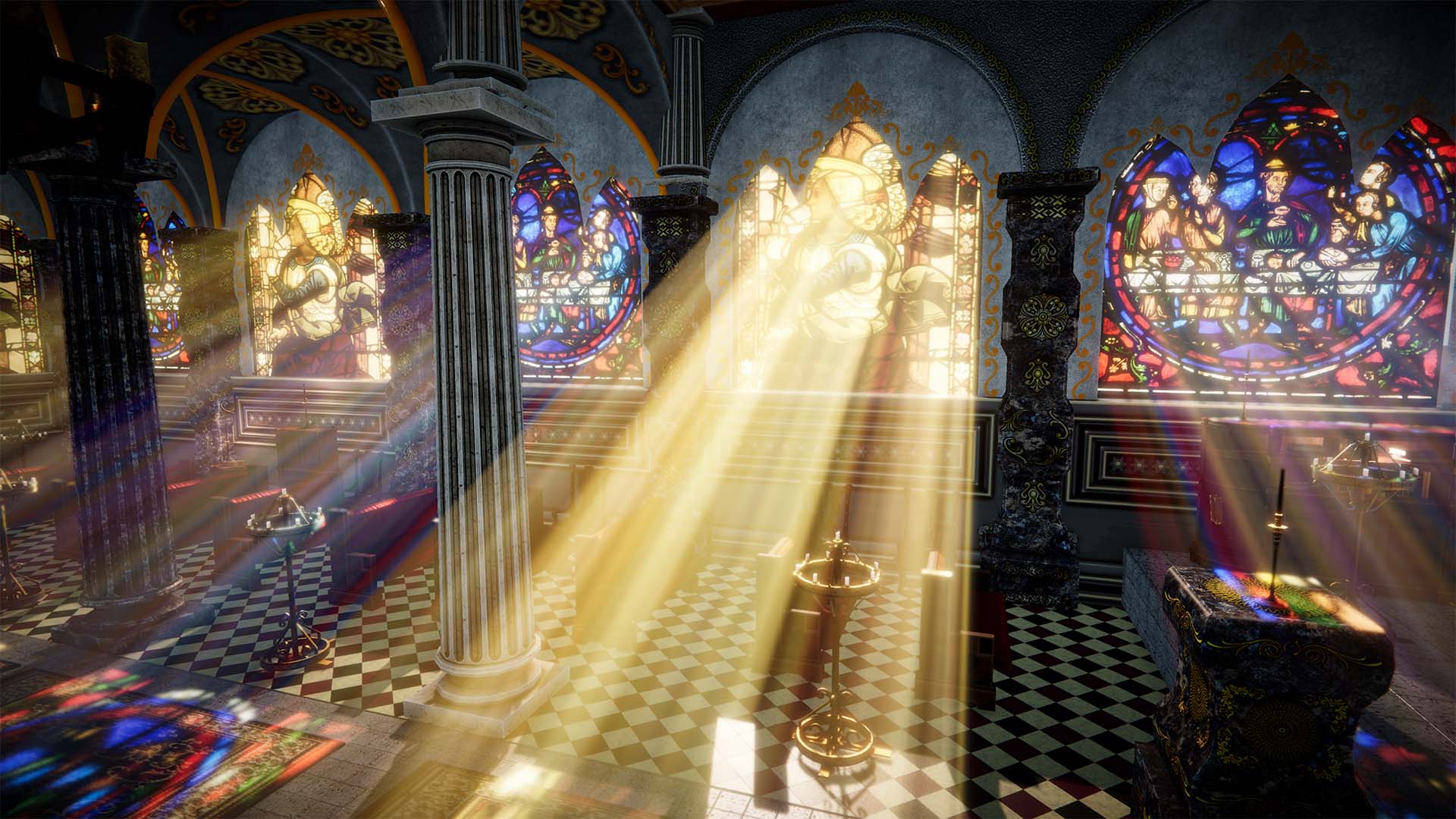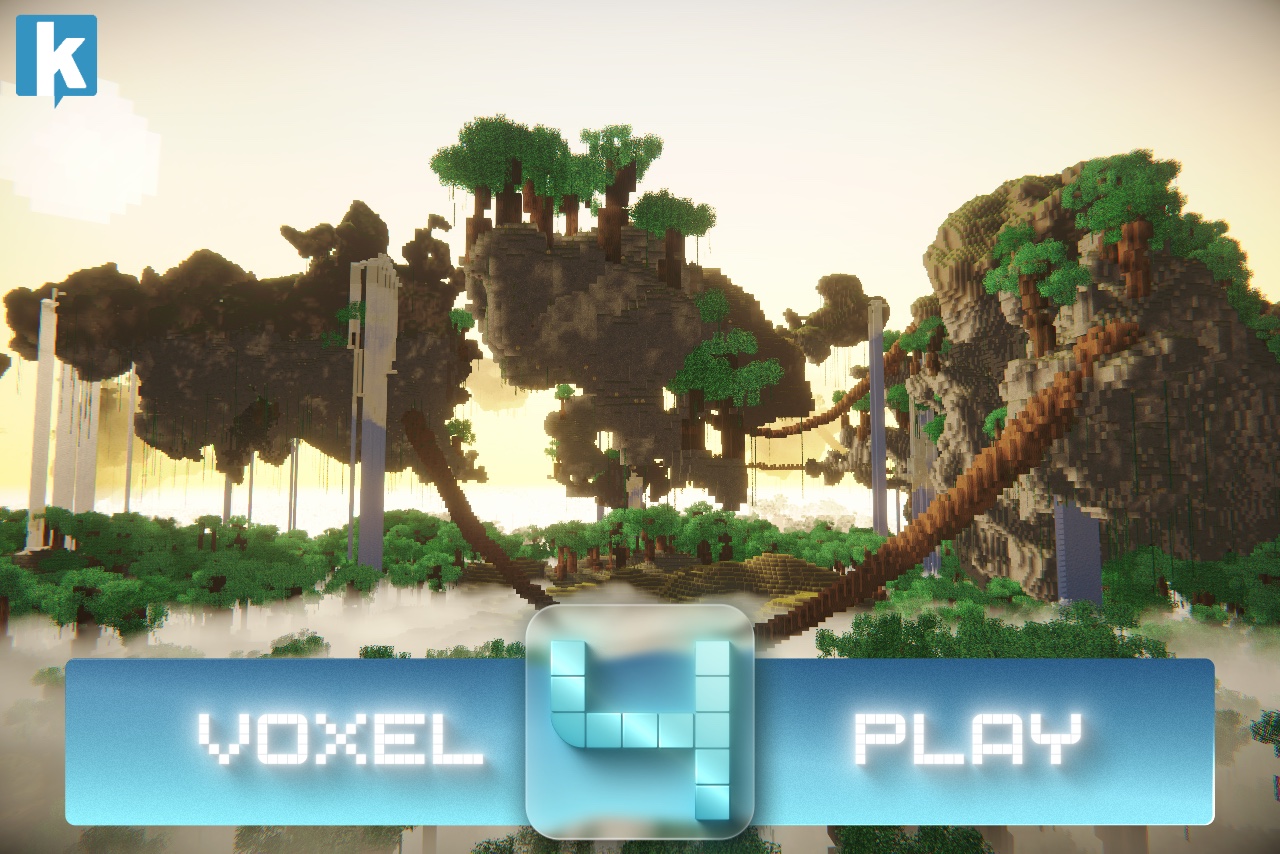
After more than a year of development, Voxel Play 4 is now available on the Unity Asset Store. This is the largest release in the history of the Voxel Play family, and it changes what you can build with it in some fundamental ways. Here's a tour of the headline features.
3D Terrain Graph
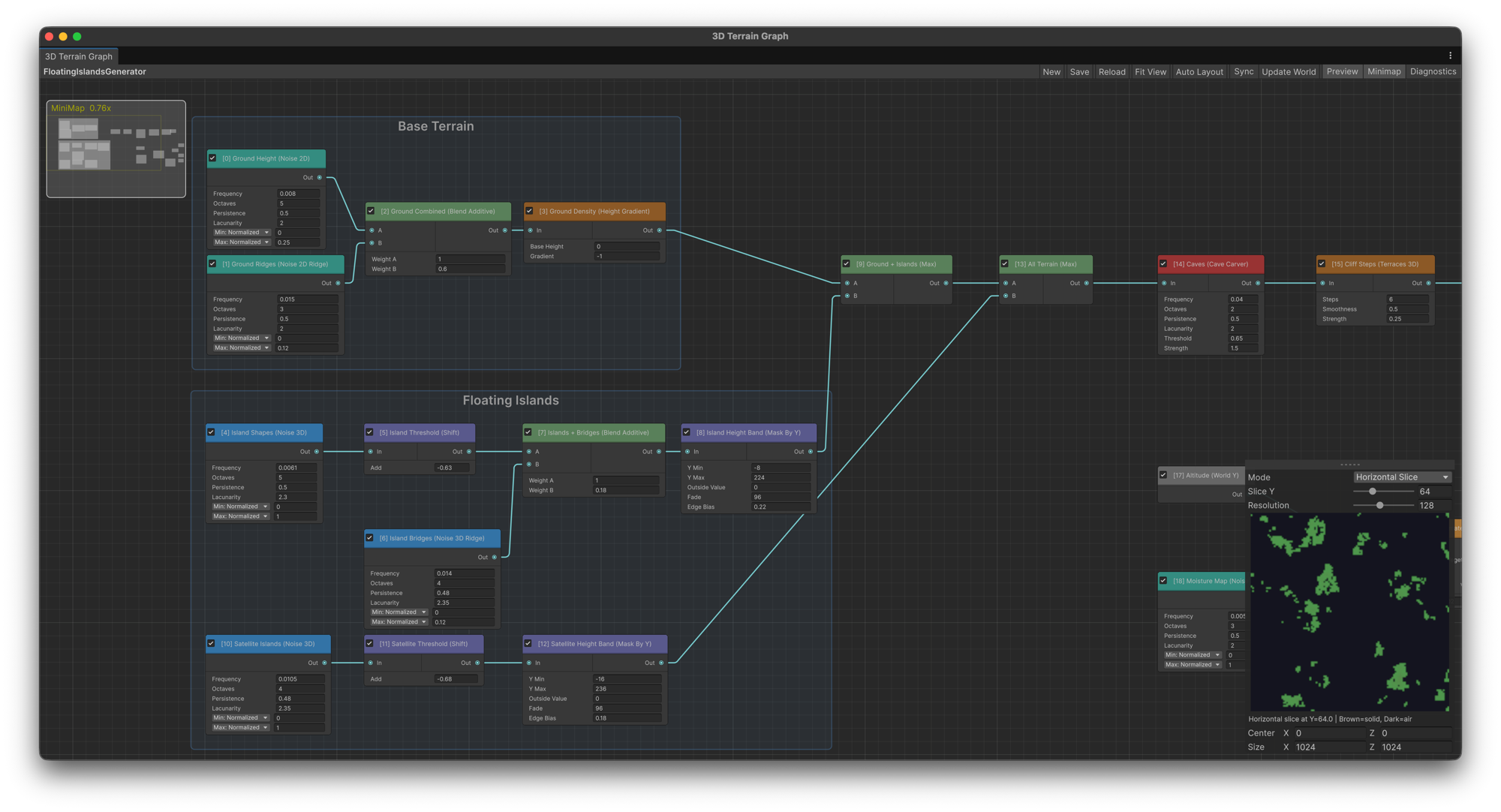
The flagship feature of this release. Voxel Play 4 introduces a visual, node-based editor for volumetric terrain generation. Instead of tweaking parameters on a fixed generator, you now wire up noise generators, math operators, terrain shapers, cave carvers and biome nodes into a graph that drives a true 3D density field. That means overhangs, caves, floating islands and water at any height - things a classic heightmap simply can't express.
There are 21 node types at launch, with node groups and renaming to keep large graphs organized, and a converter that migrates your classic Voxel Play worlds to the new graph system. It's also fast: halo evaluation is parallelized across CPU cores and 2D-heavy graphs benefit from column caching.
Smooth Terrain and Smooth Voxels
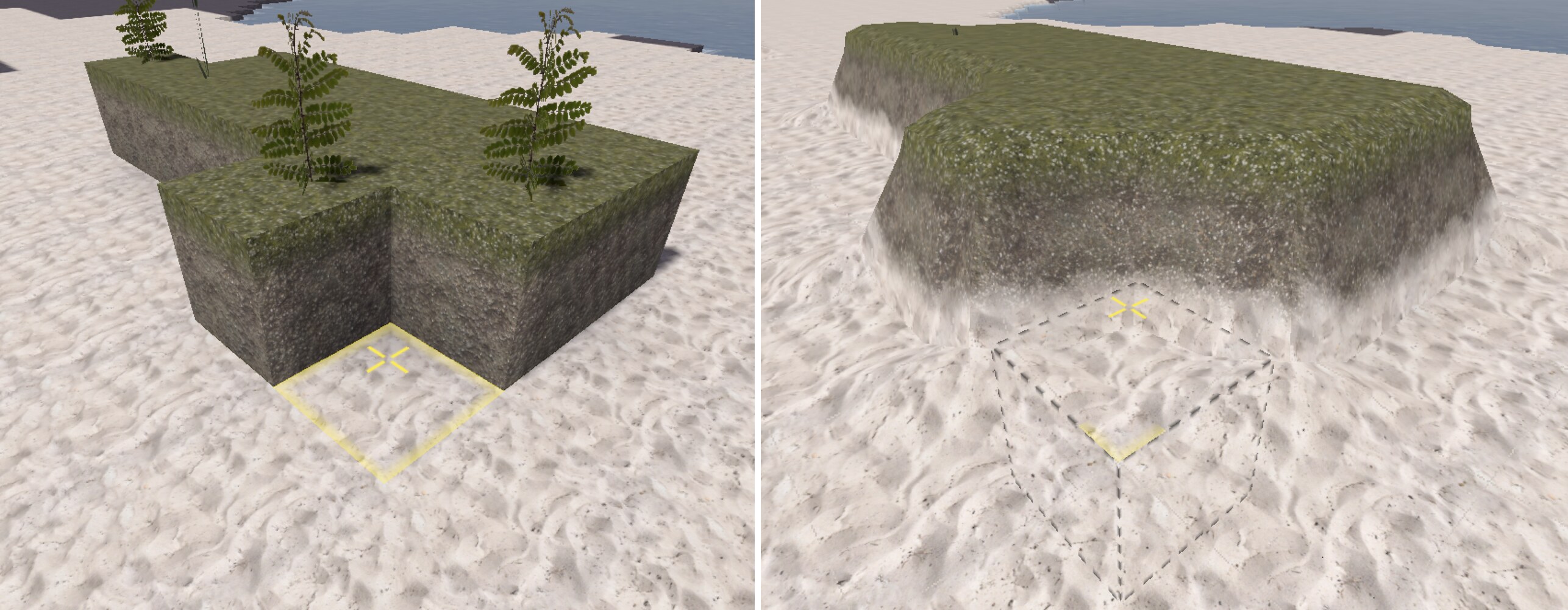
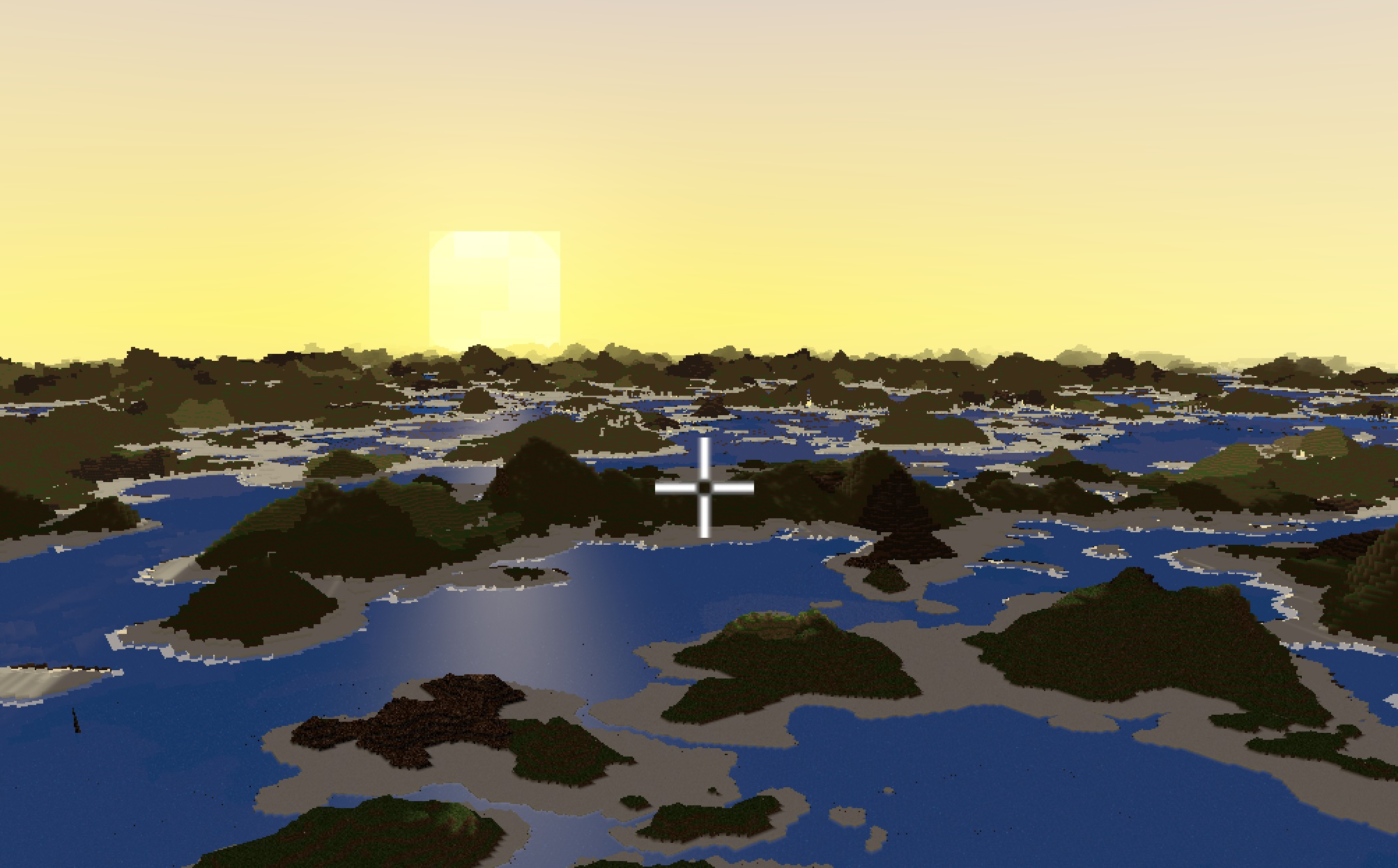
Voxel worlds no longer have to be cubes. An optional Surface Nets meshing mode renders terrain as smooth, rounded surfaces driven by the same 3D density field, and per-voxel control lets you mix smooth ground with blocky structures in the same world. Rolling hills with a voxel castle on top? That's exactly the use case.
Super Chunks: Distant Terrain LOD
Far regions of the world are now rendered as coarse super chunks, which extends the view distance dramatically without paying the cost of full-resolution meshing. Combined with the new chunk occlusion culling system - which skips drawing chunks the camera can't see because they're sealed off by solid blocks - large worlds, caves and interiors run noticeably better.
Structural Collapse and Destructible Debris
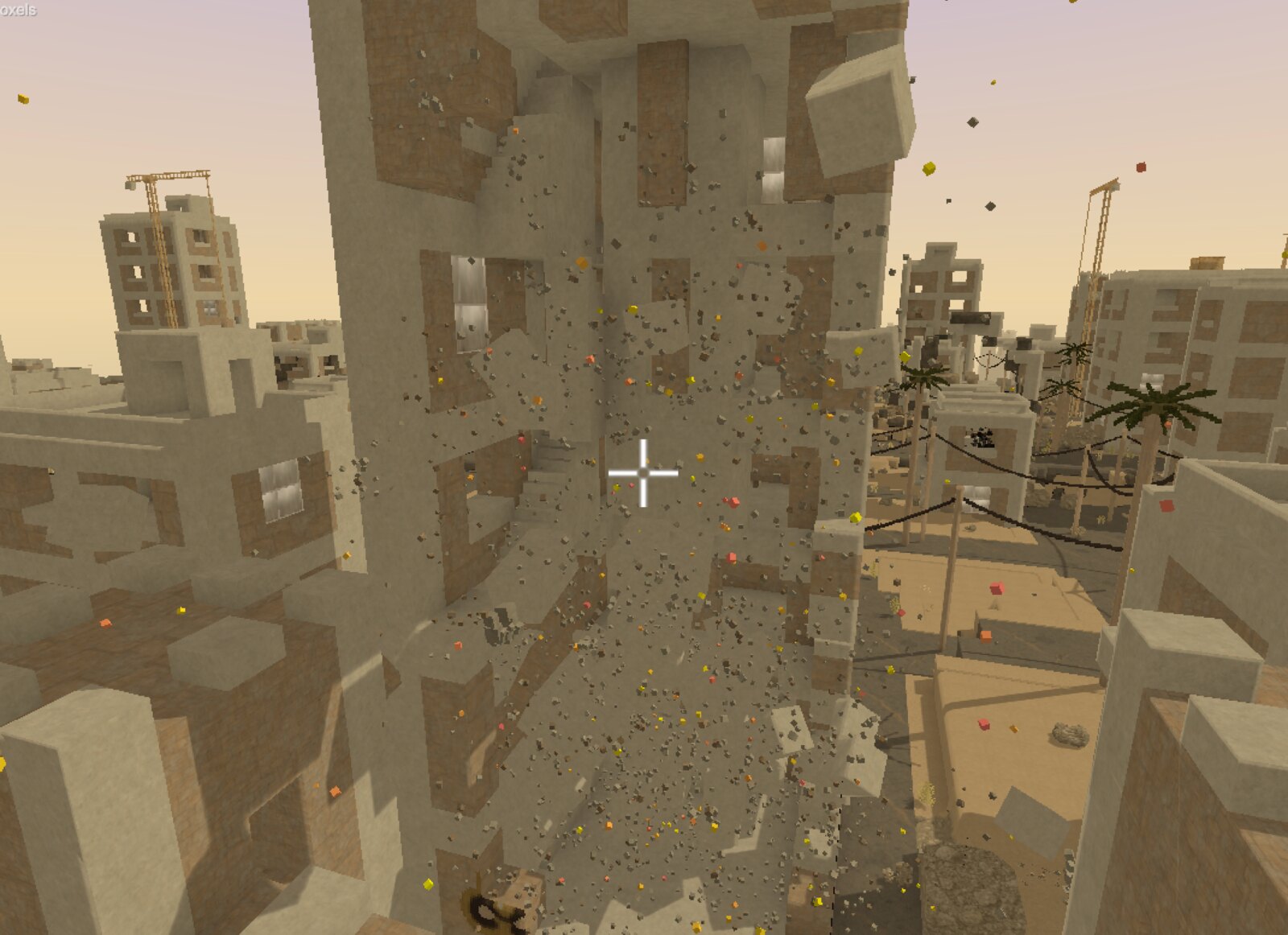
This one is fun. Destroyed voxels now bring down whatever they were holding up: groups of blocks that lose contact with a support fall as single debris bodies that you can keep shooting apart, cables drop their whole span when a pole is cut, and explosions throw rubble outward as destructible pieces. Everything is data-driven with per-voxel collapse behavior, and there's a full scripting API if you want to query or control it at runtime. You can also switch it off and keep the classic behavior.
Better Looking Worlds
Rendering got a serious upgrade across the board: PBR materials, a texture anti-tiling system that breaks up repetition on large surfaces, a new mesh-based cloud style with smooth coverage transitions and real volume, and an upgraded biome system with border blending.
Microvoxels - the sub-voxel detail system - now support full color, and there's a model conversion pipeline that turns your meshes into colored microvoxel models, plus OBJ export to take voxel creations out of Unity.
Requirements and Upgrading
Voxel Play 4 targets Unity 6 and the Universal Render Pipeline (URP). The built-in pipeline is no longer supported.
If you own Voxel Play 3, there's a discounted upgrade on the Unity Asset Store, and the documentation includes a dedicated upgrade guide. As always, the full manual lives in our documentation hub, and the AI assistant already knows the entire VP4 API if you get stuck.
We'd love to see what you build with it. Come show us on Discord.
Ready to build your voxel world?
Voxel Play 4 is available now, with a discounted upgrade for Voxel Play 3 owners.