Introduction
Beautify for Unreal · Introduction
Beautify for Unreal is a full-screen post-processing effect for Unreal Engine that improves the image quality in real time. It sharpens details, improves pixel color without oversaturating the image, and adds optional color tweaks, a vignette and dithering. All the effects are part of one post-processing material and run in the same render pass.
Key Features
- Sharpen: analyzes the local contrast of each pixel to enhance visual features and produce a sharp image. It also removes the extra blur caused by many antialiasing effects.
- Depth controls: limits the sharpen effect to a range of distances from the camera, with a soft transition at the limits.
- Vibrance: improves pixel color depending on its saturation, so pixels with low saturation receive more color than pixels that are already saturated.
- Daltonize: accentuates the primary colors to compensate protanomaly, deuteranomaly and tritanomaly.
- Color tweaks: brightness, contrast and a hard light operator, integrated in the same material.
- Vignette: darkens the borders of the image like a photographic vignette, with inner and outer ring, aspect ratio, tint color, blink and fade out options.
- Dithering: reduces banding, especially in dark areas and in the sky.
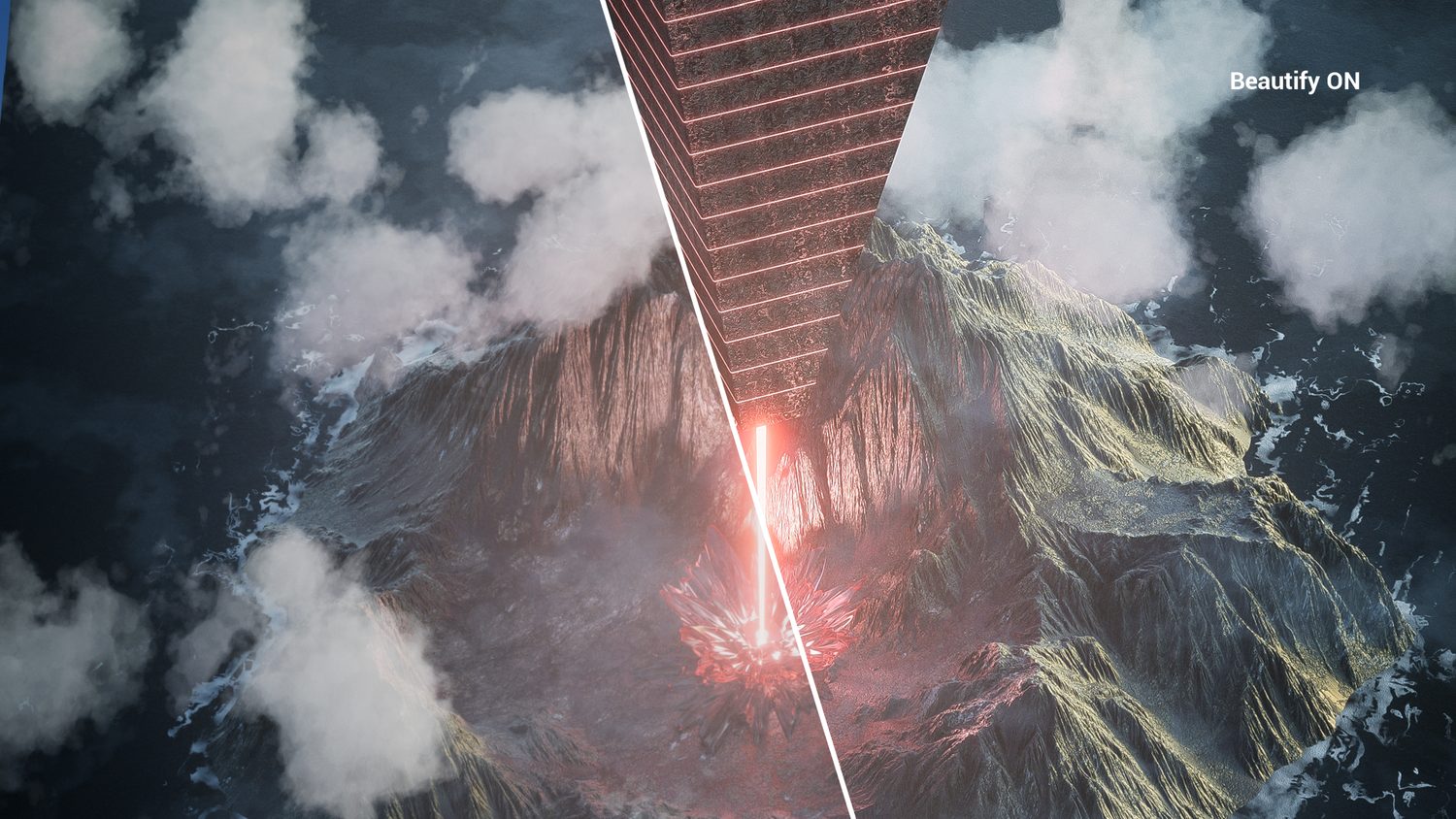
- Compare Mode: shows a side by side view of the scene with and without the effect.
What Is Included
The package adds a Beautify folder to the Content folder of your project.
| M_Beautify | The master post-processing material, with 25 settings. You create material instances from it to store your own combinations of settings. |
| MaterialFunctions | The six material functions used by M_Beautify: MF_ColoredVignette, MF_Dither, MF_HardLight, MF_SampleSceneAndLuma, MF_SampleSceneWithOffset and MF_Vibrance. |
| Demo | The Demo map, its material instance M_BeautifyDemoInstance, a demo widget and four painted textures for testing. |
Requirements
| Engine versions | Unreal Engine 4.24 to 5.8, as listed on Fab for version 2.0.1 |
| Development platforms | Windows and Mac |
| Code | None. The package contains only content: a material, material functions and a demo map. |
The Fab listing always shows the engine versions supported by the current version of the package.
Next Steps
- Installation: add the pack to your project from Fab.
- Quick Start: add the effect to your level.
- Parameters: the description of every setting.
- FAQ: answers to common questions.
Was this page helpful?
Suggest an improvement
Help us improve this documentation page.