Translucency & Shadow Maps
intermediate tasksVolumetric Lights 2 (URP) · Common Tasks
Translucency & Shadow Maps
Translucent shadow maps capture the colors of semi-transparent objects and project them through the volumetric light volume, creating effects like colored light through stained glass.
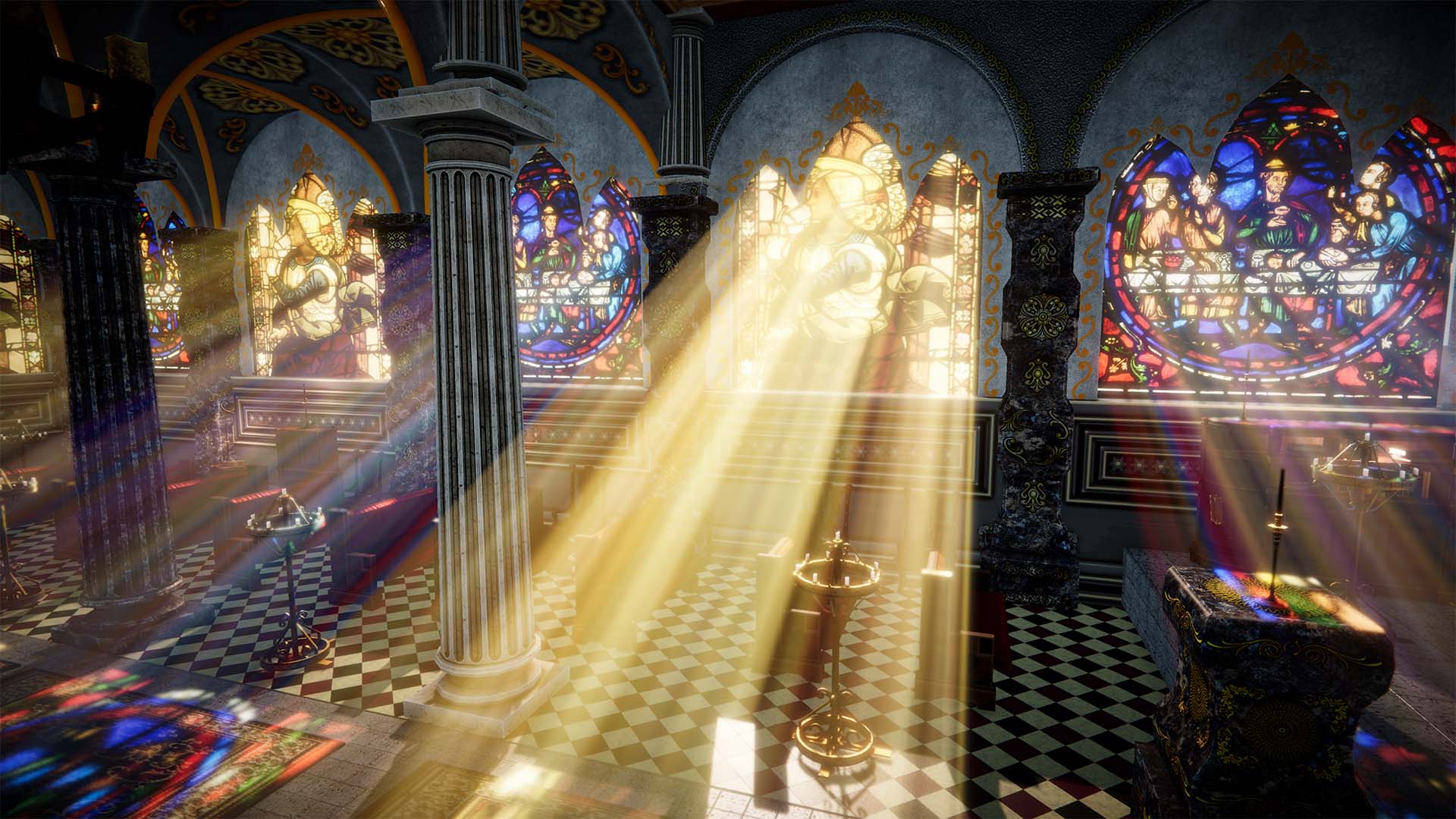
Enabling Translucency
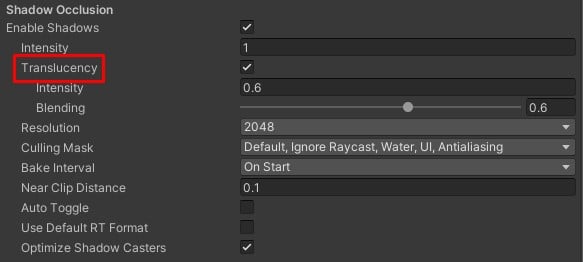
- In the Volumetric Light inspector, expand Shadow Occlusion.
- Enable Shadows if not already enabled.
- Enable Translucency.
Setting Up Translucent Objects
Add the Volumetric Lights Translucency script to any transparent object you want to cast colored shadows.

Settings
| Parameter | Description | Default |
|---|---|---|
| Translucency | Enables color capture from transparent objects. | Off |
| Translucency Intensity | Strength of the color tinting effect. | 1 |
Tip: Combine translucency with Direct Light Cast for colored light projection onto surfaces.
Was this page helpful?
Suggest an improvement
Help us improve this documentation page.