Direct Light Cast
intermediate tasksVolumetric Lights 2 (URP) · Common Tasks
Direct Light Cast
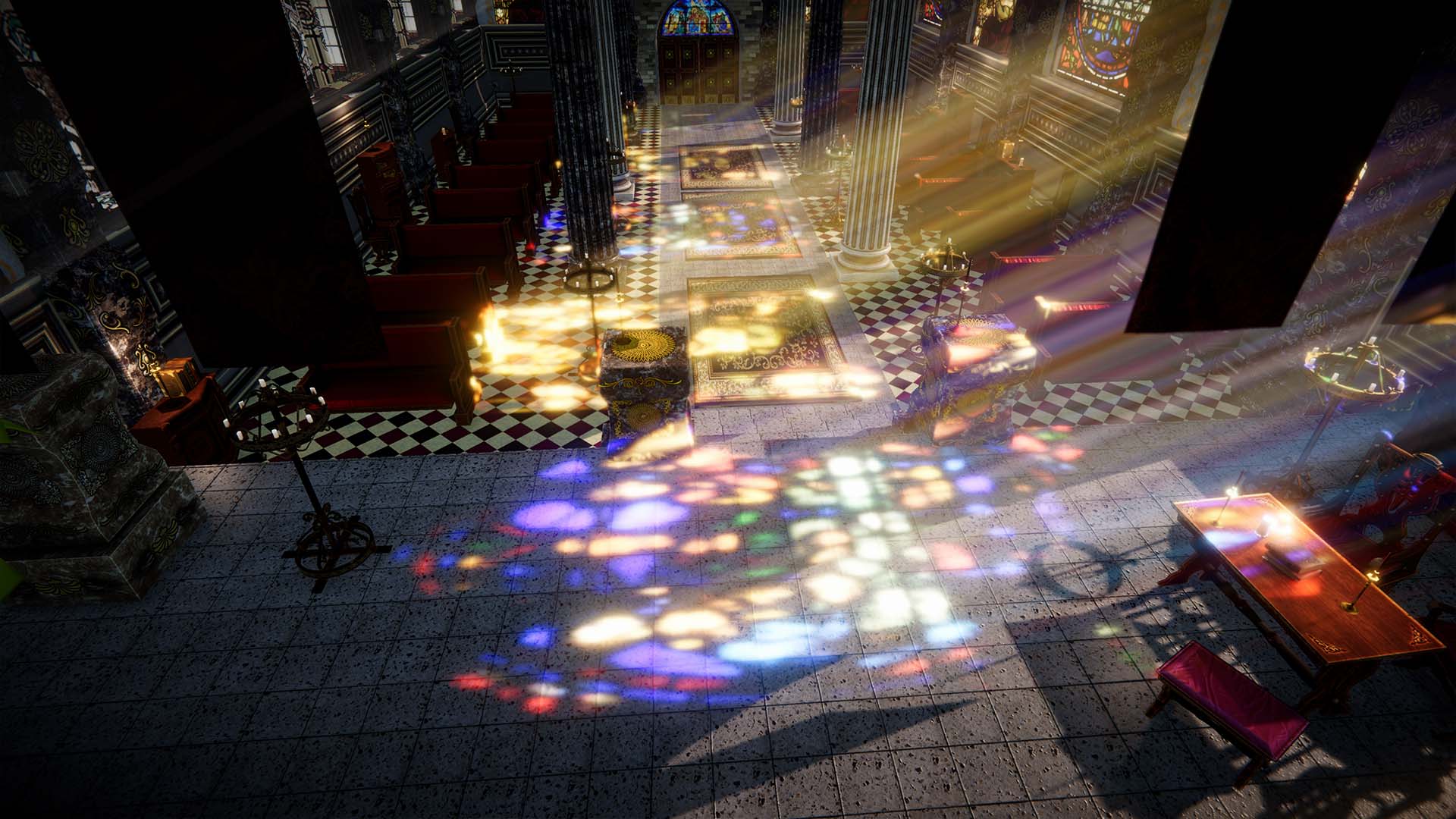
Direct Light Cast projects volumetric illumination onto opaque surfaces, making the light behave like a real light source affecting scene geometry.
Requirements
| Requirement | Details |
|---|---|
| Rendering path | Deferred (enable in the URP Renderer asset). Additive mode also works with Forward. |
| Surface type | Only opaque objects are affected. |
Enabling Direct Light Cast
In the Volumetric Light inspector, expand the Direct Light section and enable Cast Direct Light.

Settings
| Parameter | Description | Default |
|---|---|---|
| Cast Direct Light | Enables direct light projection onto surfaces. | Off |
| Direct Light Multiplier | Intensity multiplier for the projected light. | 1 |
| Smooth Samples | Number of smoothing samples (1–32) for softer projection edges. | 1 |
| Blend Mode | Additive (fast, works with Forward) or Blend (requires Deferred, slightly slower). | Additive |
Tip: Direct Light Cast can be combined with translucent shadow maps for colored light projection through stained glass or other transparent objects.
Was this page helpful?
Suggest an improvement
Help us improve this documentation page.