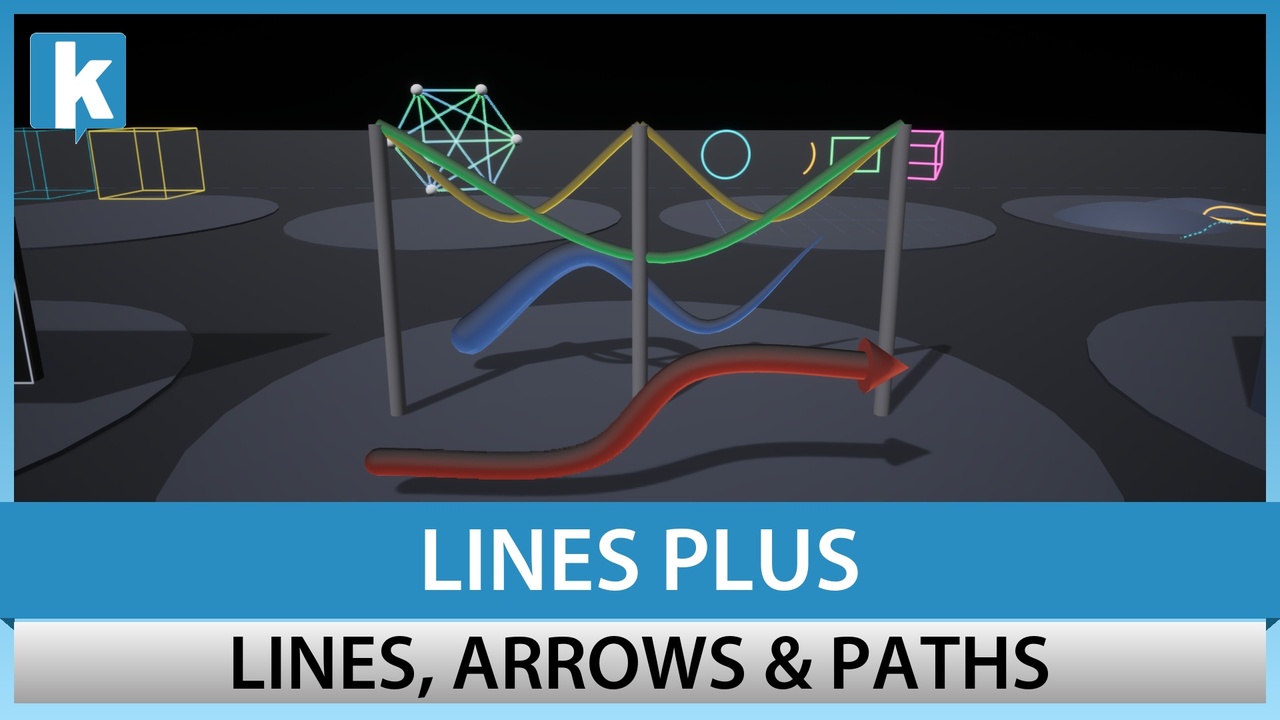
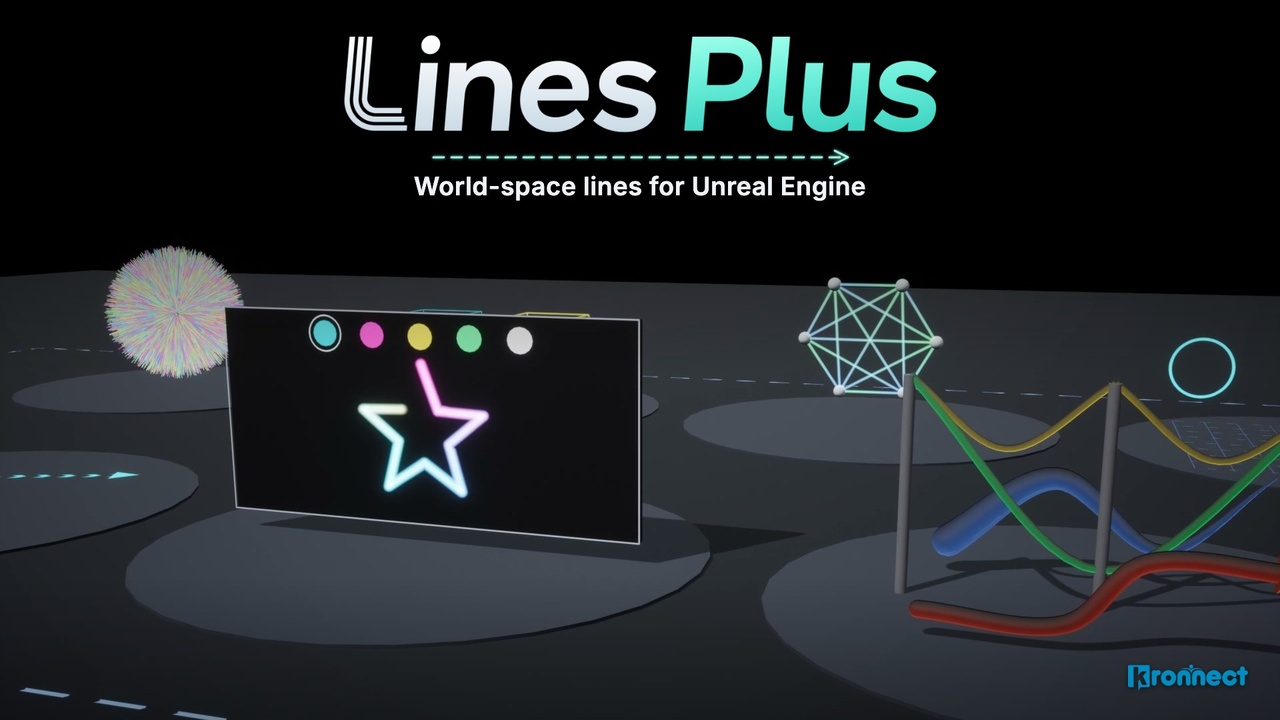
Lines Plus for Unreal
Lines, curves, arrows and paths drawn in the world of Unreal Engine, with dashes, caps, tubes and a draw animation.
Sold and downloaded on Fab. Published by Kronnect on Fab.
Screenshots
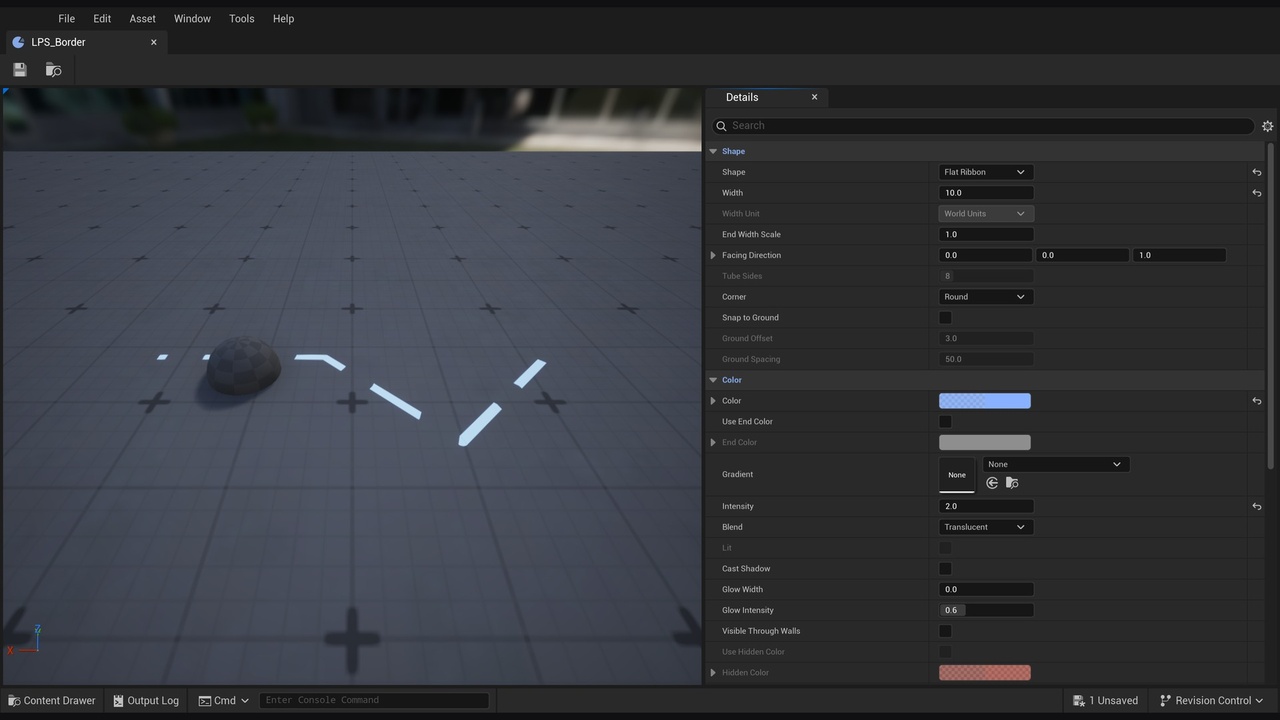
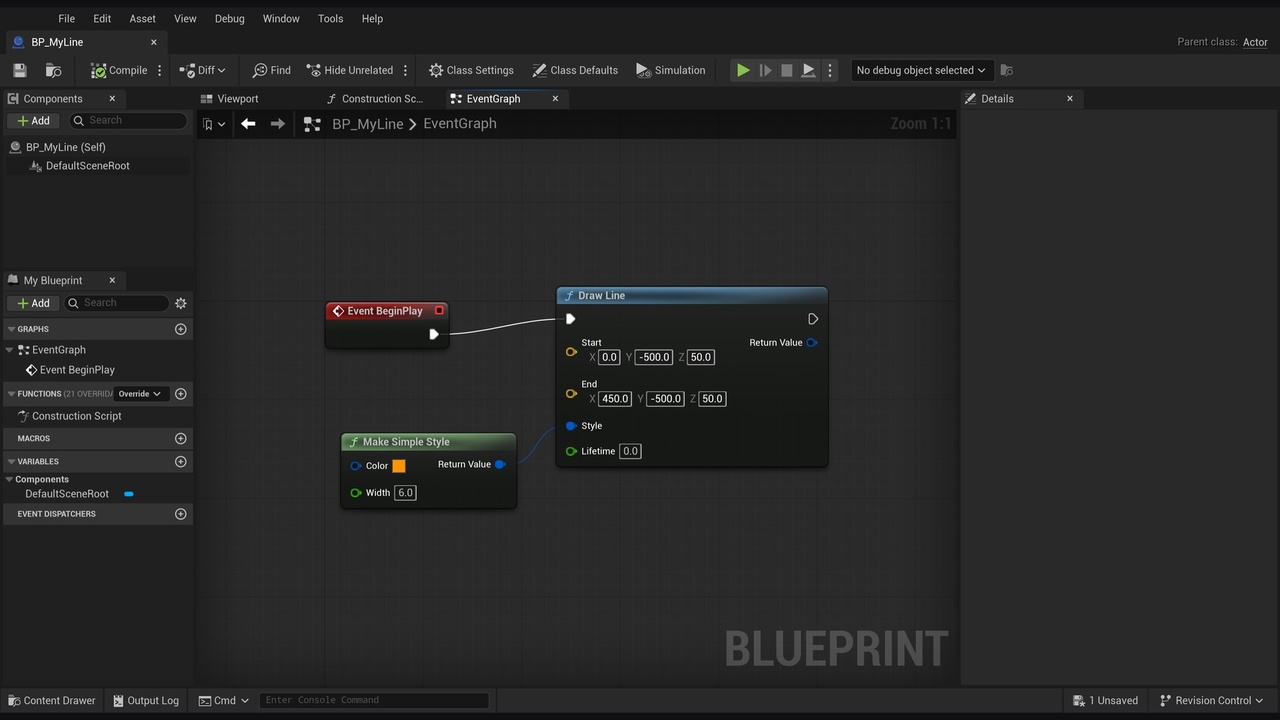
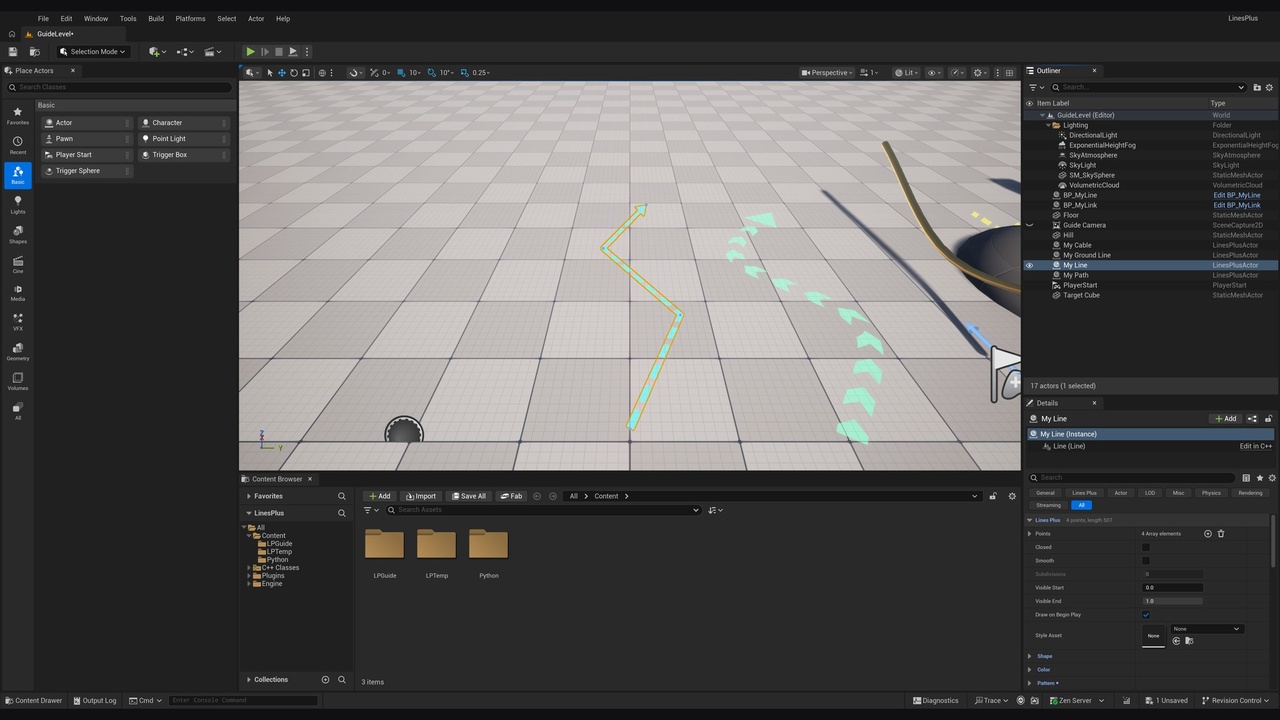
About Lines Plus for Unreal
Draw anything that needs a line: paths, arrows, aim guides, cables, connections between objects and borders of areas. Lines Plus draws lines in the world of your level, with dashes, glow, arrows, tubes and animations. Place a line in the level as an actor and edit its points in the viewport, or draw it from Blueprints and C++ with one node.
✨ Lines
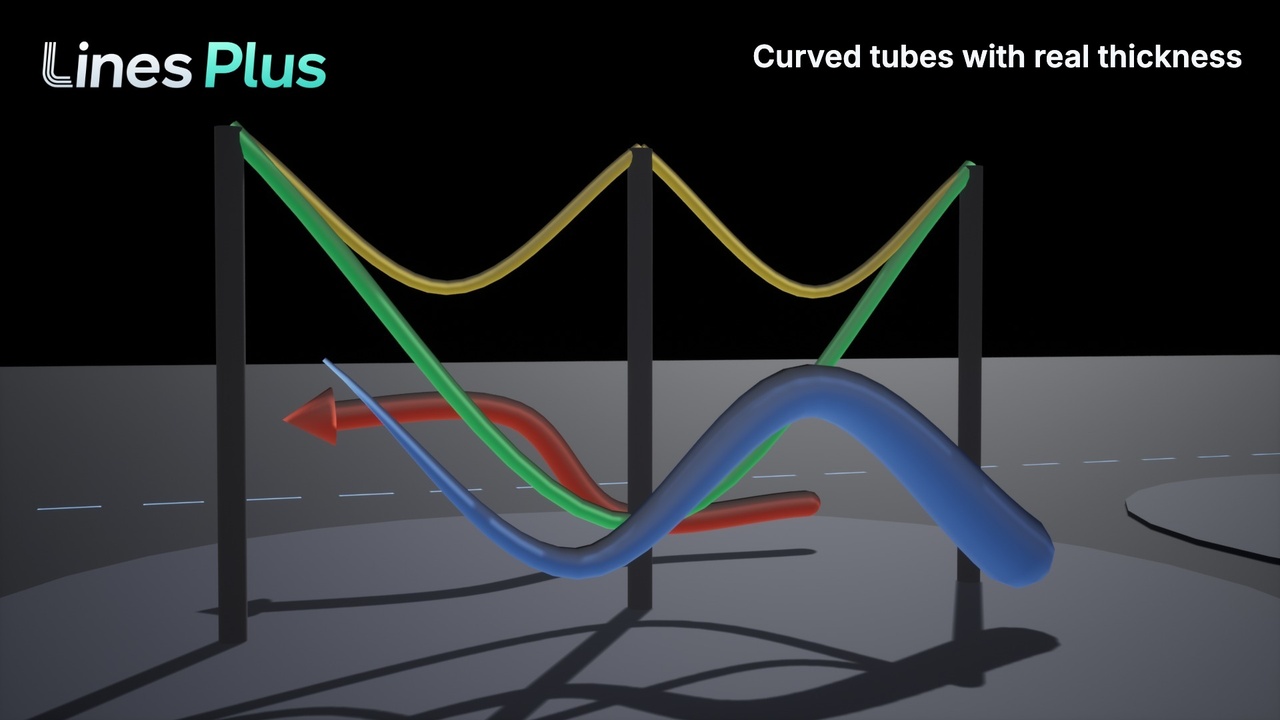
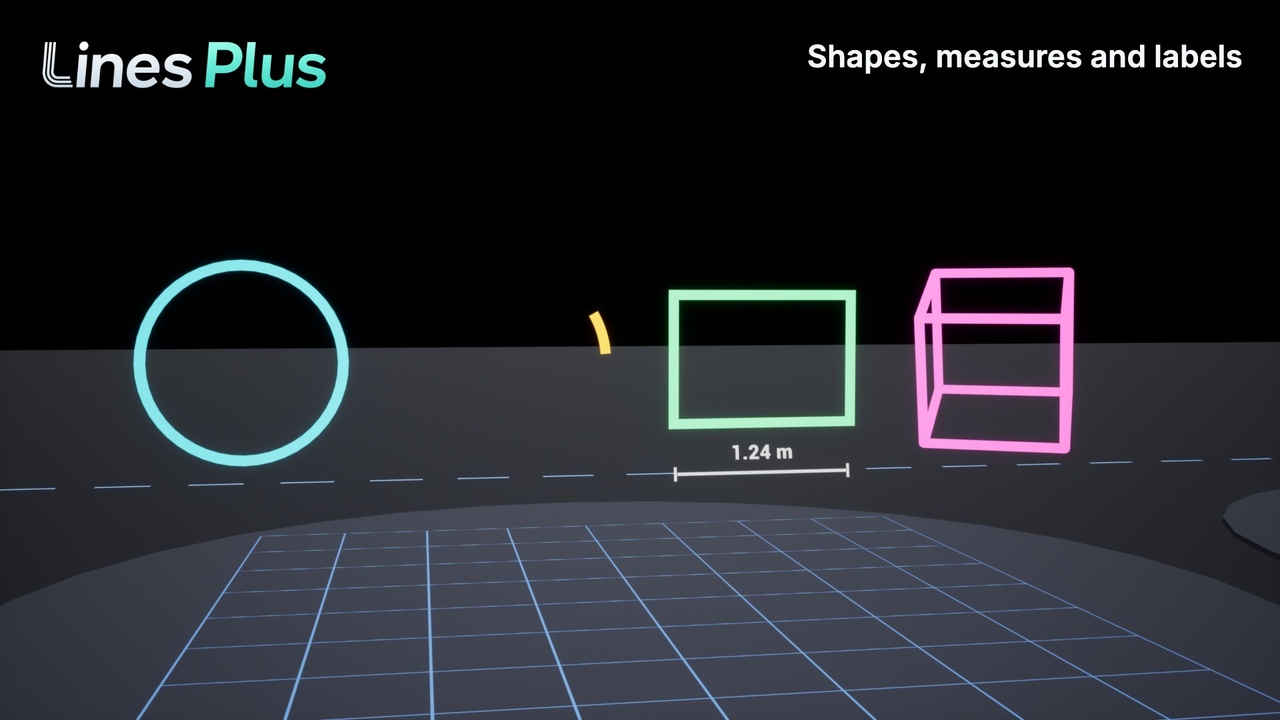
Three shapes: a ribbon that always faces the camera, a flat ribbon like paint on the ground, and a tube with volume that receives light and casts shadows.
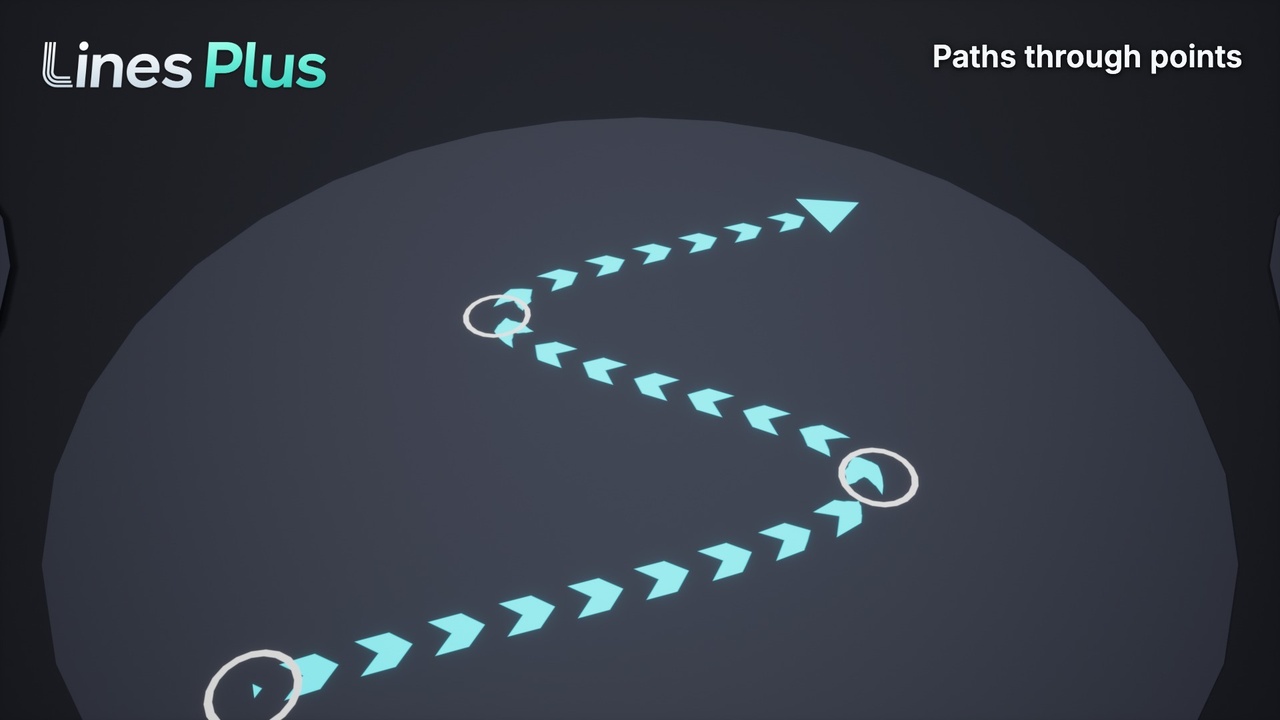
Patterns: solid, dashed and dotted lines and arrow shapes, which can move along the line.
Caps and corners: flat, square, round, arrow or bar ends, and round, sharp or flat corners.
Labels and measures: a text or the length of the line next to it, also the length of each segment, for names, distances and dimension lines.
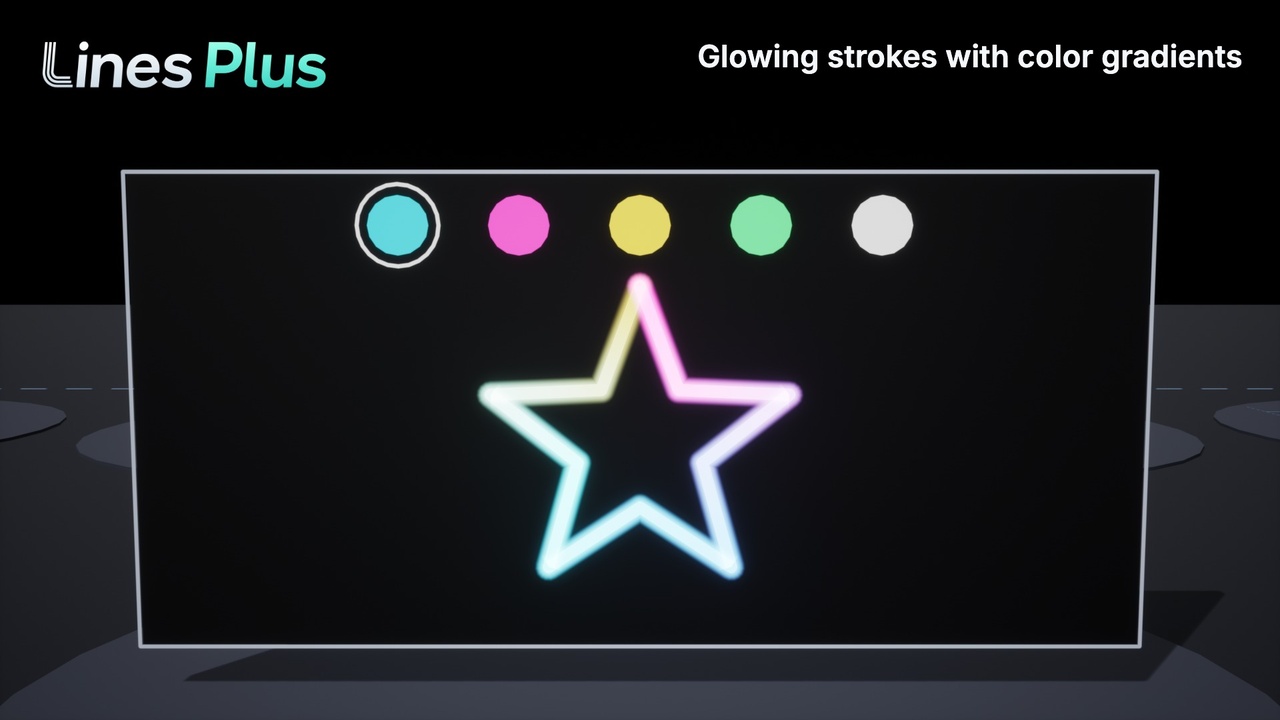
Glow, gradients and textures: a soft glow around the line that does not need bloom, color gradients with alpha and textures that fill the line.
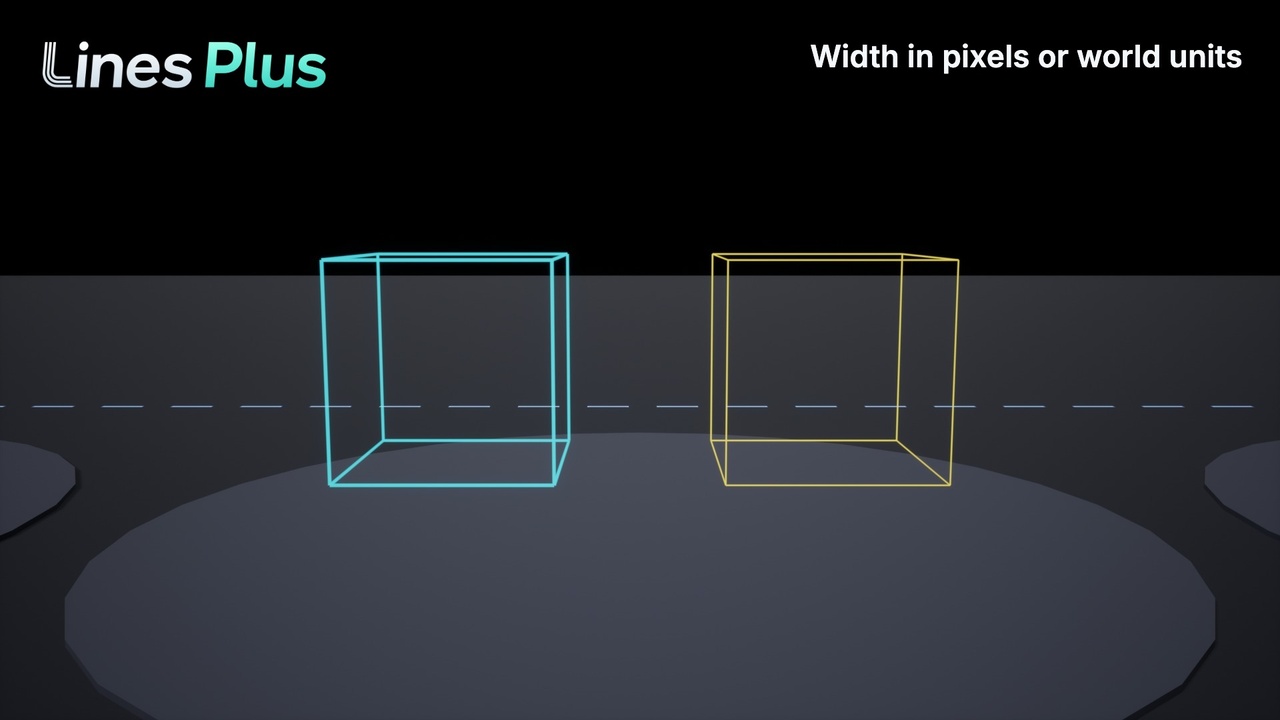
Width in world units or in screen pixels, with a different width at the end of the line.
Animations: a line can draw itself with soft edges, erase itself and fade out.
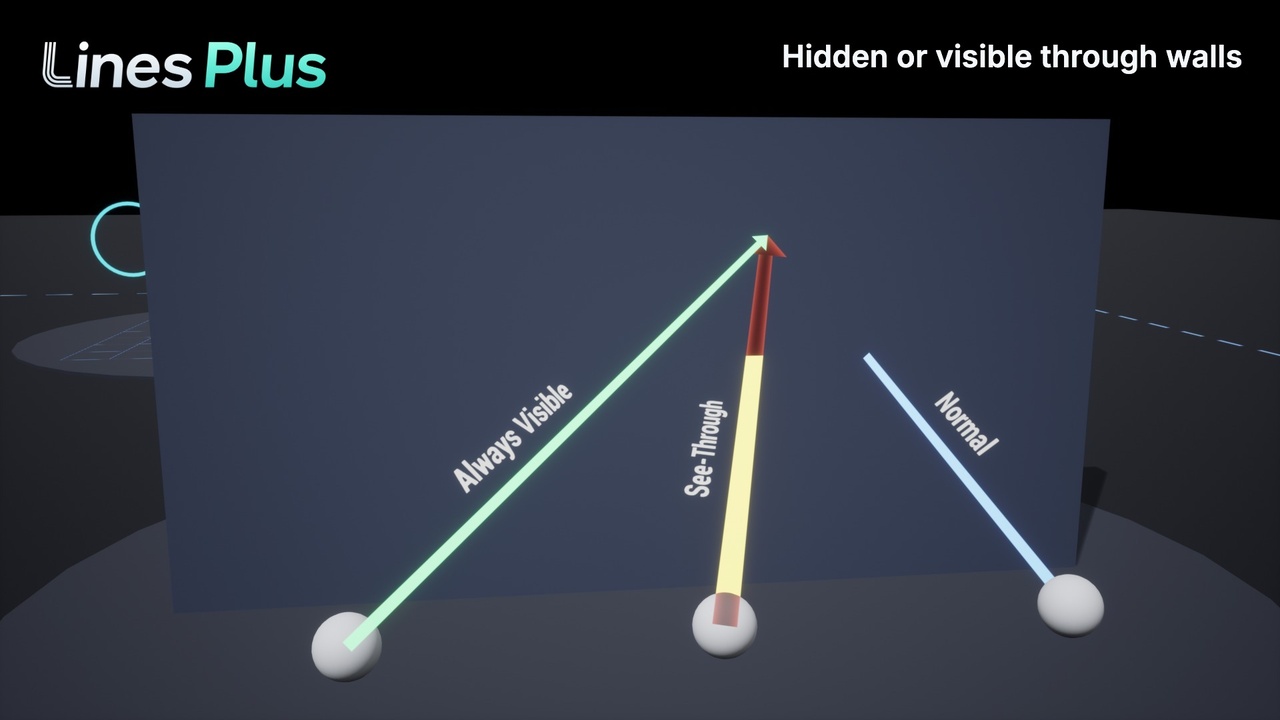
Visible through walls, with another color for the hidden part.
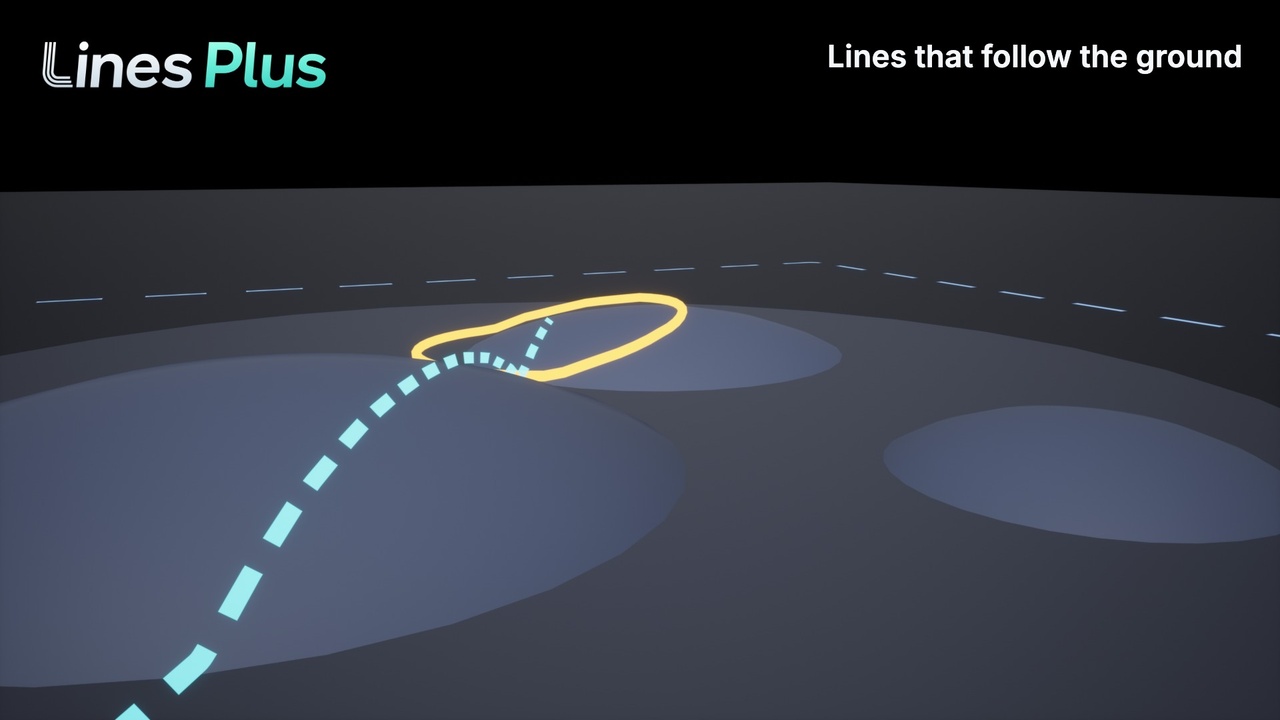
Lines that follow the ground over hills and uneven floors.
🎯 Easy to use
Line actor and component: place a line in the level, then move, add and delete its points in the viewport. The settings have their own tab in the Details panel.
Style assets: share a look between many lines. Double-click a style to edit it with a live preview.
Blueprint nodes: Draw Line, Draw Polyline, Draw Curve, Draw Bezier, Draw Spline, Draw Circle, Draw Arc, Draw Rectangle, Draw Box, Draw Grid and more than 30 other nodes. Every node is also a C++ function.
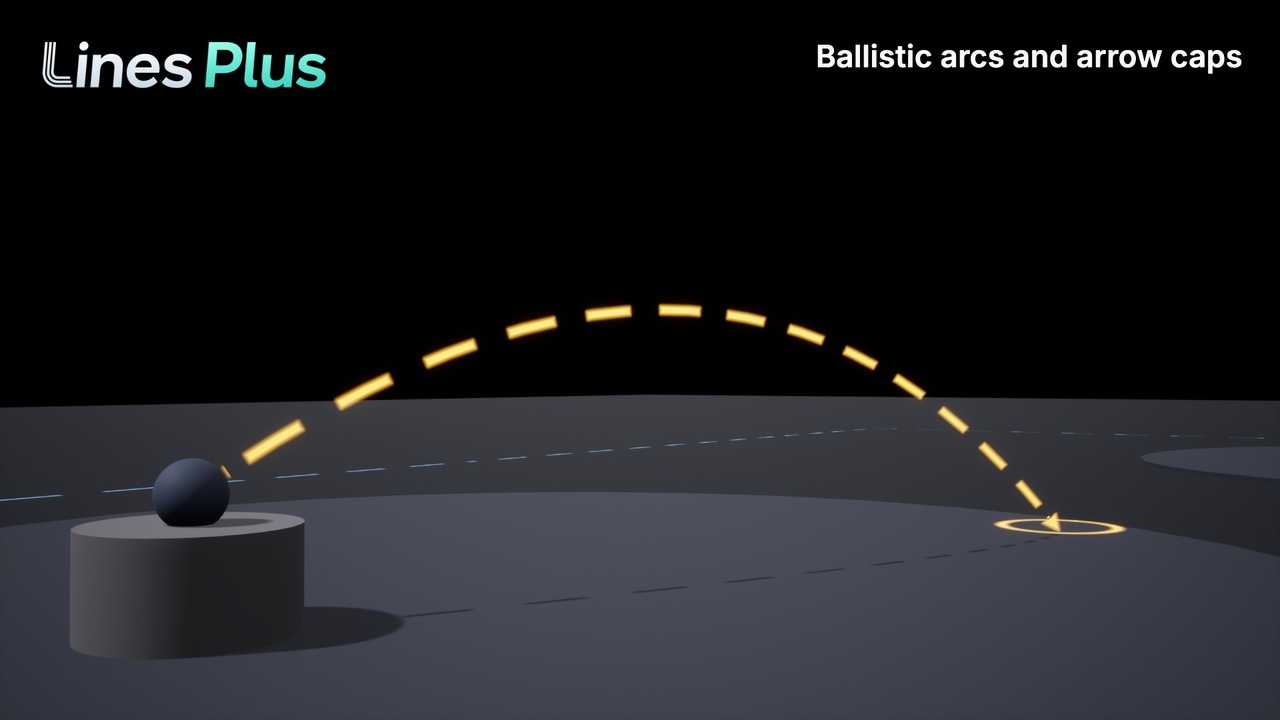
Draw Trajectory: the path of a projectile and the place where it lands, for aim guides.
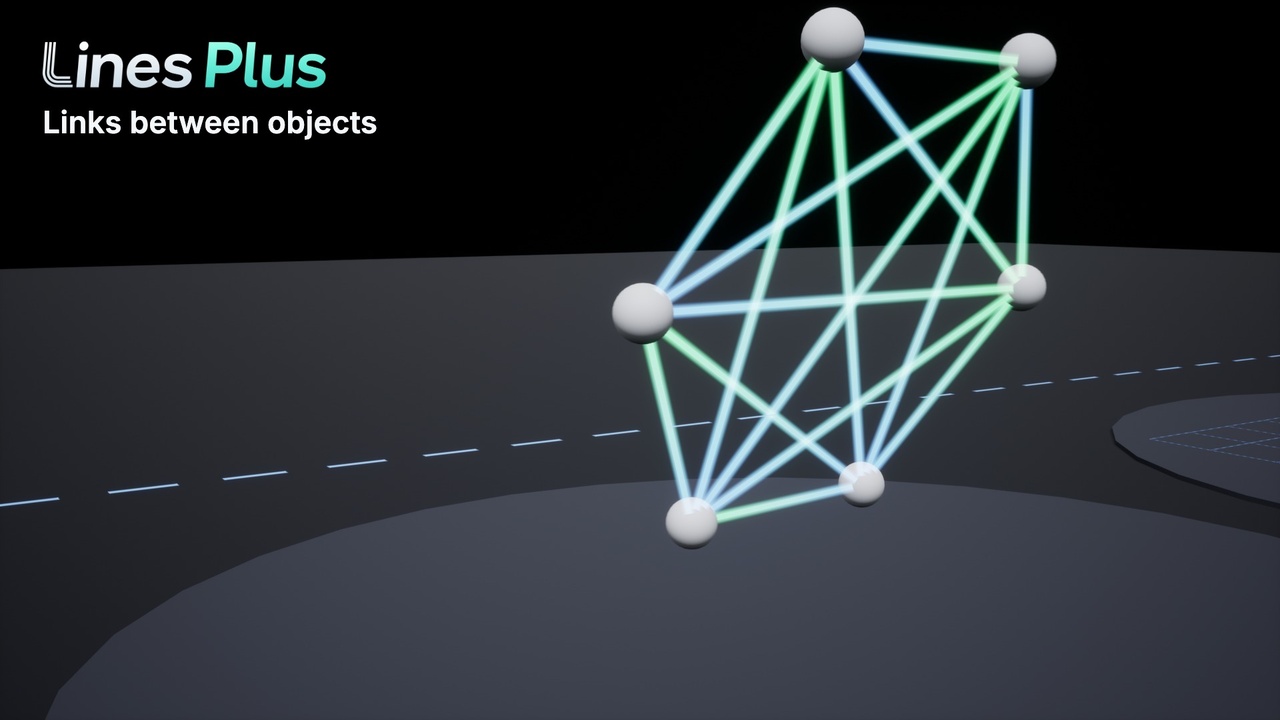
Draw Link: a line between two objects that follows them when they move.
Find Line Under Cursor: select or highlight lines with the mouse or with a touch.
⚙️ More options
Opaque, translucent and additive lines.
Lines attached to moving objects.
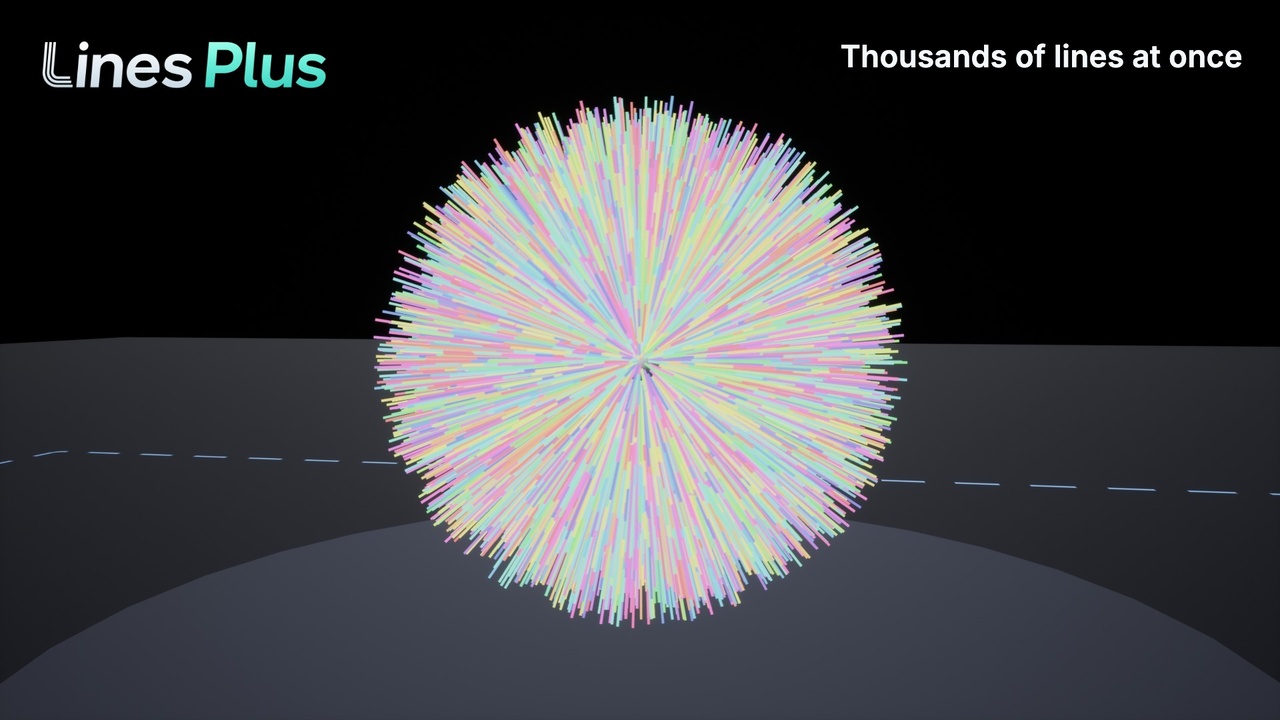
Draw Segments creates grids and wire shapes with one node.
Lifetime for lines that remove themselves.
Works on Windows, Mac, Android and iOS.
📦 Included
Demo level with ten examples of use.
PDF manual with step by step guides and the description of every setting and node.
Full C++ source code.
💬 Support
For any question, please send an email to contact@kronnect.com
ℹ️ About this version
This plugin does not include AI-generated artwork or audio. AI coding tools have helped us develop and optimize the Unreal C++ code, under the ownership of our team. We have been developing and maintaining assets for game engines since 2015.
Like Lines Plus? Check our other assets.