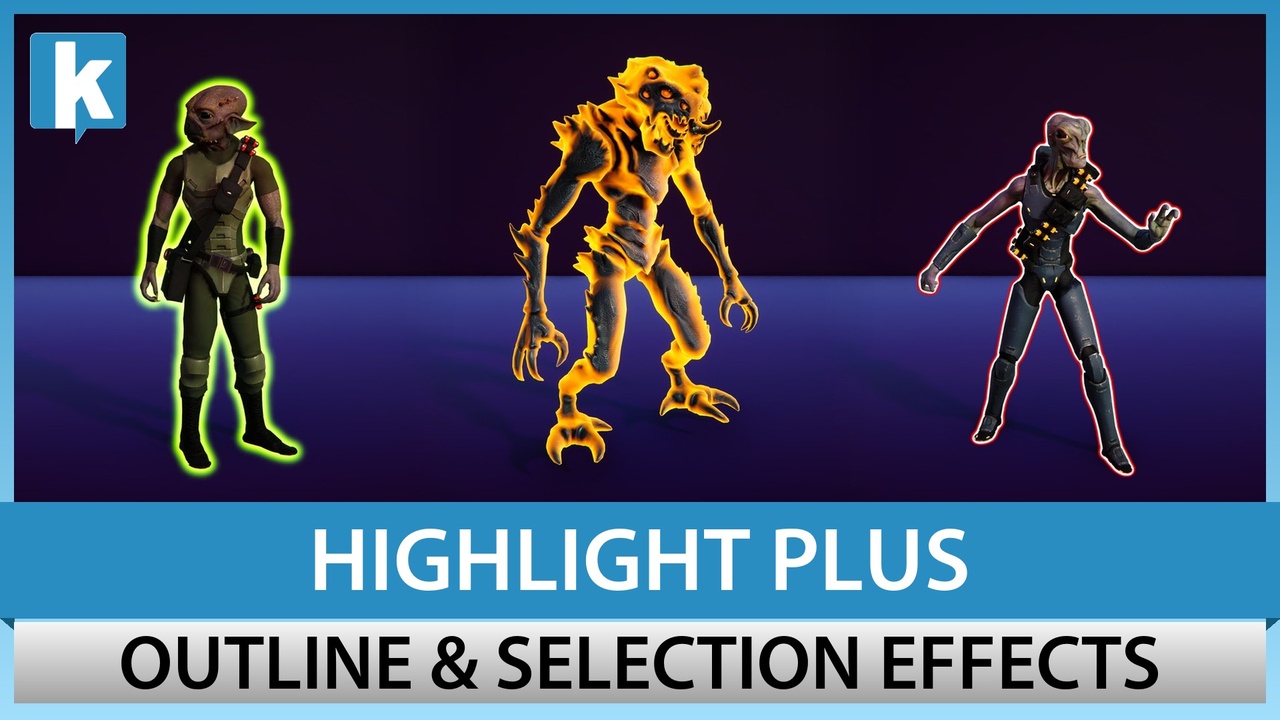
Highlight Plus for Unreal
Outline, glow, overlay, see-through and other highlight effects for any actor in Unreal Engine, without changes to your materials.
Sold and downloaded on Fab. Published by Kronnect on Fab.
Screenshots
About Highlight Plus for Unreal
Make the important things stand out: pickups, enemies, doors and goals. Highlight Plus adds outline, glow, overlay, see-through and other highlight effects to any actor of your level. The effects are drawn in screen space, so you do not need to change your materials or your meshes, and they work on static meshes, skeletal meshes and Nanite meshes.
✨ Effects
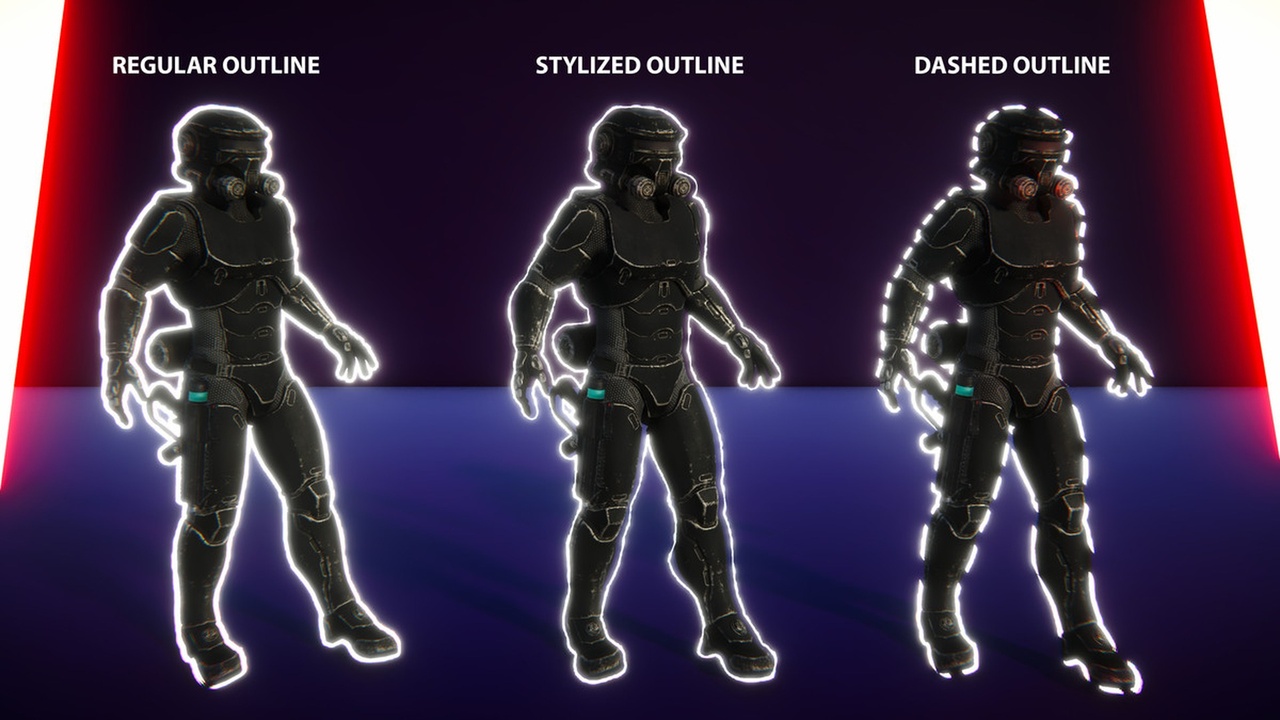
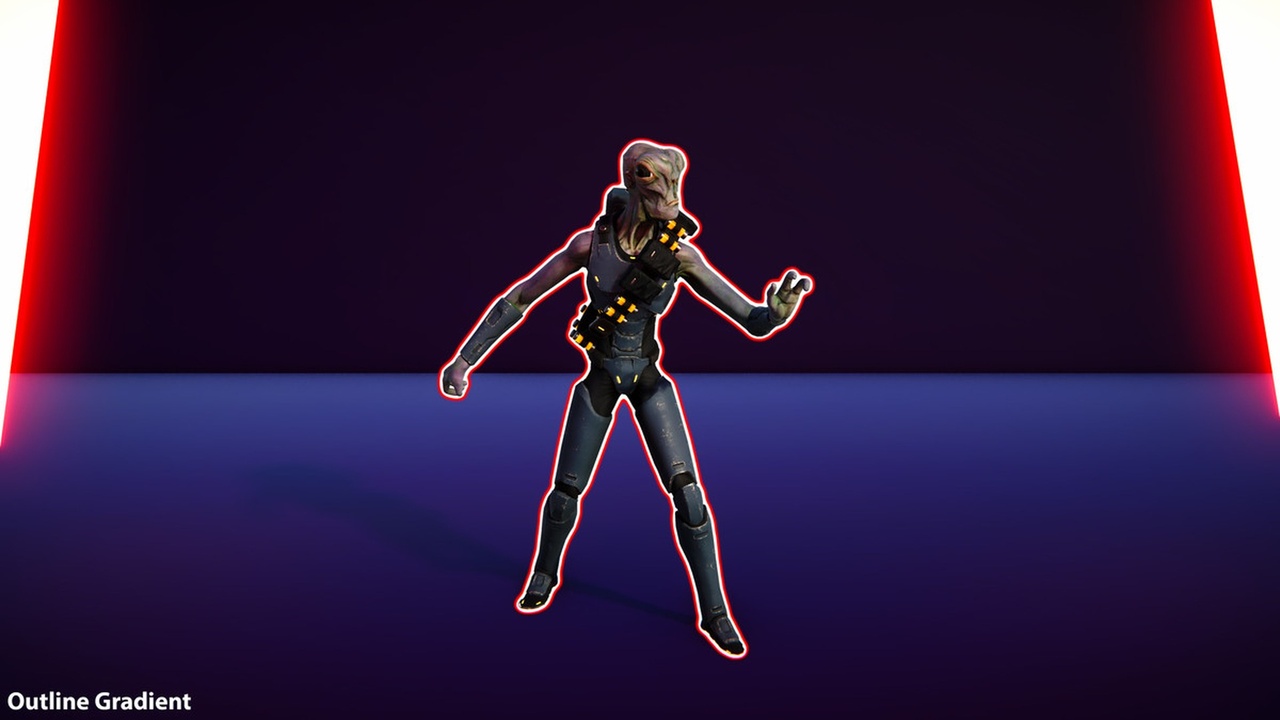
Outline: solid, dashed or stylized like a line drawn by hand, with one color or a gradient.
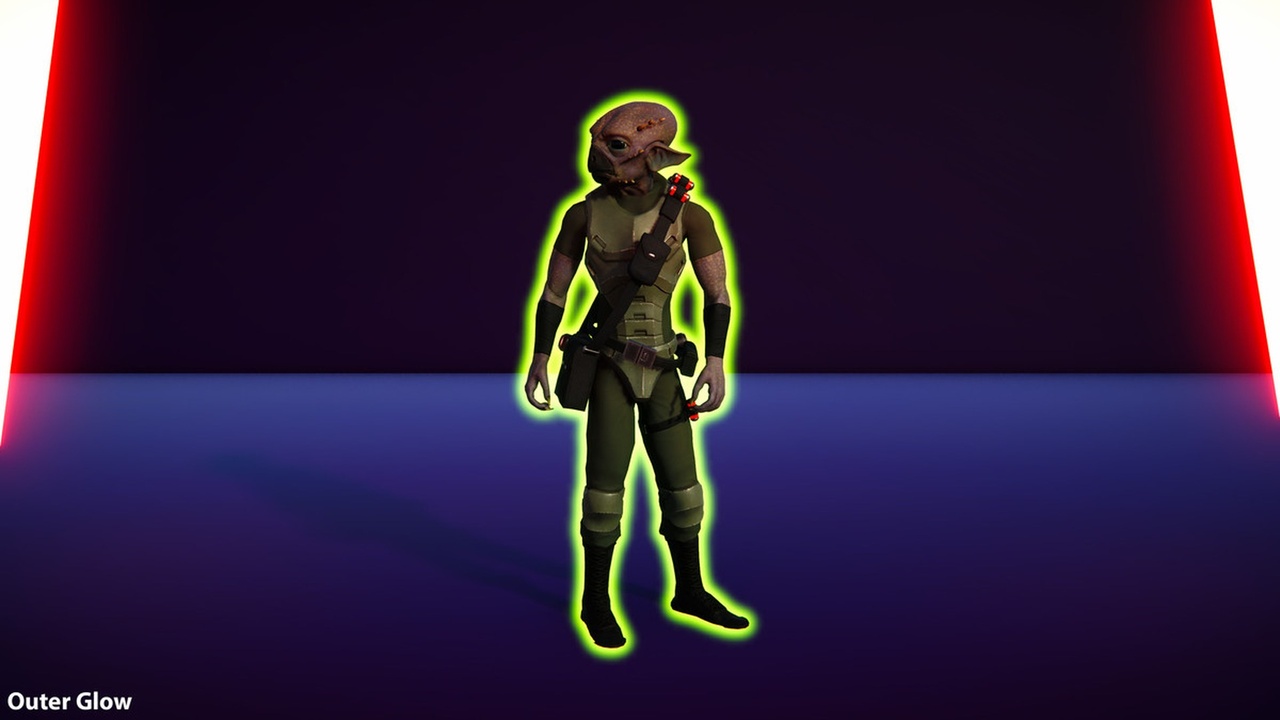
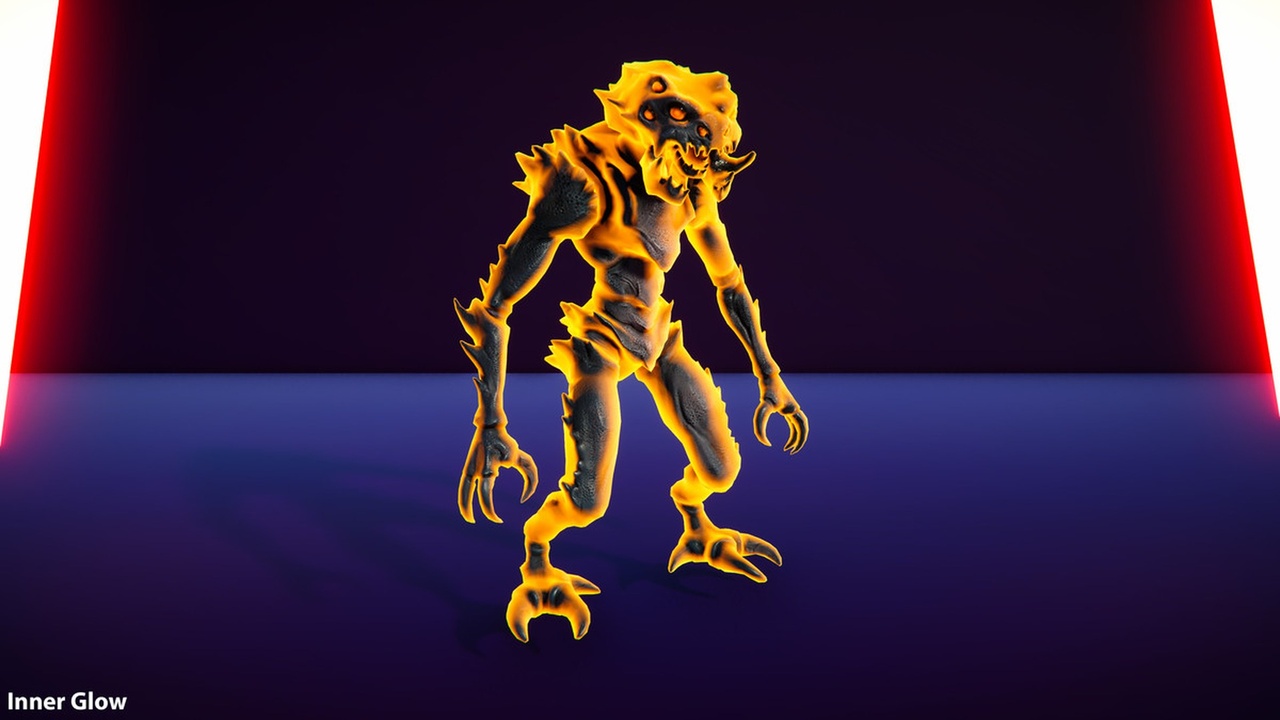
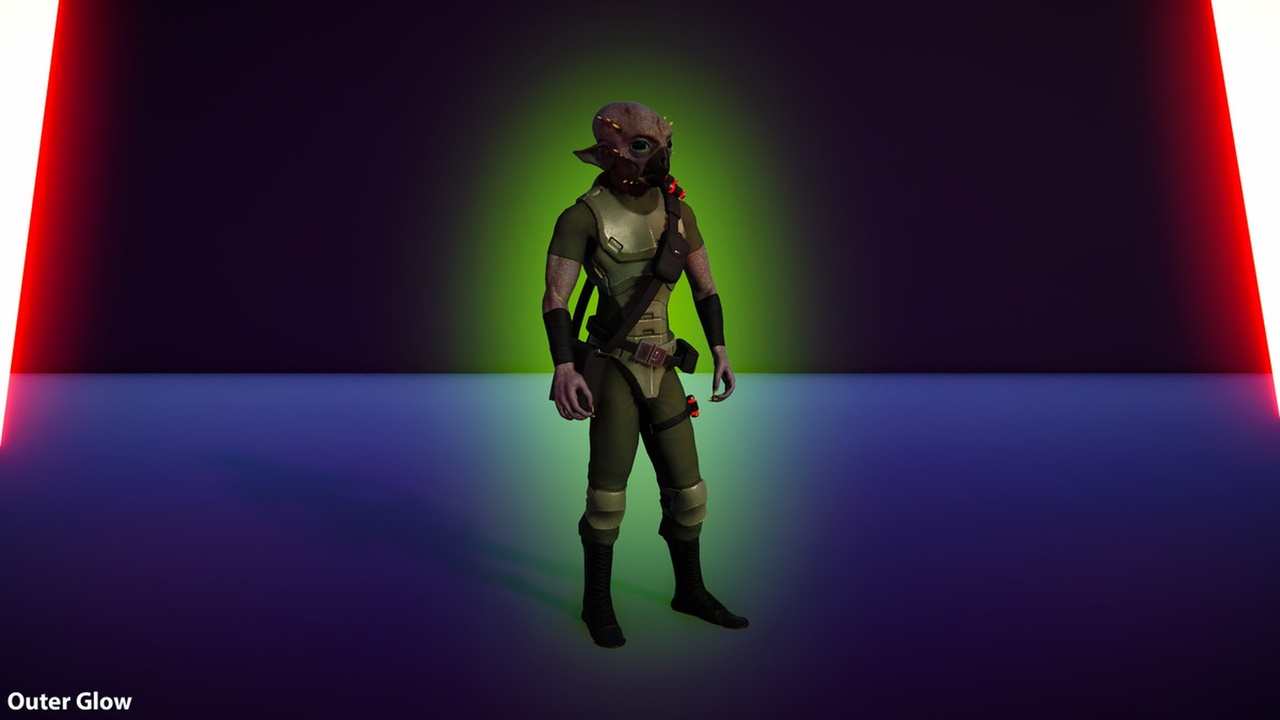
Outer Glow and Inner Glow: a soft light around the actor or a color from its edge, with pulse and aura animations.
Overlay: a color over the whole actor, with optional patterns such as polka dots, grid, staggered lines and zig zag.
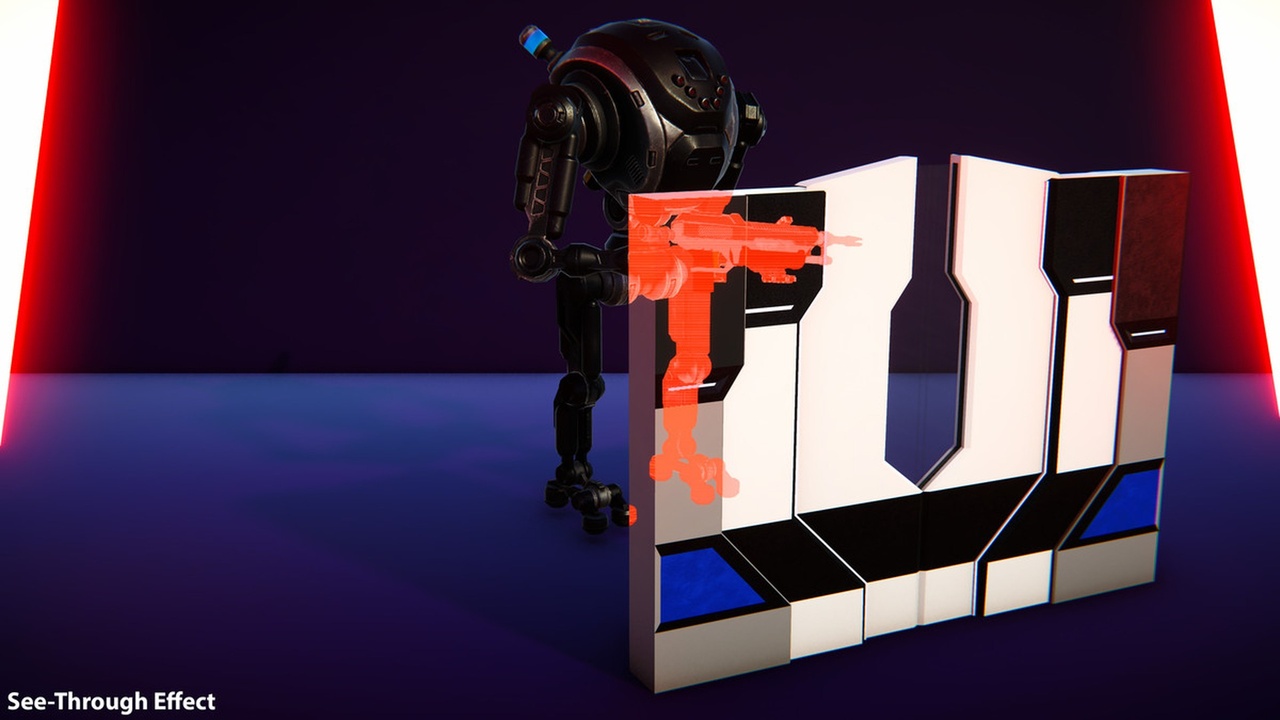
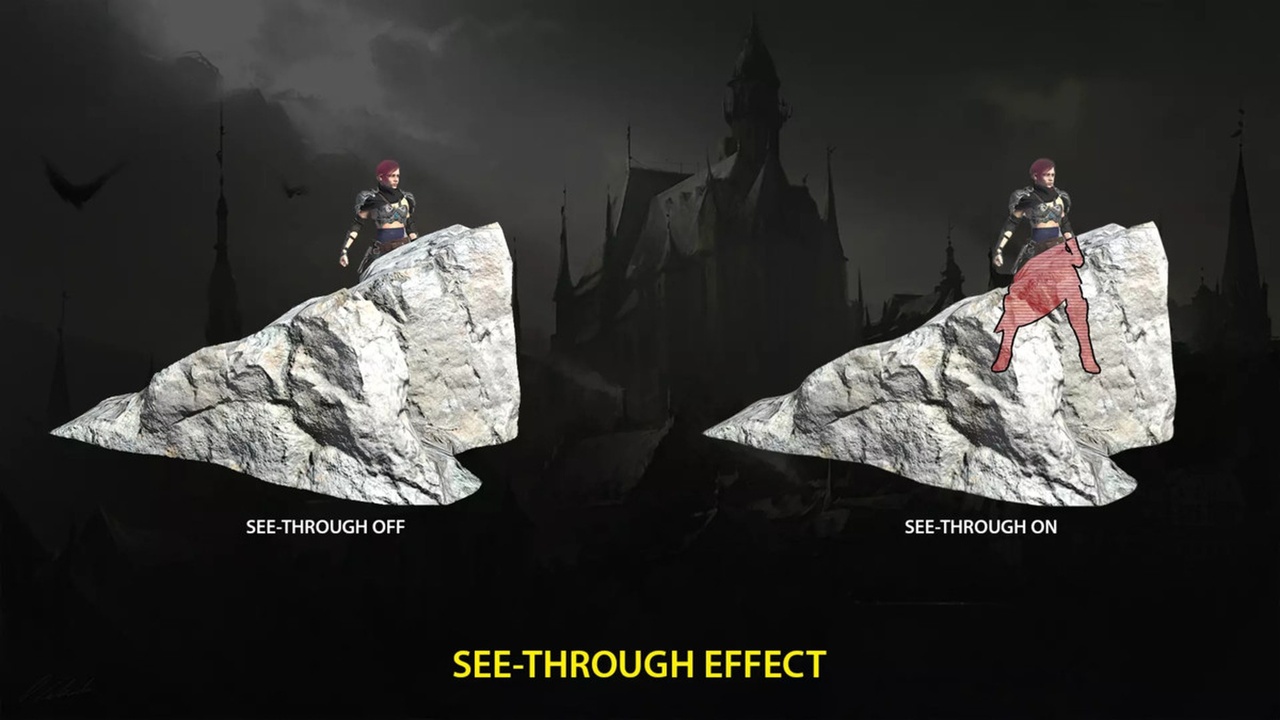
See-Through: shows the part of the actor that is hidden behind other objects, with depth limits.
Focus: dims, desaturates and blurs the rest of the screen.
Target FX: a mark that closes on the actor, with an arrow at the edge of the screen when the actor is out of the view.
Hit FX: a flash on the whole actor, from its edge, or around the location of the hit.
🎯 Easy to use
Profiles: the look of the effects is stored in an asset that many actors can share.
Component: add it to an actor and create or pick a profile from its Profile field. The settings of the profile show right under the component, and the effects show at once in the editor and in the game.
Profile window: double-click a profile to edit it with a live preview on a sphere or on any static mesh.
Highlight Plus Manager: highlights the actors under the pointer (crosshair or mouse) or near the player, without any Blueprint.
Highlight Plus Blocker: keeps the effects off objects such as the weapon of the player.
Blueprint nodes and C++ functions for every feature.
⚙️ More options
Visibility modes: normal, always on top and only when occluded.
Fade in, fade out and fade by distance.
Colors look the same in any scene, whatever the exposure of the camera.
Works with and without Substrate, on Windows and Mac.
📦 Included
Demo level that shows every effect.
PDF manual with the description of every setting.
Full C++ source code.
💬 Support
For any question, please send an email to contact@kronnect.com
ℹ️ About this version
This plugin does not include AI-generated artwork or audio. It is a port of our Highlight Plus asset for Unity. AI coding tools have helped us develop and optimize the Unreal C++ code, under the ownership of our team. We have been developing and maintaining assets for game engines since 2015.
Like Highlight Plus? Check our other assets.