Luma Based Ambient Occlusion 2
Luma Based Ambient Occlusion is a full-screen effect that fakes depth shading from color alone, giving flat 2D scenes real relief, on Built-in and URP.
Version 6.0 · Updated Jan 24, 2026 · Unity 2022.3+
Secure checkout on our store. View cart
Key Features
Videos & Screenshots
About Luma Based Ambient Occlusion 2
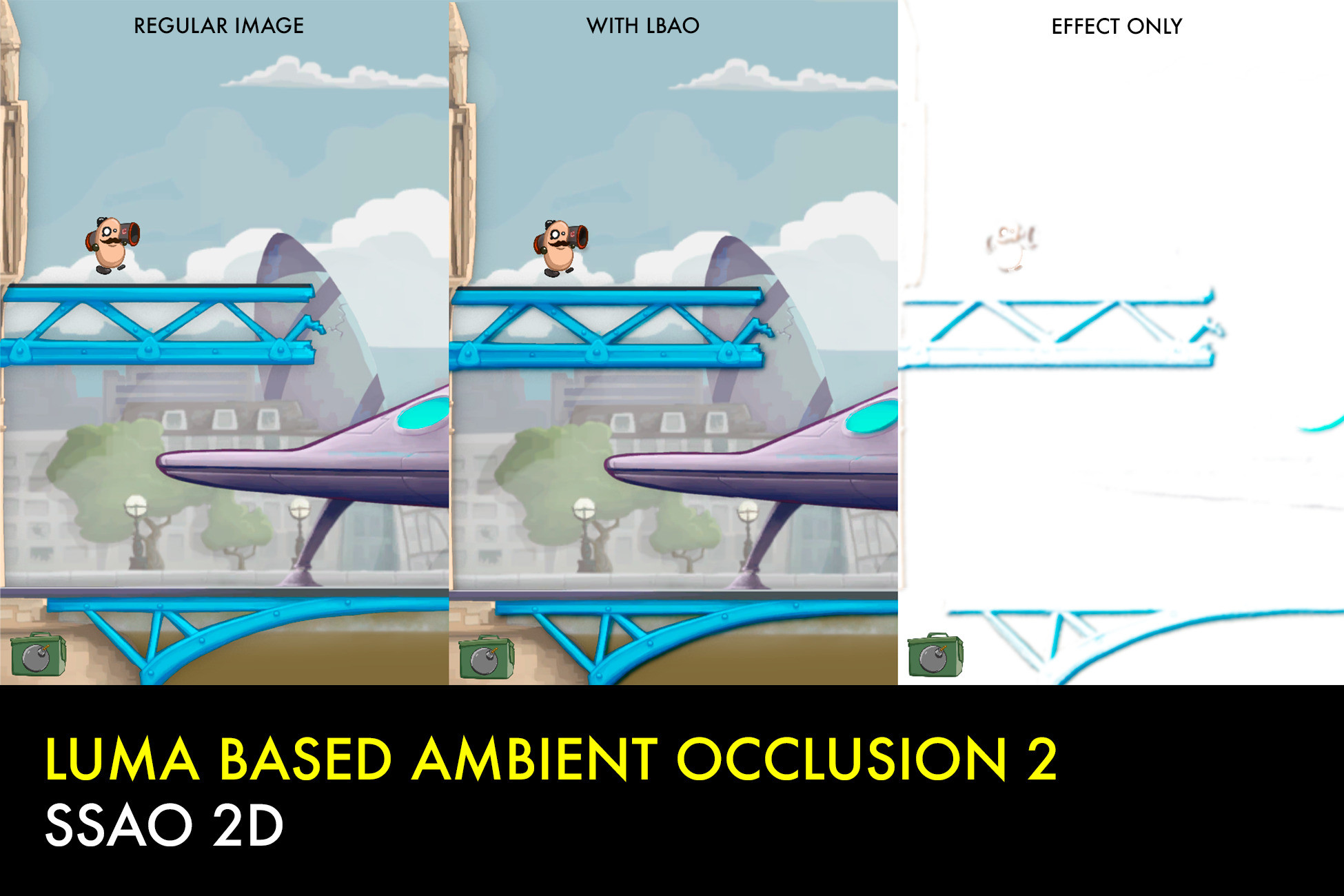
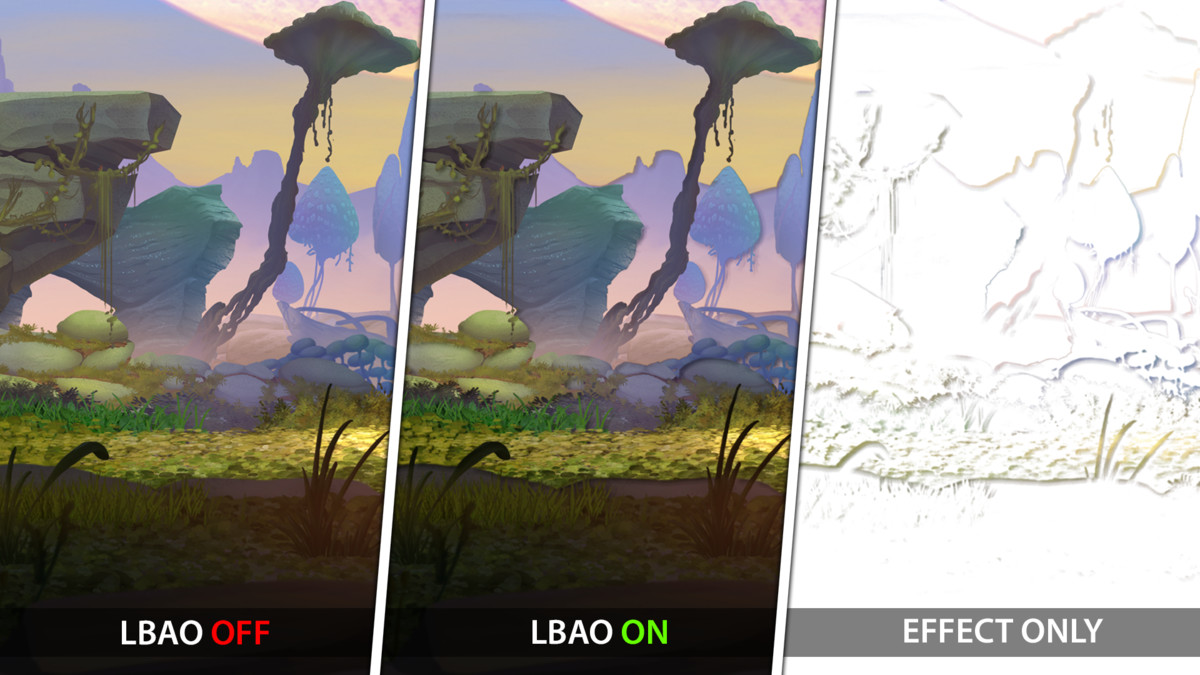
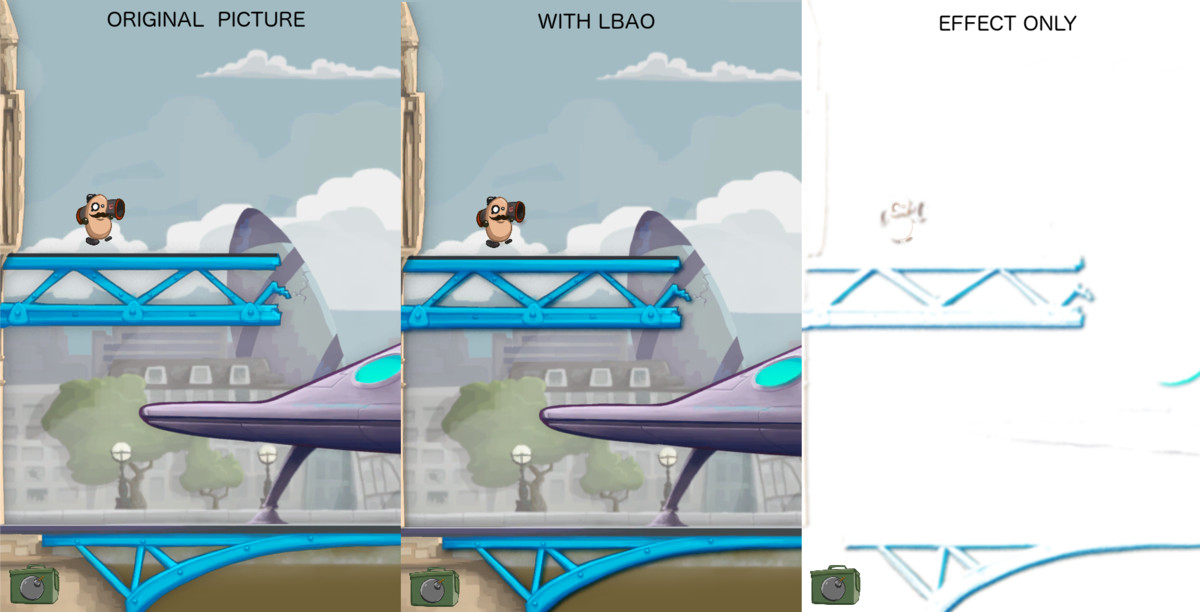
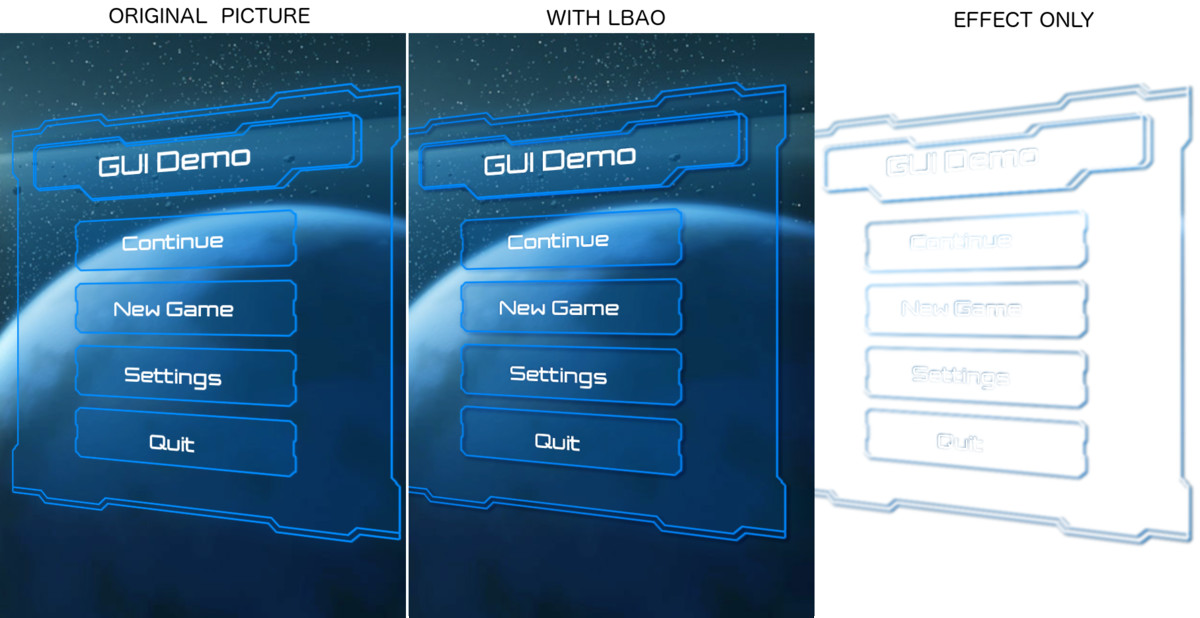
Luma Based Ambient Occlusion is a full-screen image effect that simulates occlusion based solely on color information.
It's aimed at 2D scenes, where no depth information is available, providing some sort of depth shading or relief feeling to flat 2D images.
It can also be used in 3D scenes although, in this case, a depth-based AO solution like HBAO is recommended (you can combine both and experiment with results).
LBAO works great with Beautify as well.
Features
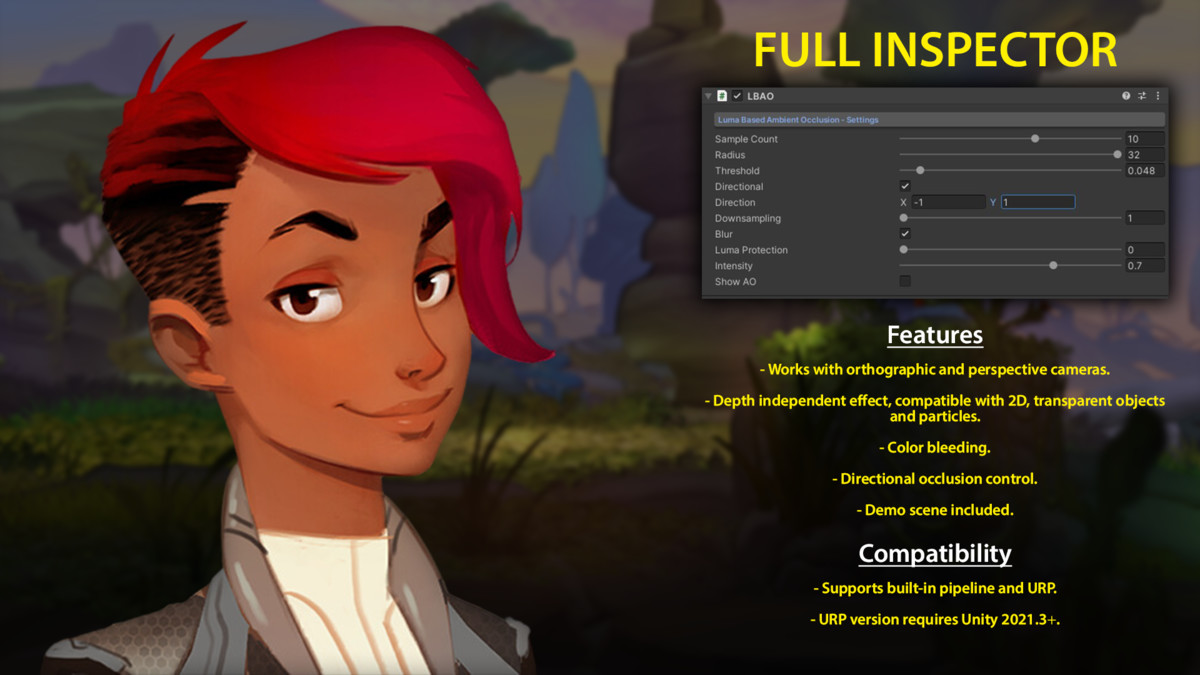
- Works with orthographic and perspective cameras.
- Depth independent effect, compatible with 2D, transparent objects and particles.
- Color bleeding.
- Directional occlusion control.
- Demo scene included.
Compatibility
- Supports built-in and URP pipelines, including Render Graph.
- Supports Unity 2023.3 and Unity 6.
Usage
To use this effect:
- In built-in pipeline, just add LBAO script to your main camera and customize its parameters.
- In URP, add "LBAO Render Feature" to the 2D or Universal Renderer Feature list, select or create a global Volume in your scene and add a LBAO to customize the settings as you like.
📖 Documentation | 💬 Support | 🎬 YouTube
Technical details
- Latest version
- 6.0
- Updated
- Jan 24, 2026
- Unity
- 2022.3+
- Pipelines
- URP
- Category
- Post-Processing