Highlight Plus 2
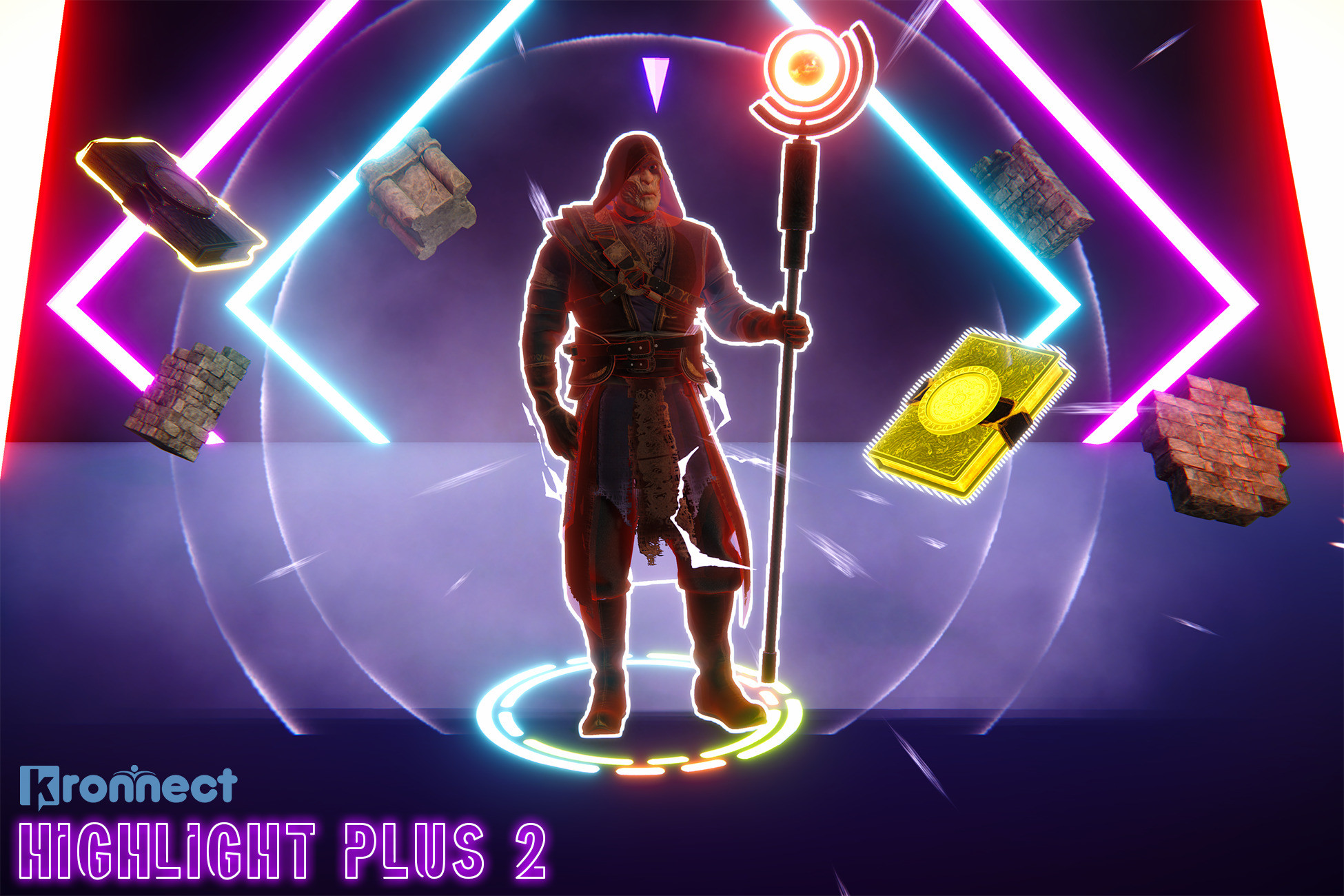
Make any object, character or sprite pop with crisp outlines, glows and see-through effects from a single script, no material or shader changes.
Version 34.4.2 · Updated Sep 17, 2026 · Unity 2022.3+
Secure checkout on our store. View cart
Key Features
Videos & Screenshots
 VIDEO
VIDEO 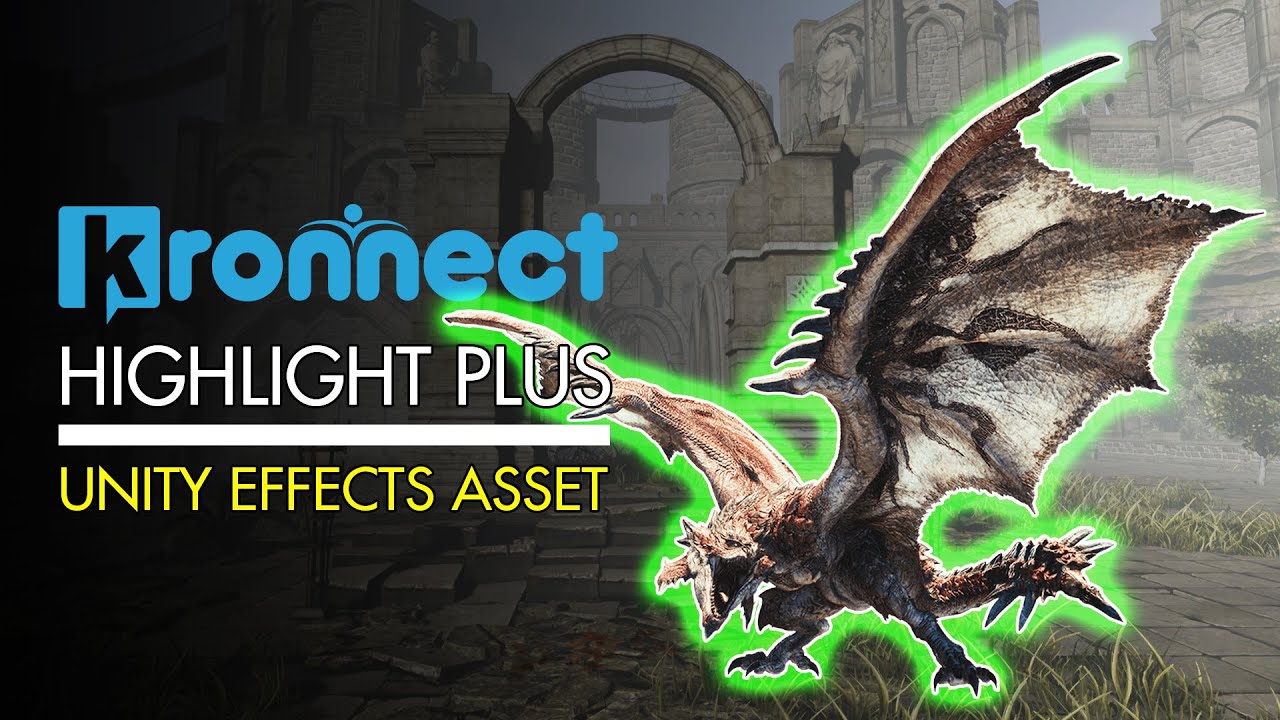 VIDEO
VIDEO 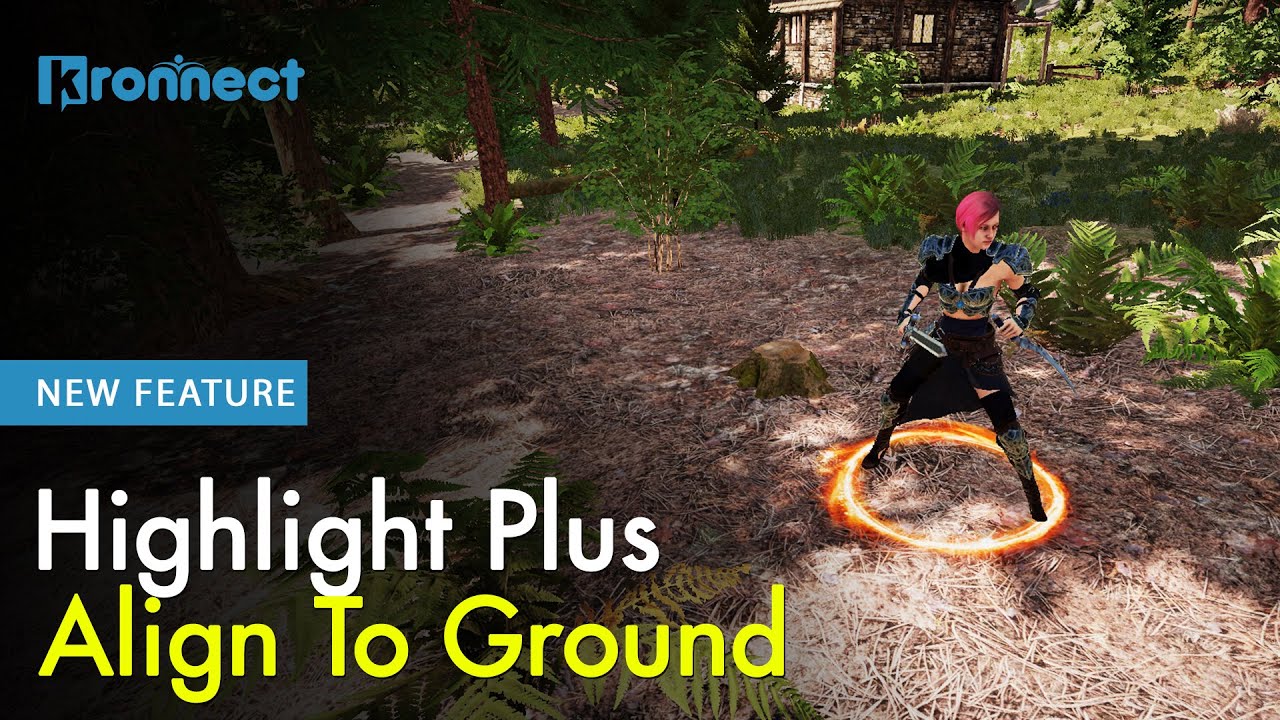 VIDEO
VIDEO  VIDEO
VIDEO 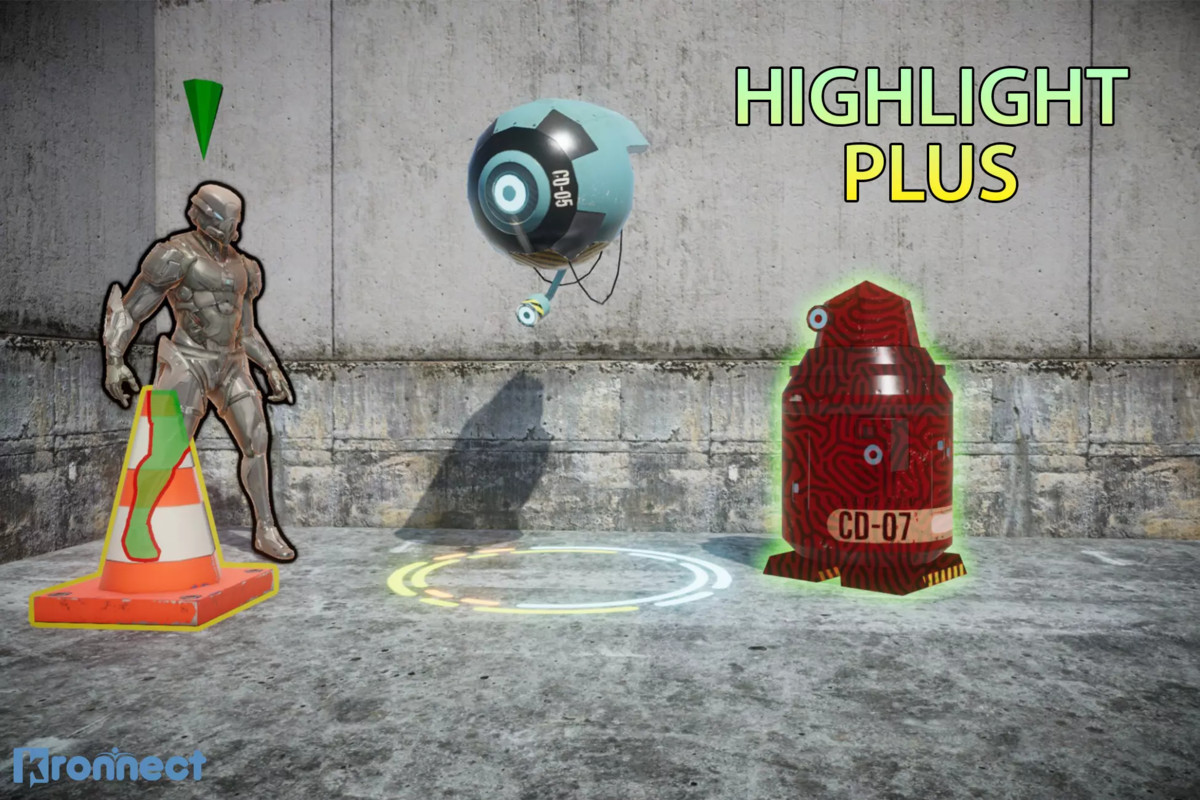
About Highlight Plus 2
Make any object, character or sprite instantly pop with crisp outlines, glows and see-through effects, all from a single script and without touching your materials or shaders.
Highlight Plus 2 is the definitive highlighting solution for Unity: fast, cross-platform and designed to drop into any project. Combine multiple effects on one object or thousands, preview them live in the Editor, and ship to mobile, desktop, WebGL and VR.
👉 Try it live in your browser: Web Demo.
Powerful Visual Effects
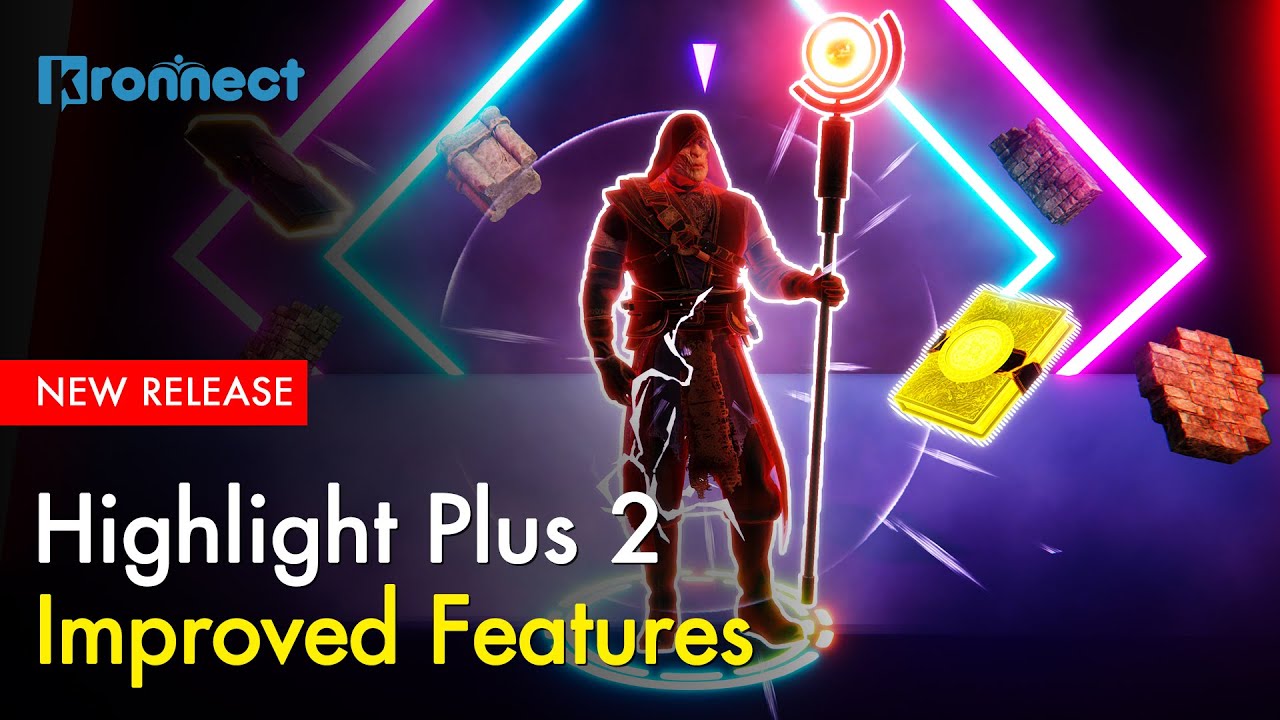
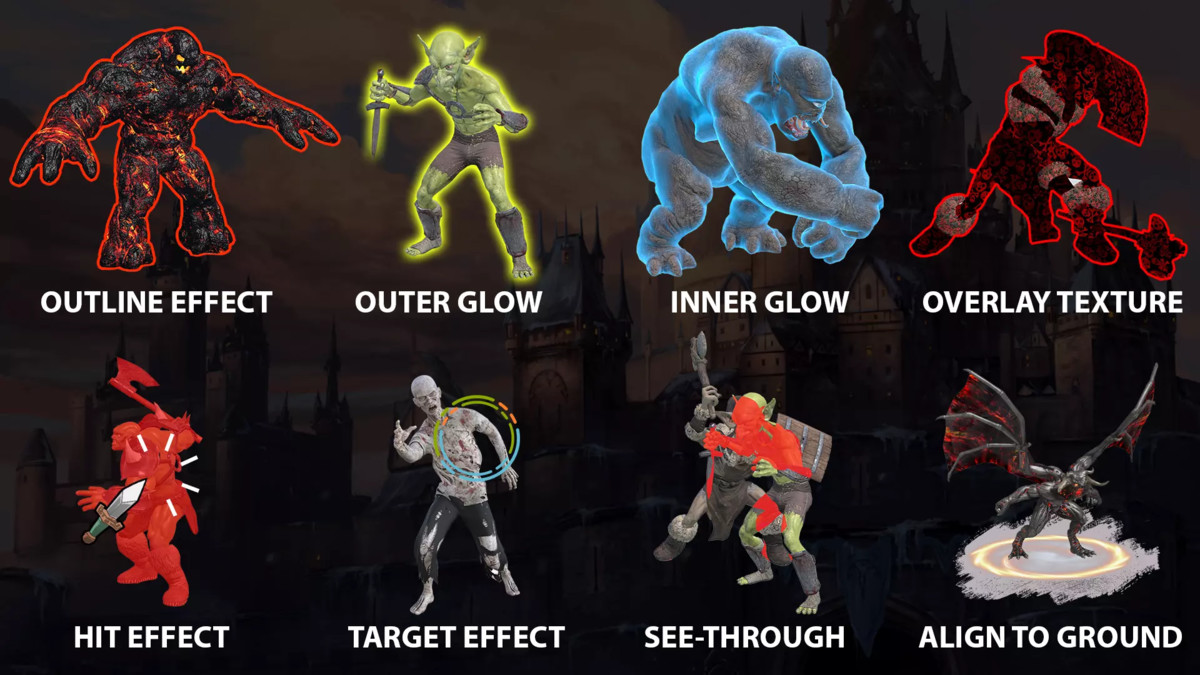
Combine multiple effects on single or multiple objects using a single, efficient script:
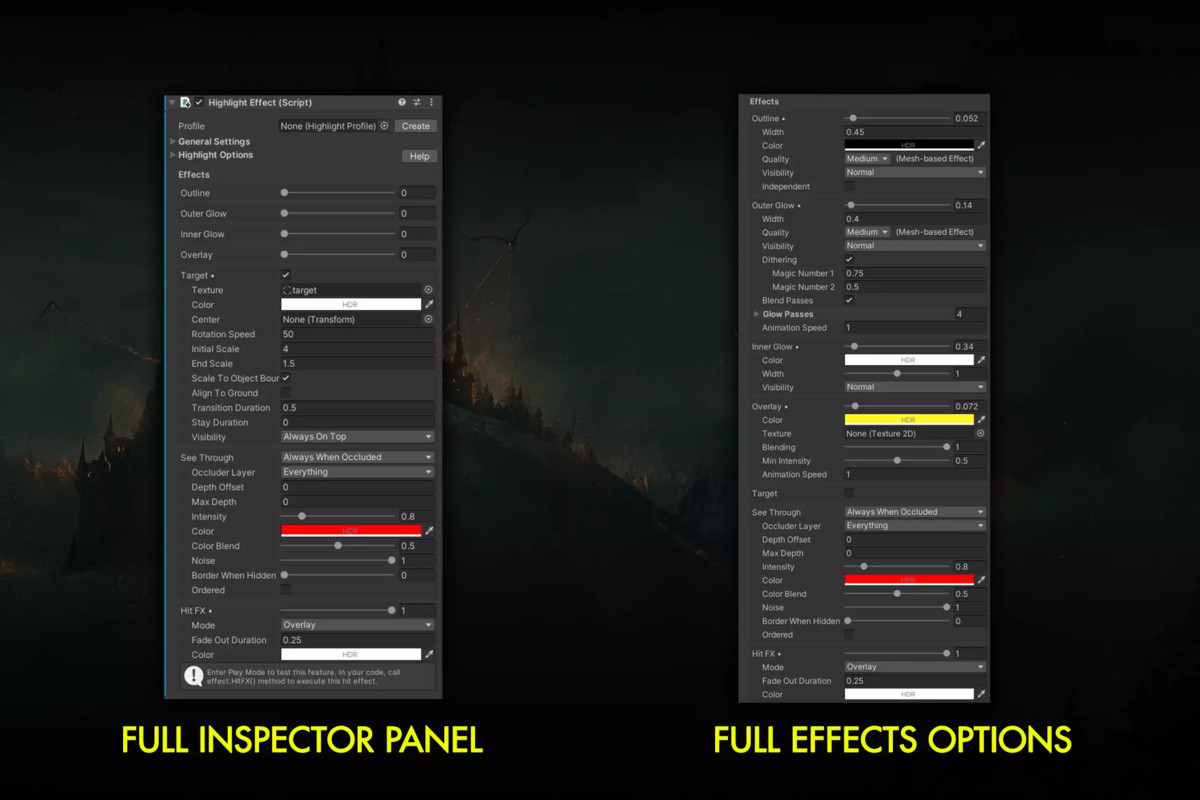
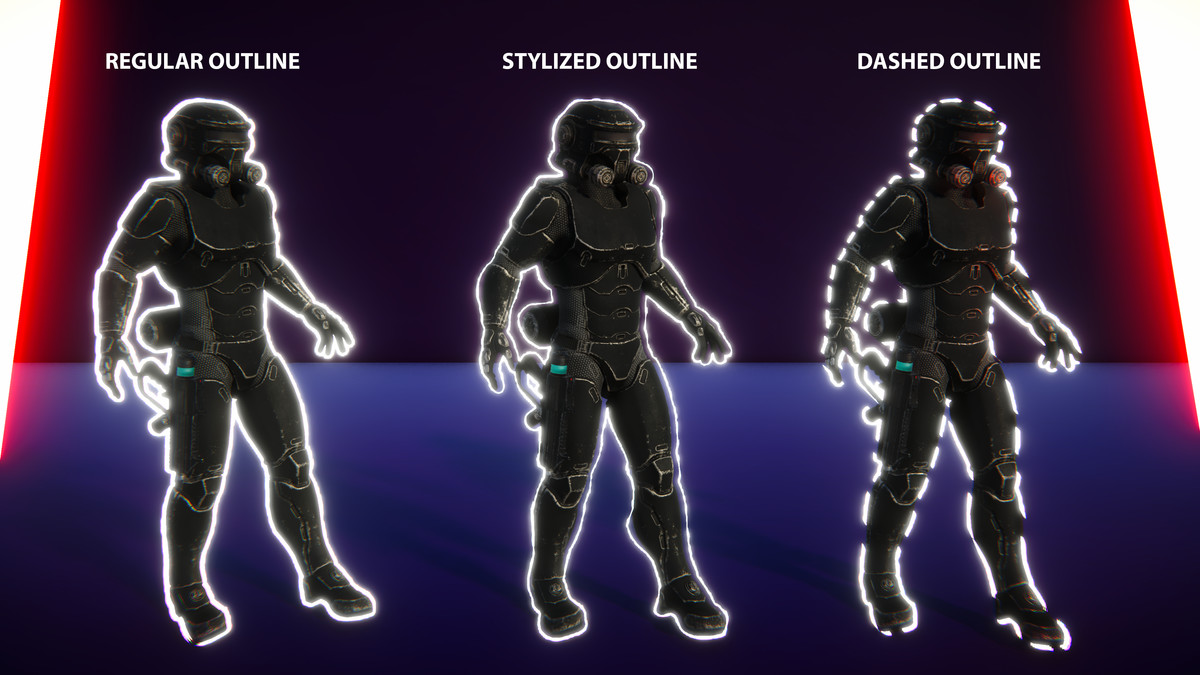
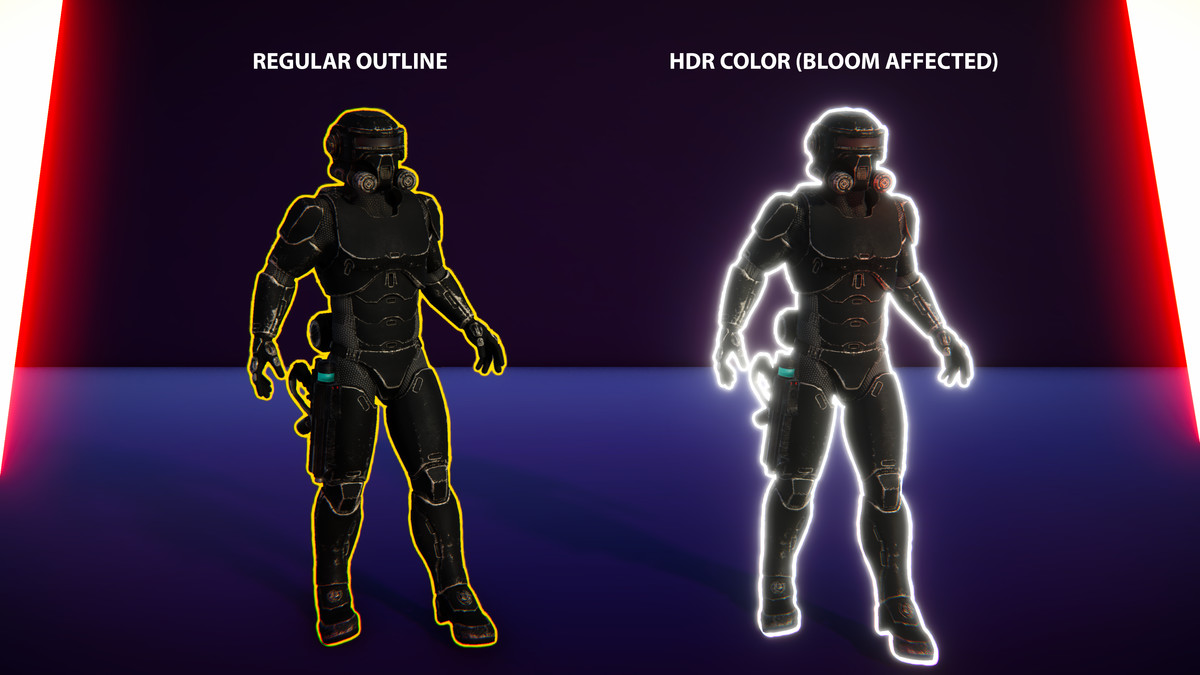
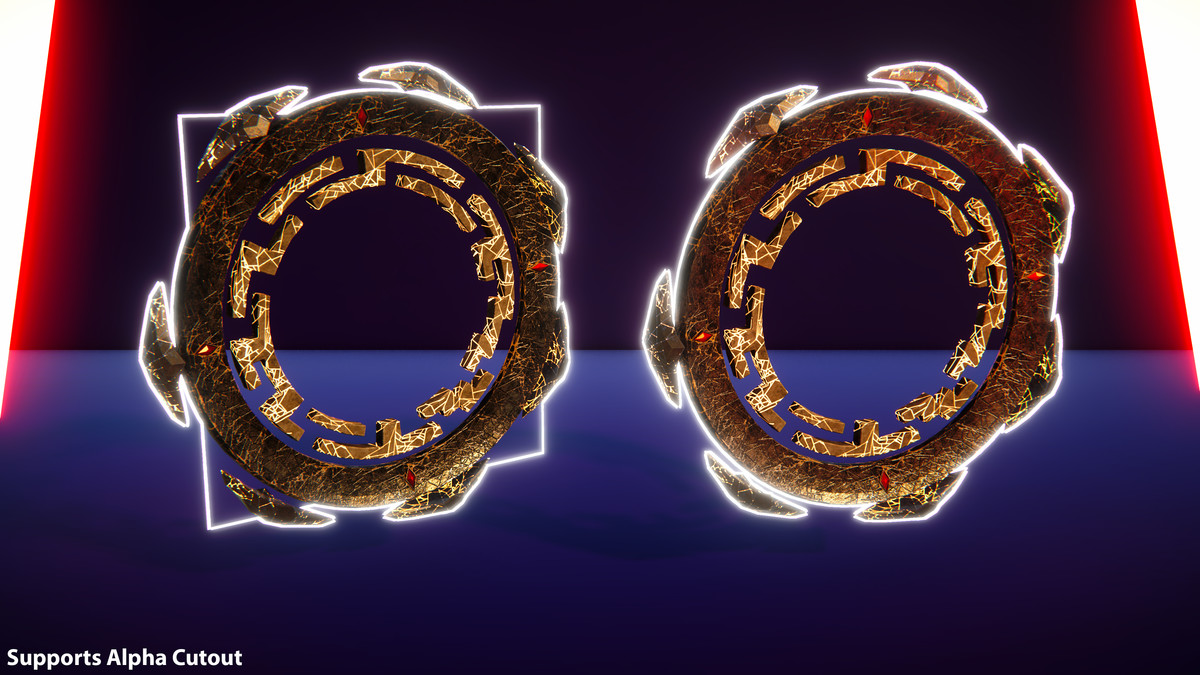
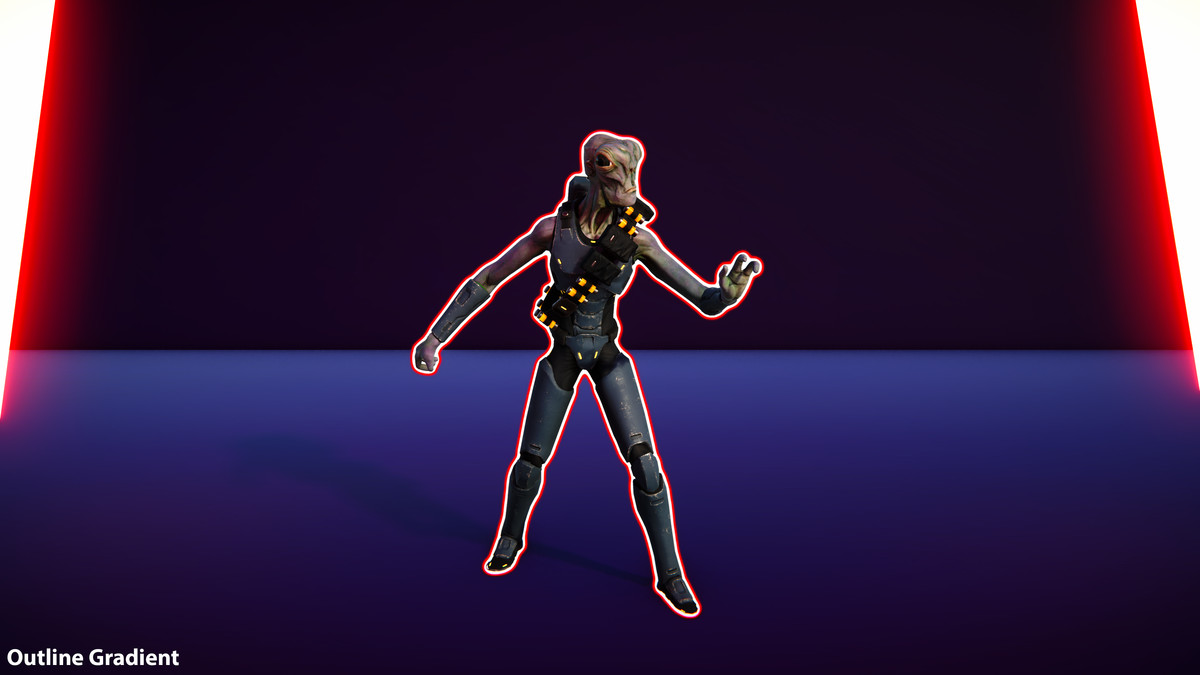
- Outline: Four quality levels with mesh-based instanced rendering and optimized screen-space options. Customize color, alpha, width, gradient, padding, and visibility (normal, always in front, or behind).
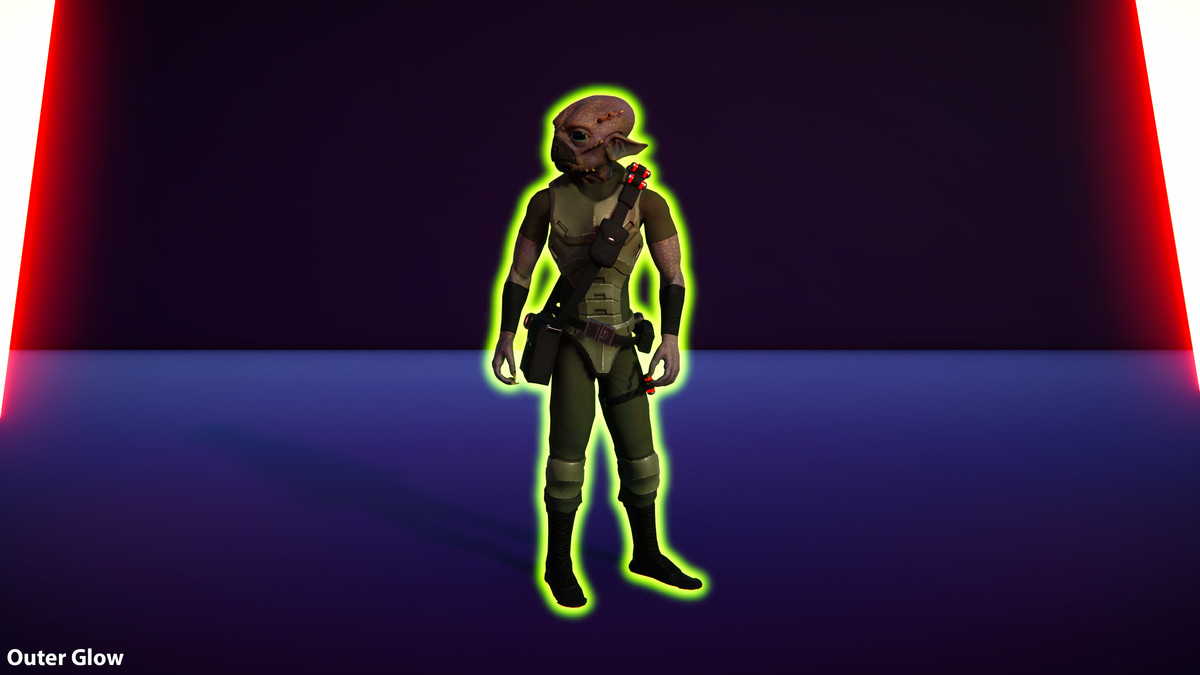
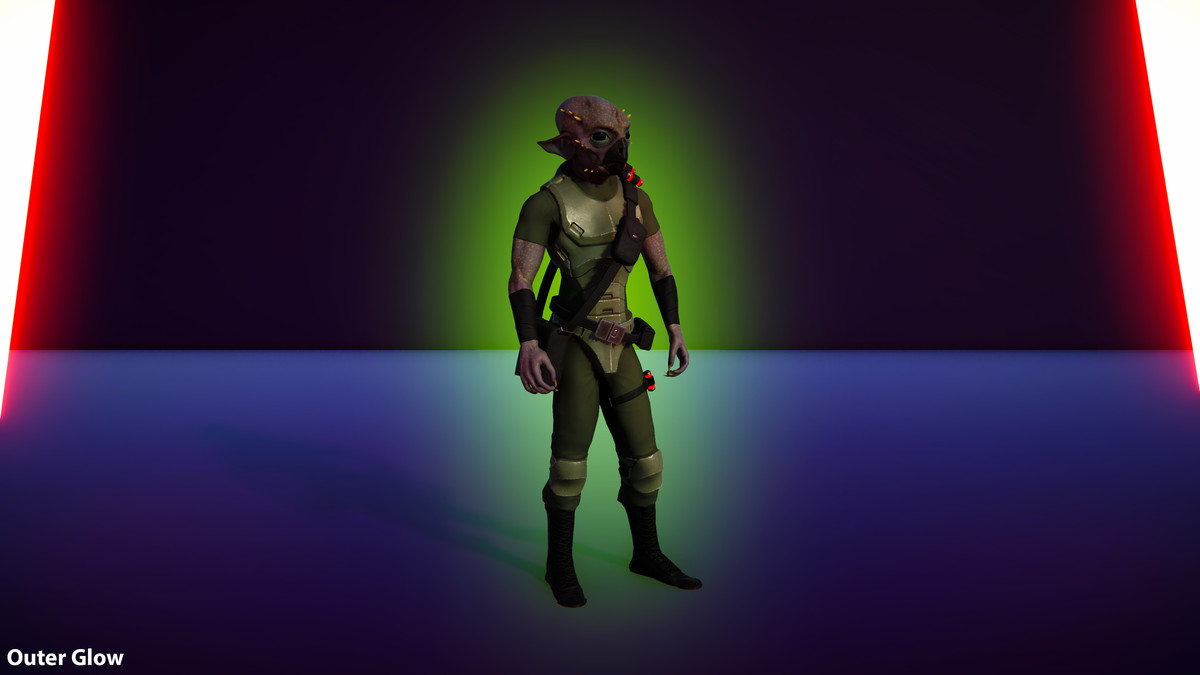
- Outer Glow: Per-object bloom and aura effects with four quality levels, customizable visibility, noise/dither, animation, and blending.
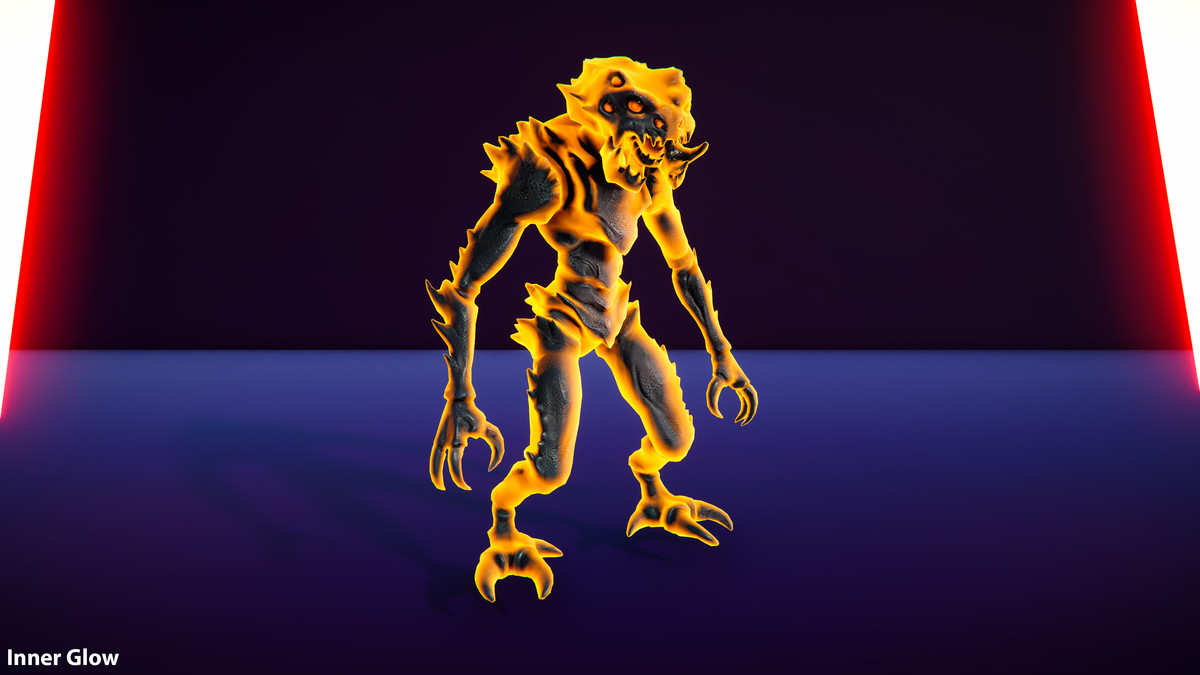
- Inner/Rim Glow: Adjustable color, width, intensity, and blend modes for vibrant effects.
- Focus: dims, blurs and desaturates the surrounding scene, drawing attention to the highlighted object.
- Overlay: Apply color or textured overlays with flexible UV mapping, alpha, animation speed, and custom blending.
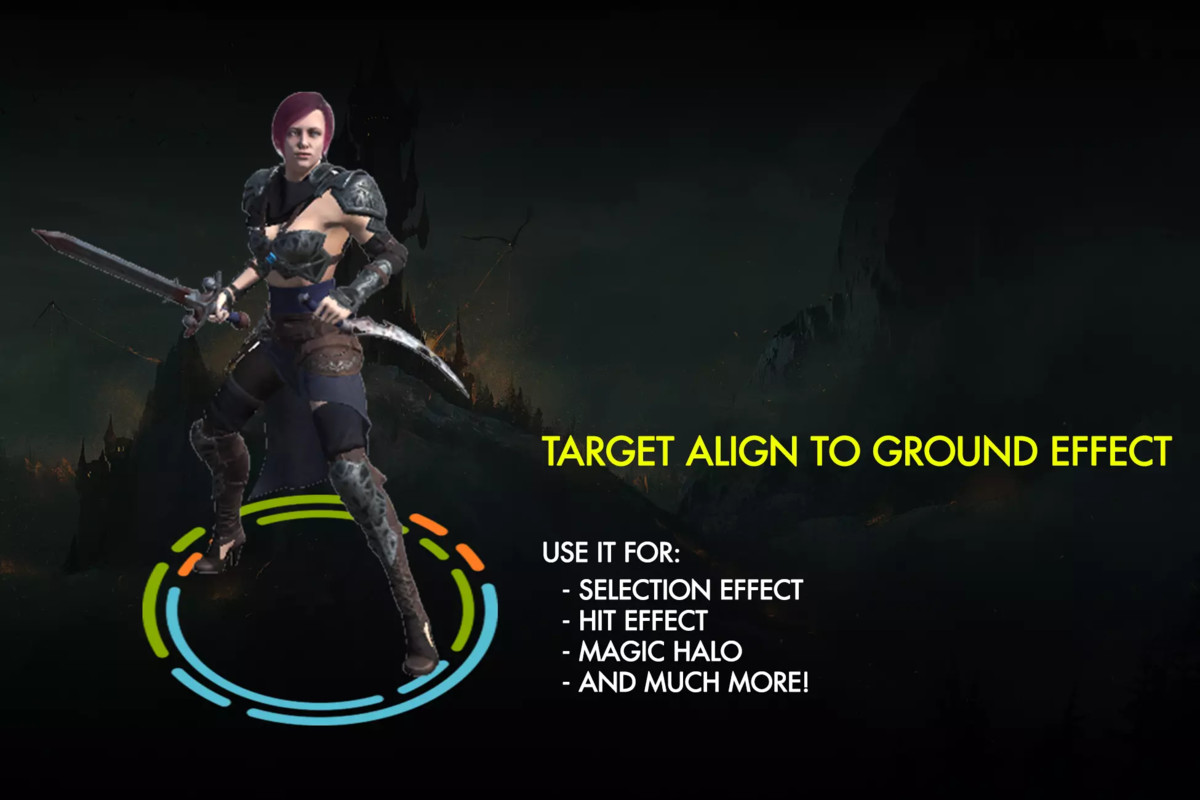
- Target: Add aiming indicators or special markers to specific parts of any GameObject, with customizable textures, procedural shaders, and styles like antialiased frames, crosses, or corners.
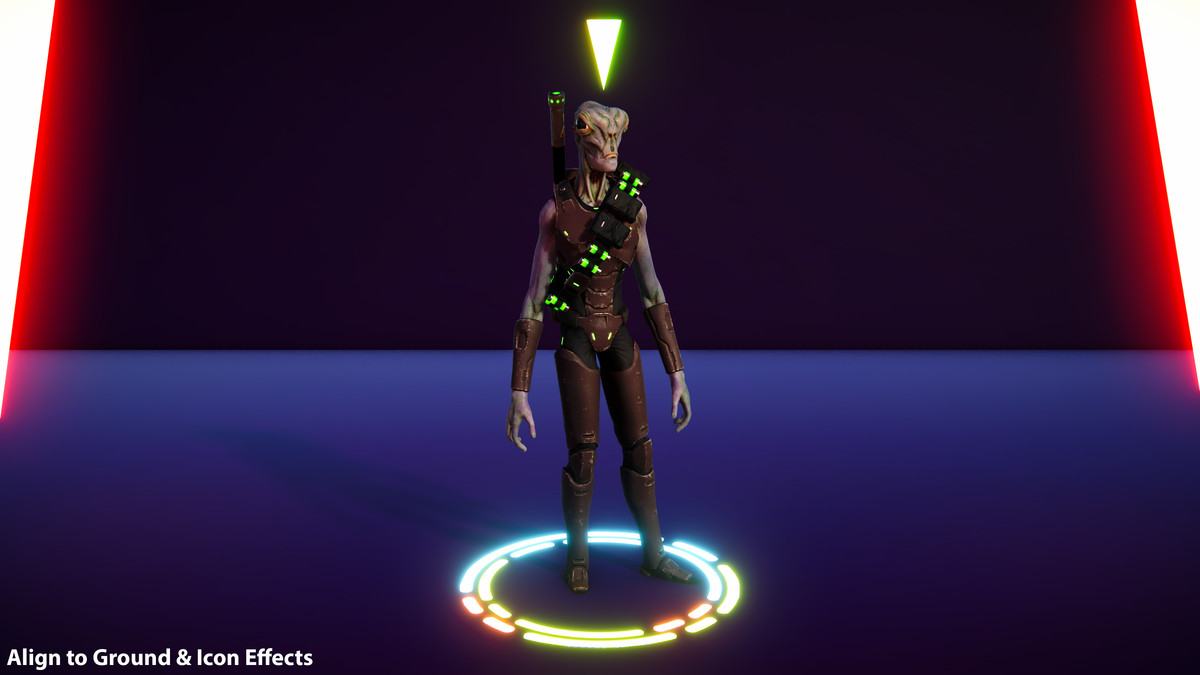
- Area of Effect: Ground-aligned animated graphics under objects or characters, perfect for decals.
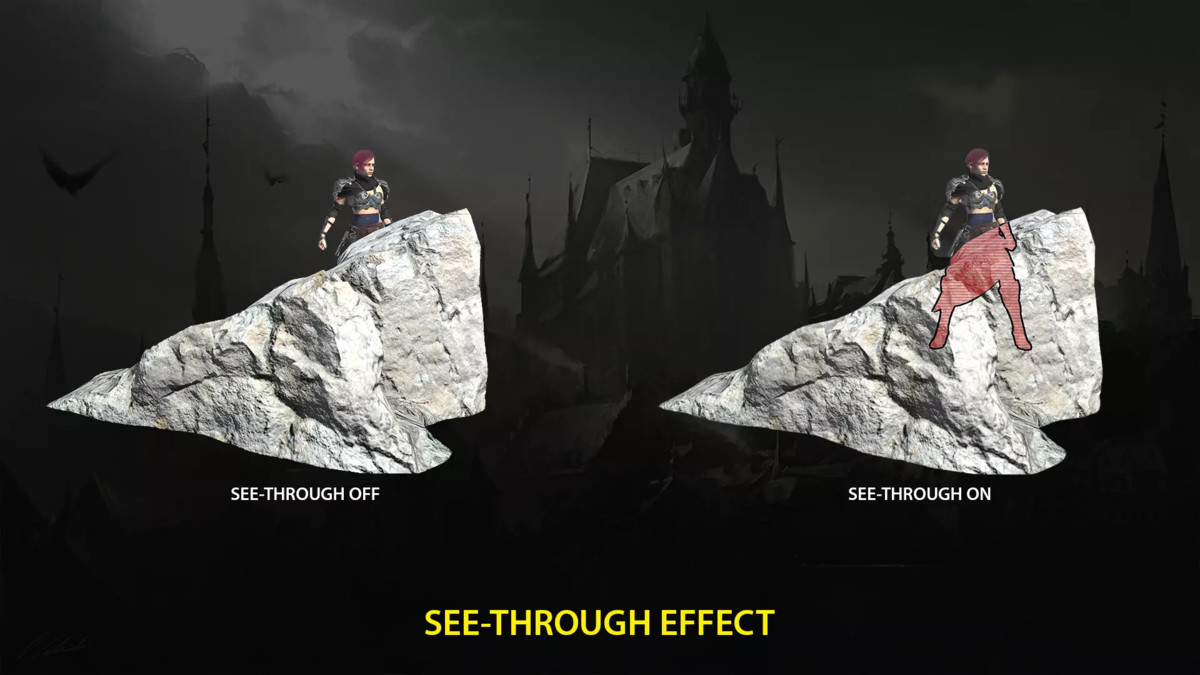
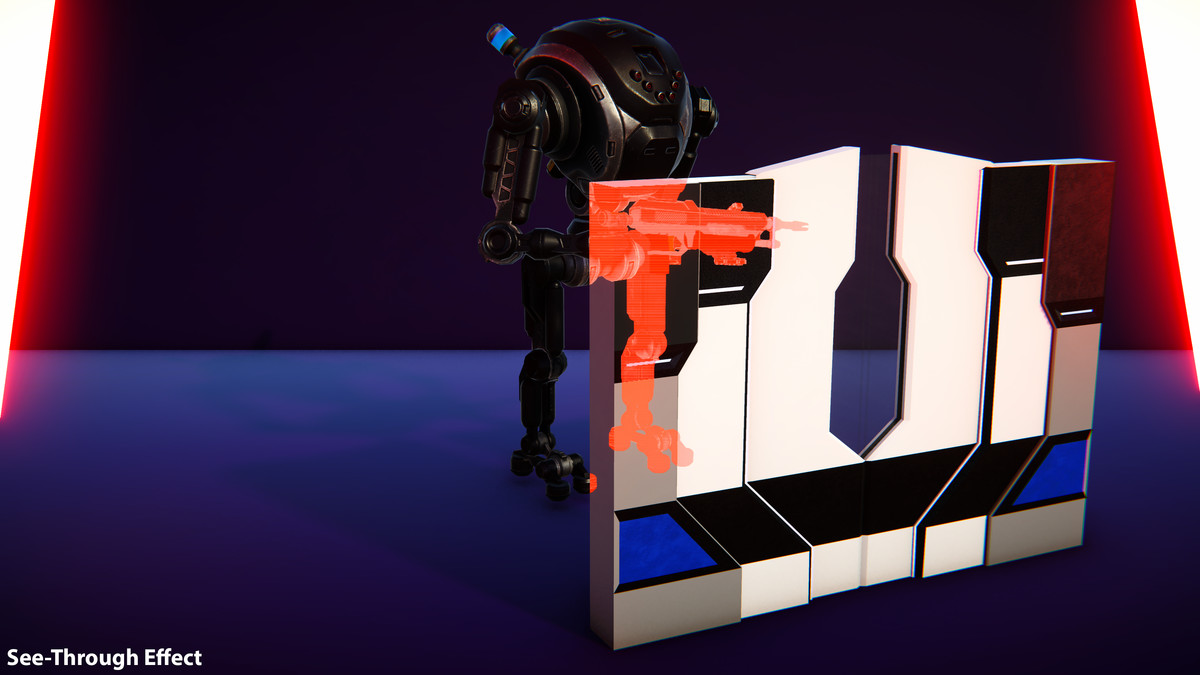
- See-Through: Reveal occluded objects or characters with customizable intensity, tint, alpha, and optional colored borders, preserving correct depth.
- Icon: Display floating or bouncing icons above highlighted objects with gradient and rotation options.
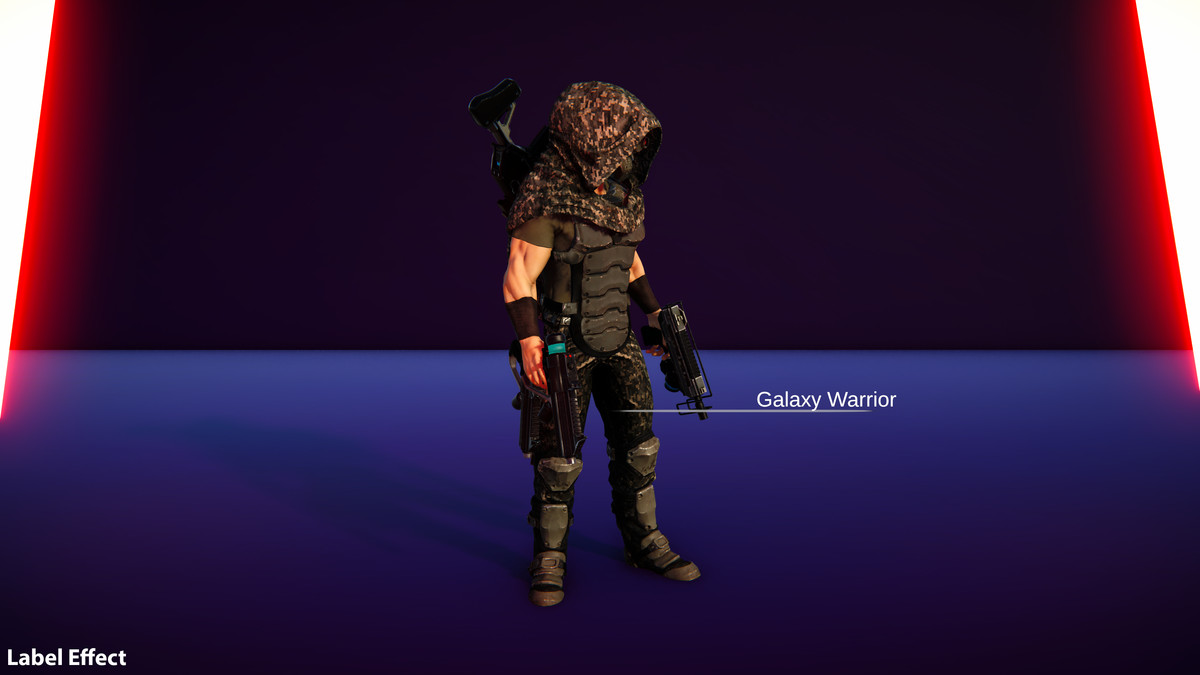
- Label: Show dynamic information, like object names, next to highlighted targets.
- Hit/Flash Effect: Three variations with customizable color, intensity, and fade-out duration.
Key Features
- Instant Preview: Test effects directly in the Unity Editor without entering Play Mode.
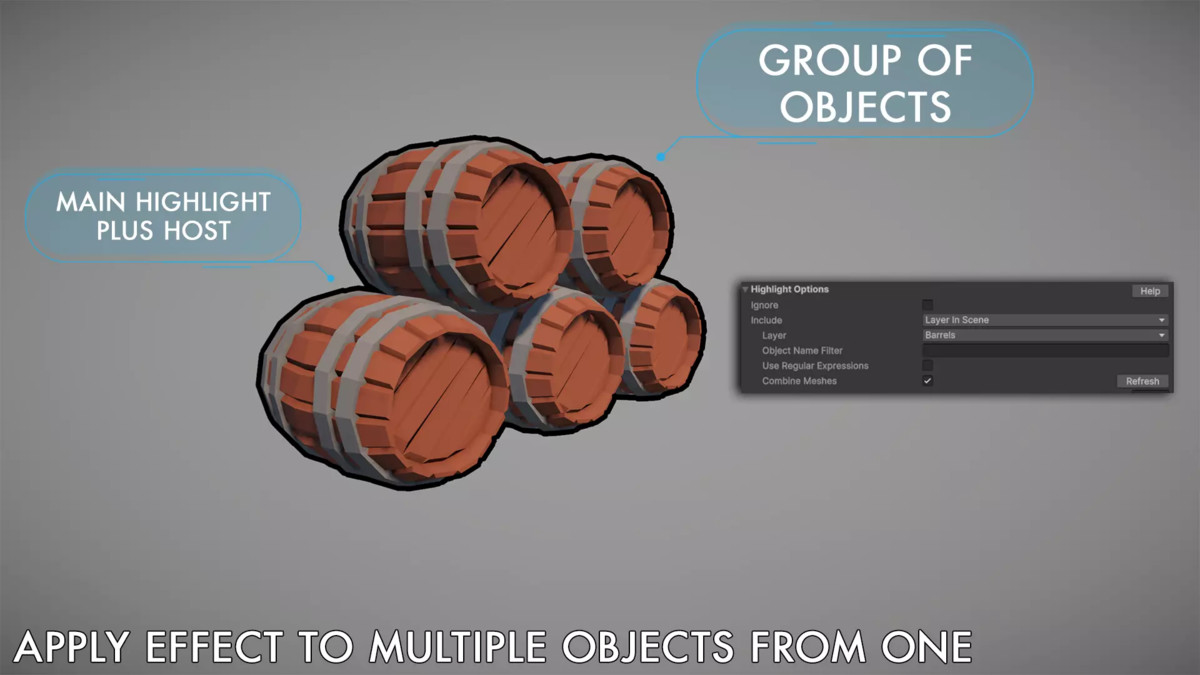
- Flexible Control: Highlight individual objects, groups, or use automatic mode with layer-based triggering.
- Trigger Options: Activate via volumes, Highlight Managers, or C# scripting.
- Performance Optimized: Avoids full-screen image effects and preserves object materials, shaders, and meshes.
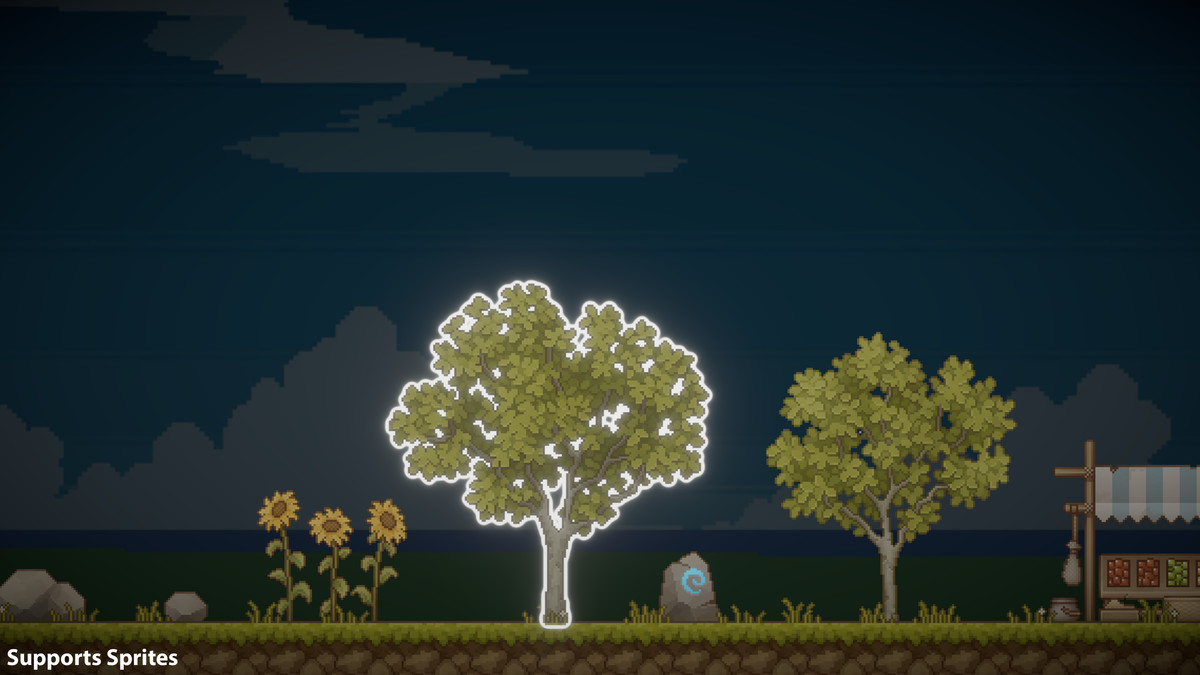
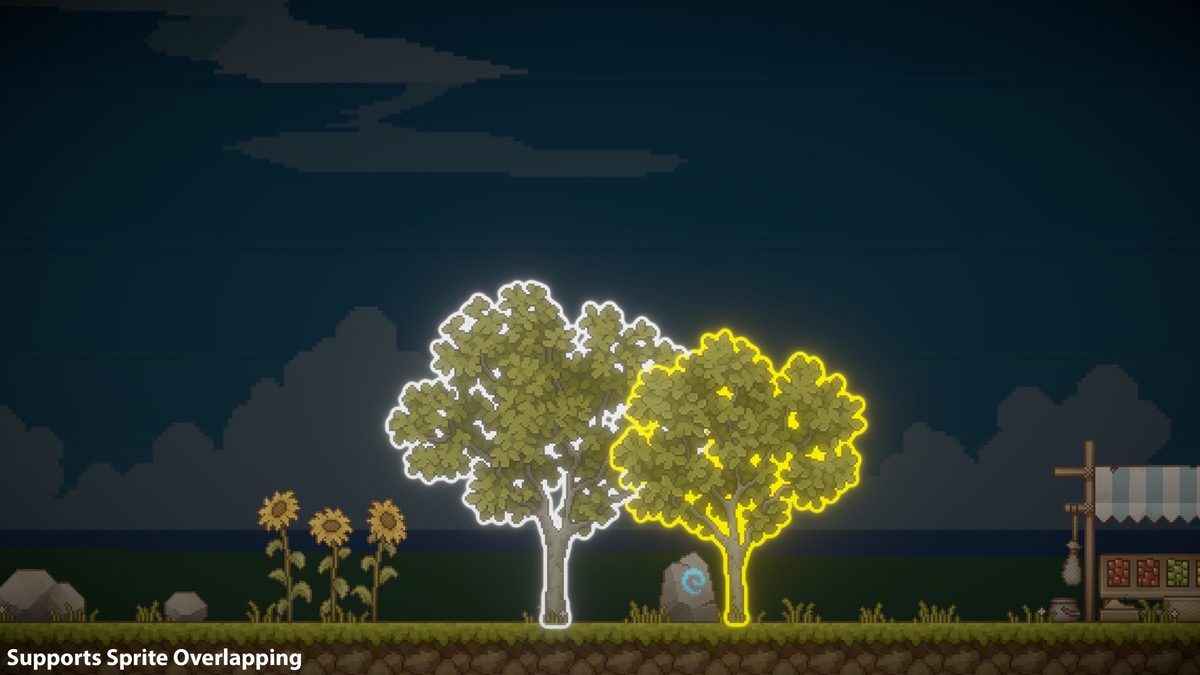
- Versatile Compatibility: Supports 3D objects, skinned meshes, LOD groups, sprite renderers and particle systems, and both orthographic and perspective cameras.
- Advanced Features: Includes fade in/out, camera distance fade, reusable profiles, ordered see-through, and multi-object selection with Highlight Manager.
- Safe and Scalable: Excludes specific submeshes and works seamlessly with multiple cameras and Unity’s Render Graph.
Compatible with Unity 2022.3, and Unity 6.
Components and Usage
Highlight Plus 2 is versatile and easy to integrate:
- Single Component: Attach to any object, character, or sprite for full control via Inspector or C#.
- Highlight Managers: Automate effects with Highlight Trigger or manage multiple objects with Highlight Manager.
- Comprehensive API: Full C# source code included for advanced customization.
Related Assets
- Included in the Ultimate Bundle.
- For sprite-only highlighting, check out Highlight Plus 2D.
Enhance your Unity projects with Highlight Plus 2 -- download now for stunning visuals made simple!
📖 Documentation | 💬 Support | 🎬 YouTube
Technical details
- Latest version
- 34.4.2
- Updated
- Sep 17, 2026
- Unity
- 2022.3+
- Pipelines
- Built-in, URP
- Category
- Visual Effects