Compass Navigator Pro 4
A complete compass, mini-map and radar HUD for adventure, RPG and exploration games, now with route wayfinding and save/load state, plus POIs, fog of war and scan effects. Built-in, URP and HDRP.
Version 6.0.4 · Updated Sep 4, 2026 · Unity 2022.3+
Secure checkout on our store. View cart
Key Features
Videos & Screenshots
 VIDEO
VIDEO 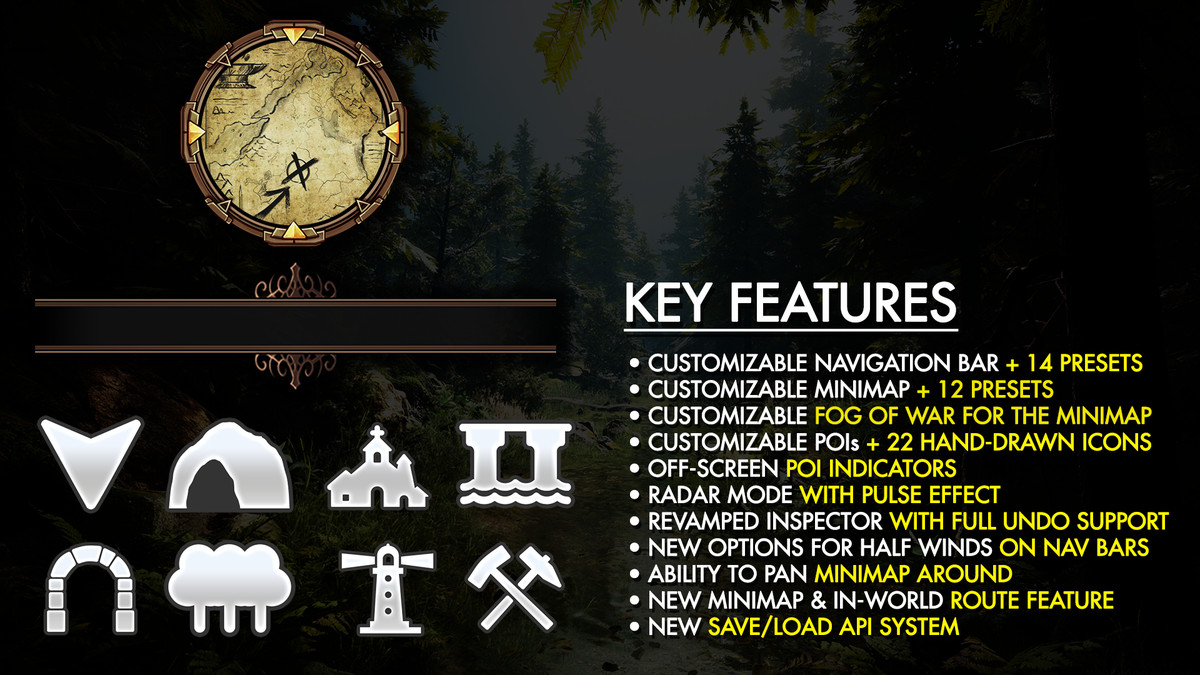
About Compass Navigator Pro 4
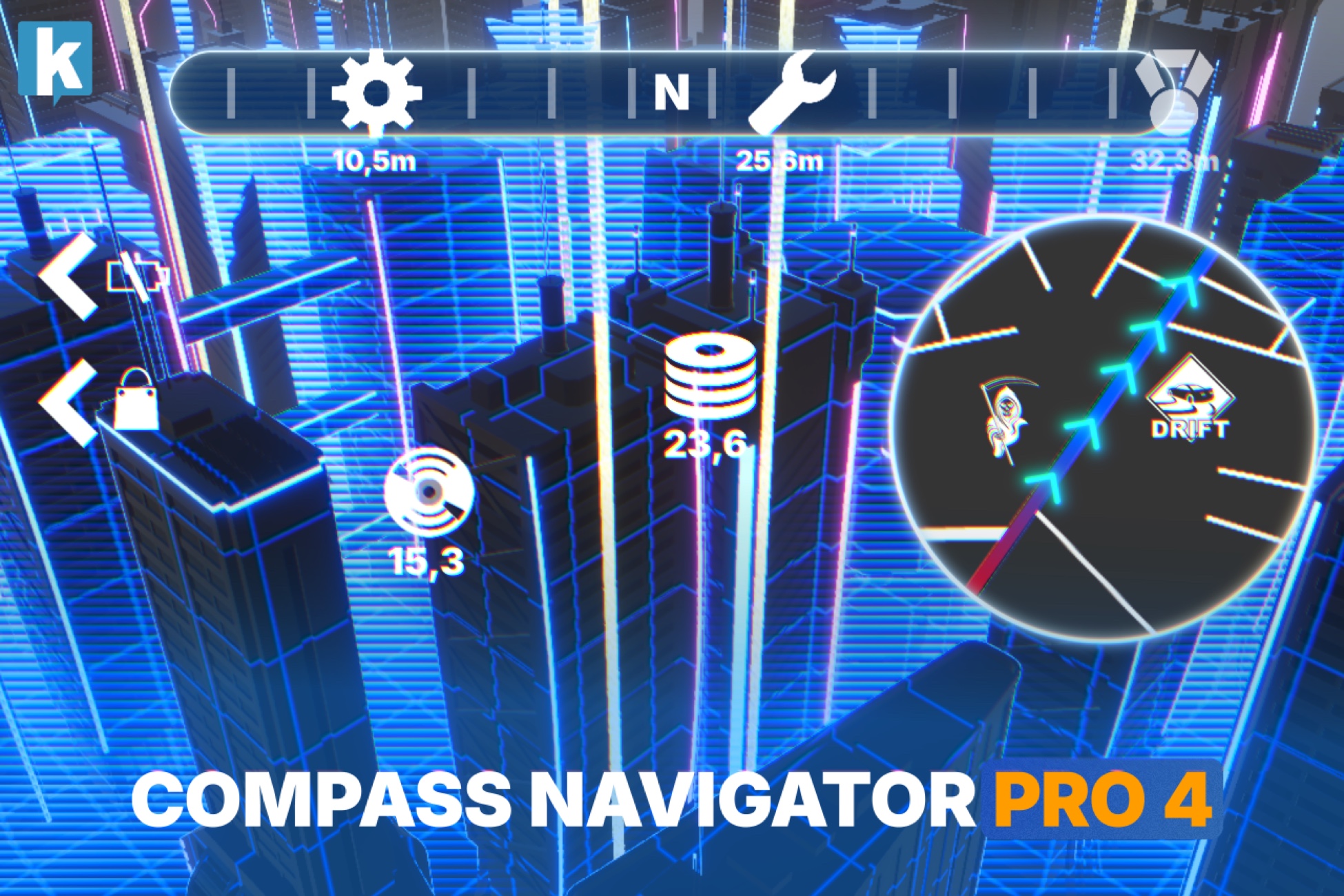
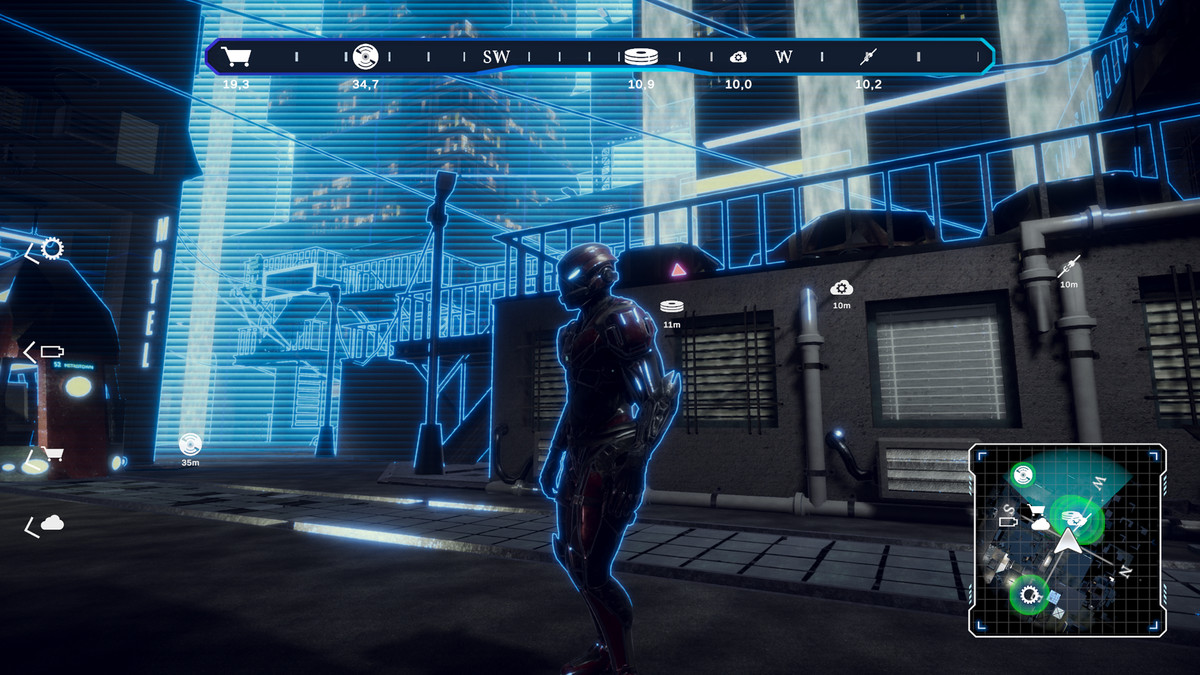
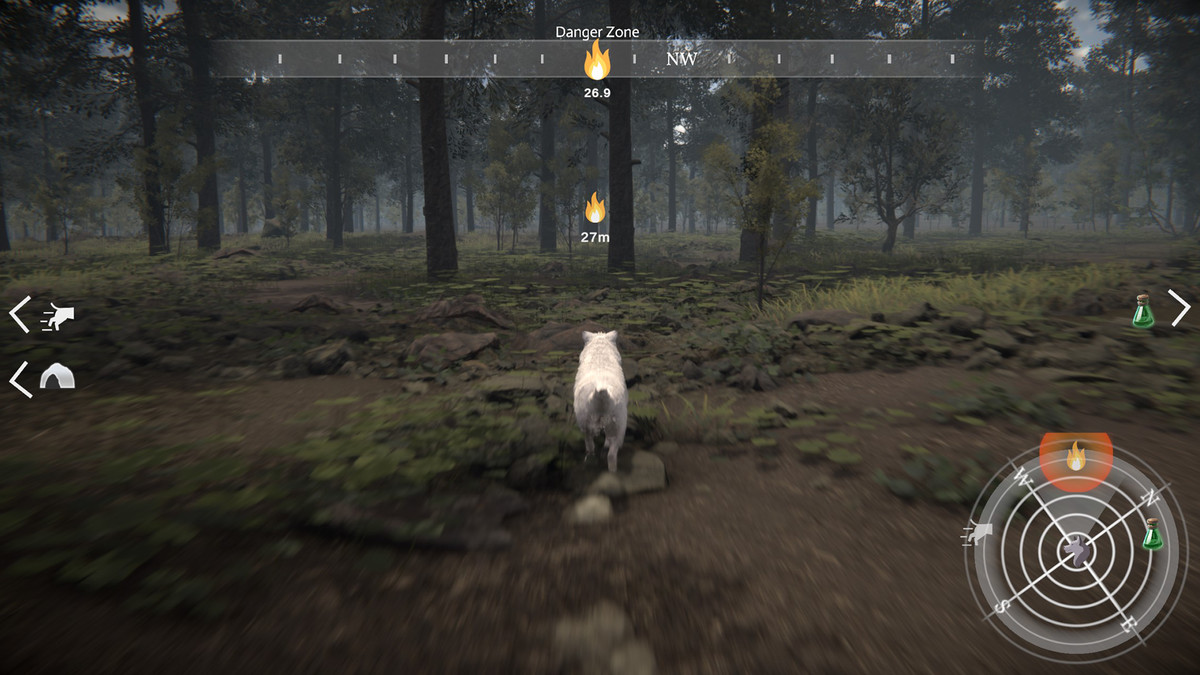
Compass Navigator Pro 4 is a complete and powerful UI navigation system for adventure, RPG and open-world games: a fully customizable compass bar, a live mini-map with fog of war and radar, on/off-screen POI indicators, and a new animated Route system that guides players straight to their destination.
Drag the prefab into your scene, customize everything from one centralized inspector, and you're ready to go.
★ New in version 4:
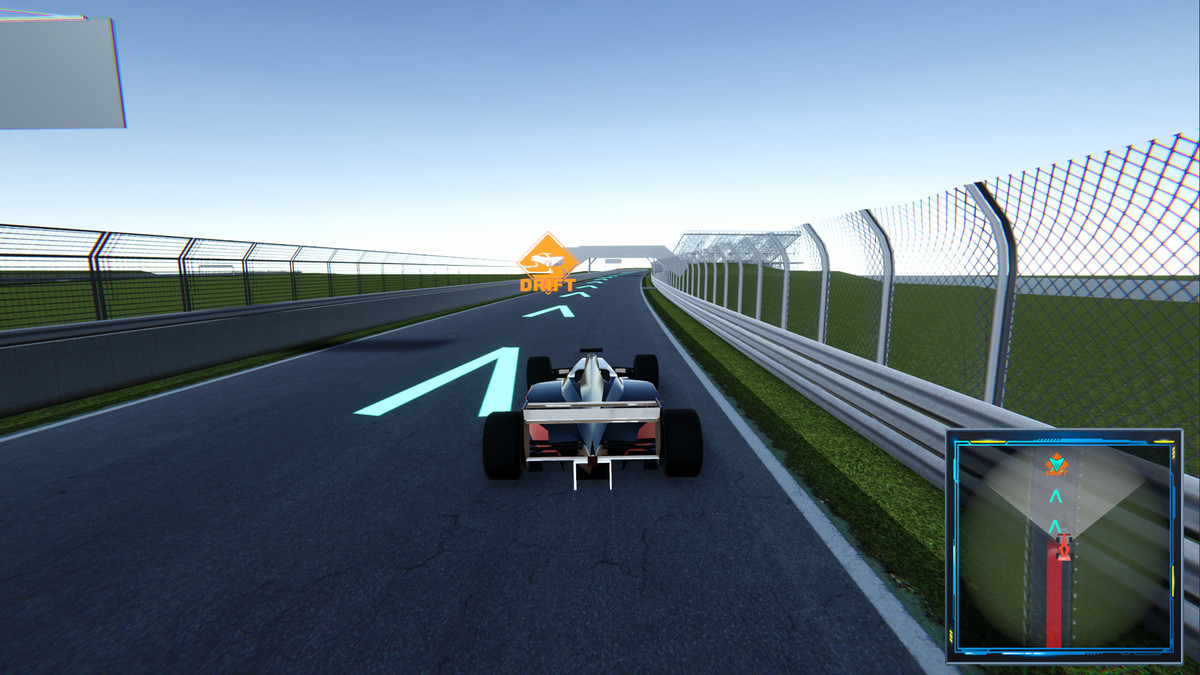
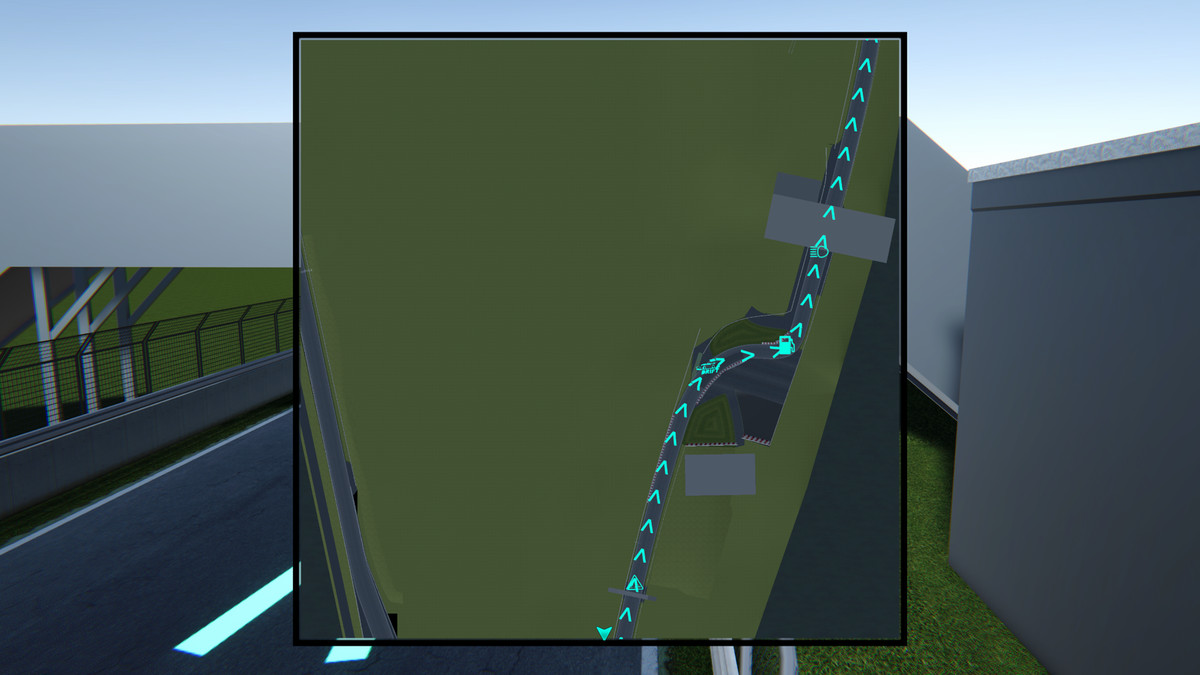
- Route system: draw an animated, guided path to any destination, shown on the mini-map, projected as a holographic line in the 3D world, and as a directional cue on the compass bar. Provide waypoints from script, the inspector, or Unity's NavMesh.
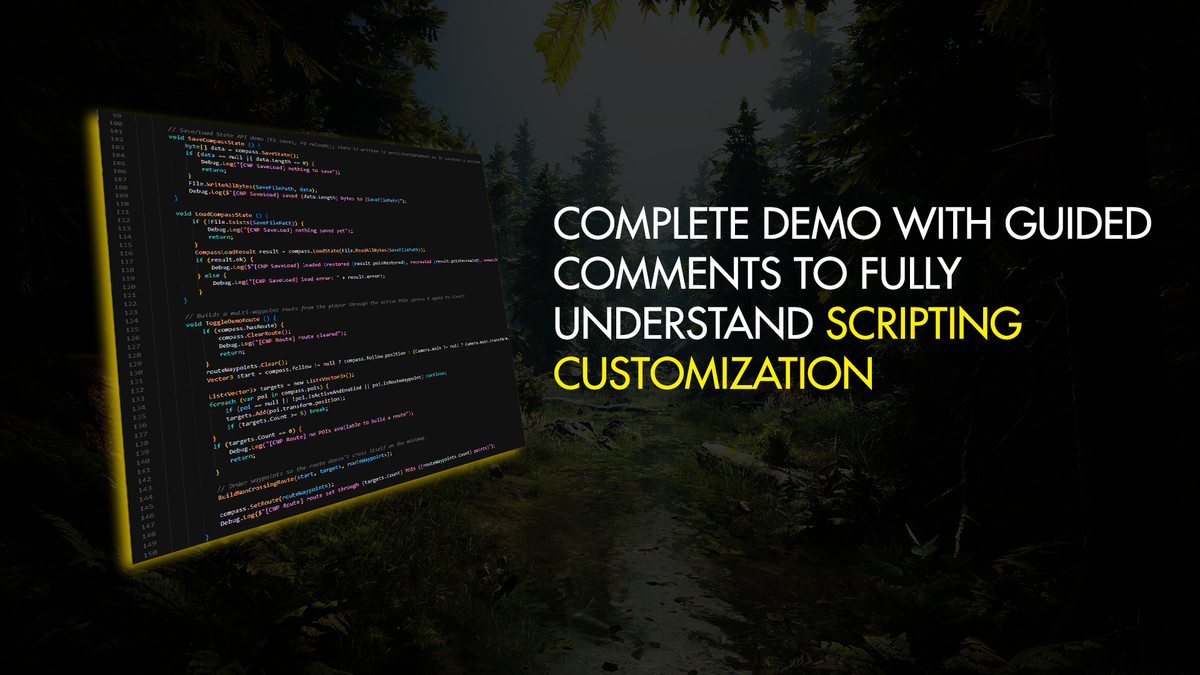
- Save / Load State: persist fog of war, the active route, visited and runtime POIs and the mini-map view into your own save files, and restore them instantly.
- Up to 4 compass instances: independent compasses, each with its own screen viewport and POI groups, for split-screen multiplayer and multi-camera setups.
- More control: global "Show POIs" toggles, new creation events (compass bar / mini-map / indicators) and virtual methods for easy subclassing.
UI Features Included:
- Compass Bar.
- Mini-map with fog of war and full-screen mode.
- Radar system with accurate ring distance.
- Animated Route & waypoint guidance (mini-map + in-world + compass cue).
- Target and off-screen indicators with anti-overlap system.
- Beacon/heartbeat effects.
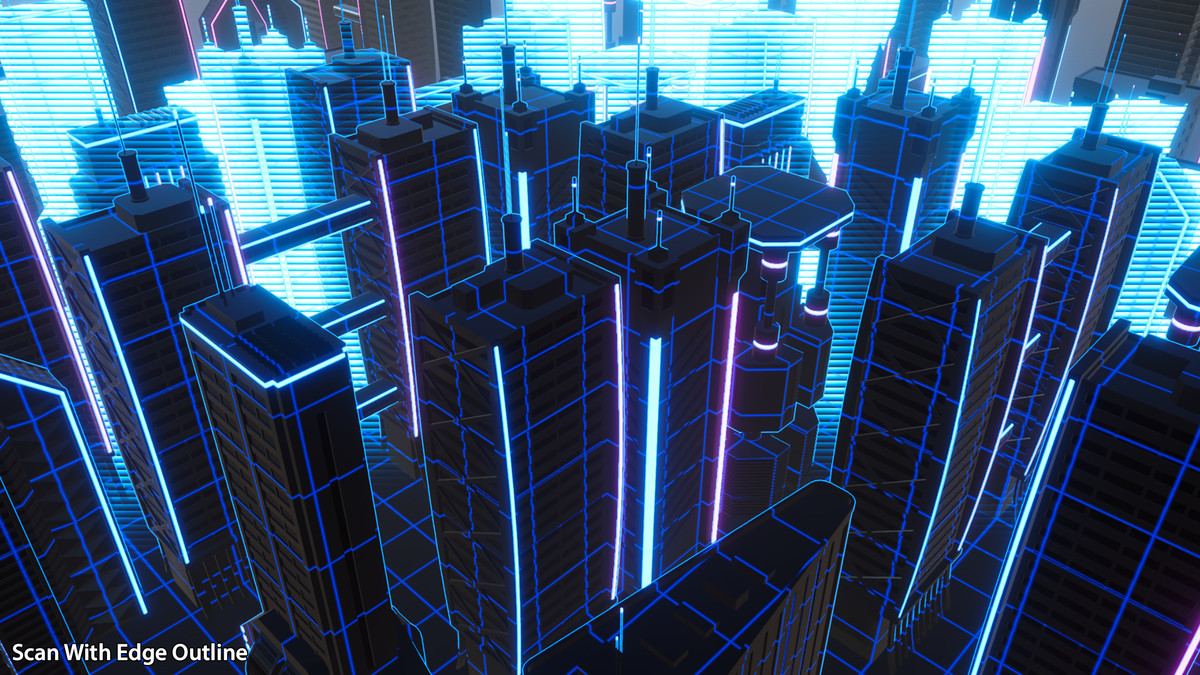
- World scan effect.
Other Key Features:
- Easy to use: drag & drop the Compass Navigator prefab to your scene and you're ready to go. Enable and customize features from a centralized inspector. Add POIs (points of interest) to any location or gameobject by adding the Compass Pro POI component. You can customize specific options for each POI.
- Complete with powerful options: every component comes with many extra options to give your UI a professional look, from curved compass bar to cone of view and LUT/color grading controls in your mini-map and much more.
- Interactive: includes many game-ready features such as an interactive mini-map (click or hover on POIs, enter full-screen map mode, zoom/pan around).
- Route guidance: guide the player to any point or POI with a point-to-point line or a full NavMesh-computed path, with travelled-part coloring and an auto-managed next-waypoint cue.
- Save / Load State: capture and restore the compass runtime state (fog of war, route, visited & runtime POIs, mini-map view) into your own save system.
- Split screen / multiple instances: run up to 4 compass navigator instances in the same scene, each with its own viewport and POI groups.
- Event system to react to location discovery, icons appearing/disappearing on the compass or mini-map, mouse over/clicks on mini-map icons, and more.
- Area of Interest: let the asset focus on POIs within a certain distance and avoid performance issues when handling thousands of POIs.
Route (New in v4)
Guide your players without taking over your UI. Provide a destination and Compass Navigator Pro draws and animates the rest.
- Renders on three surfaces at once: an animated polyline on the mini-map, a holographic line projected on the ground in the 3D world, and a directional cue on the compass bar.
- Set routes from script (point list, or direct line to a position/POI), author them in the inspector as waypoints, or compute them automatically with Unity's NavMesh.
- Animated styles (marching ants, dots, arrows, dashes or solid), custom textures, flow speed and corner smoothing.
- Travelled-part coloring, auto-advance through waypoints, per-waypoint markers and optional in-world billboards.
Compass Bar
Includes 14 ready-to-use designs: rounded, angled, celtic black and white, 4 fantasy, 6 sci-fi, or just assign your own art in the inspector. Plus:
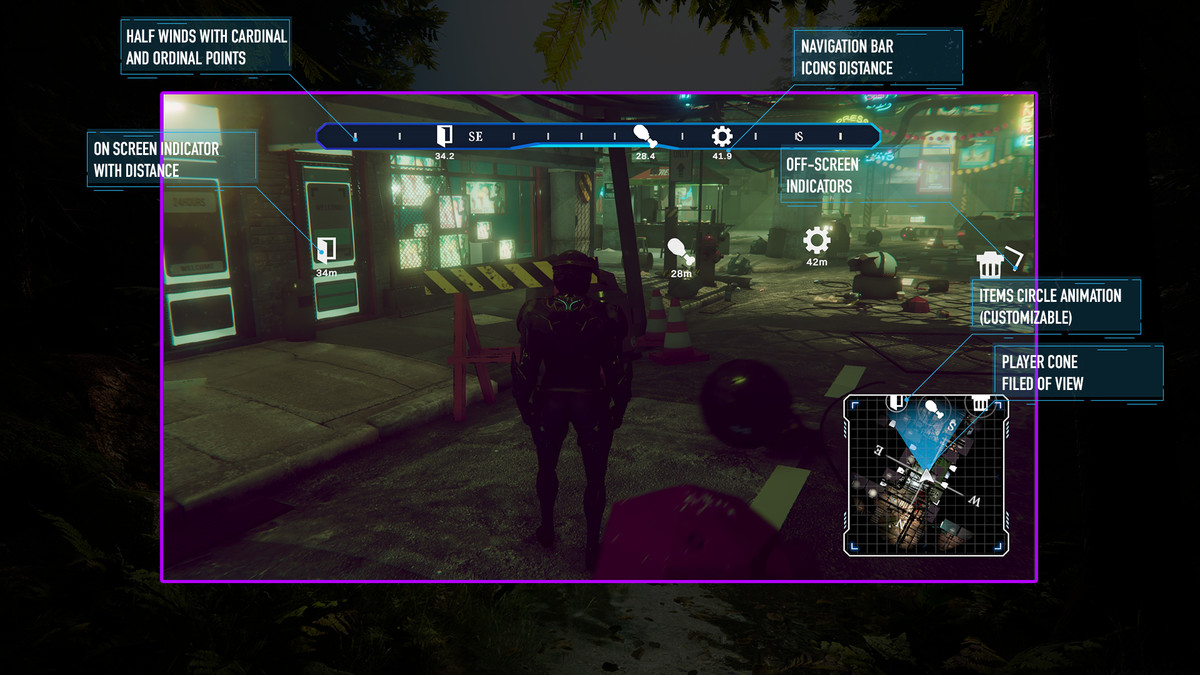
- 4 world-mapping modes: frustum, screen, 180 and 360 degree view.
- Customizable appearance: add your own art, adjustable position & size, supports bending (curved bars), edge fade out effect, alpha, automatic fade in/out.
- Supports cardinal and ordinal points plus procedural degree marks (ticks).
- High resolution icons with customizable behaviour (smooth fade in/out and scaling, visited vs non-visited icons, black and white variations).
- Can focus on one POI, making its icon always visible in the compass bar.
- Optional distance text under the POIs.
- Option to automatically hide the compass bar if no POIs are visible.
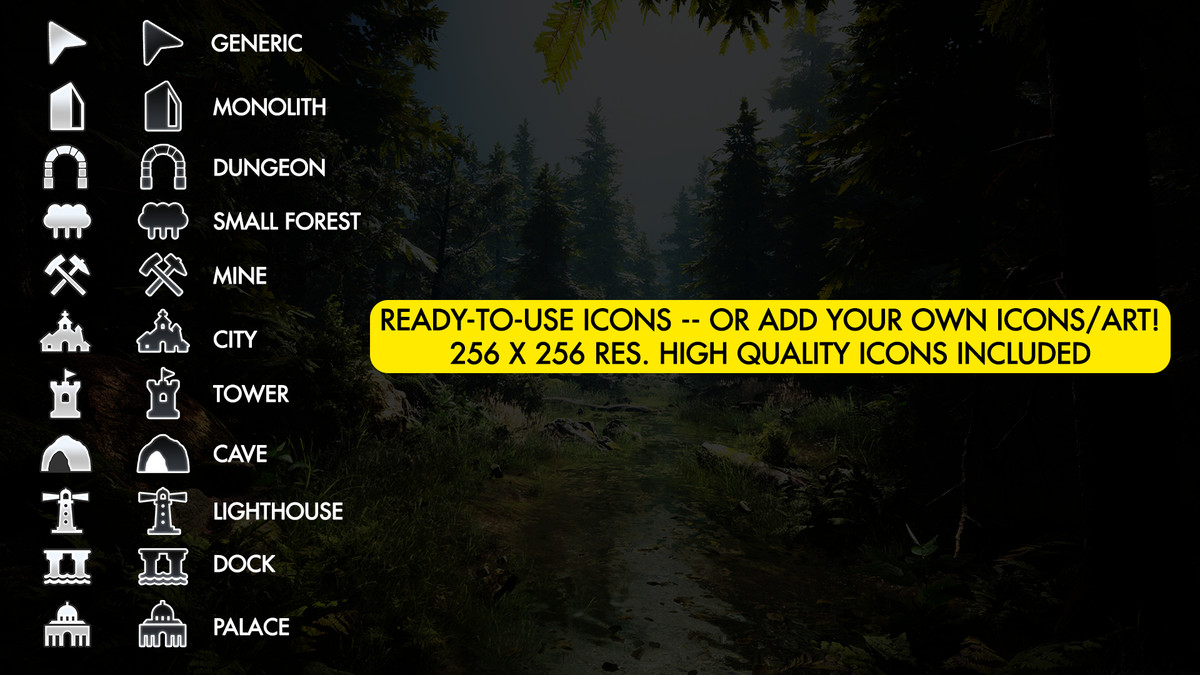
- Add your own icons or use the free high-quality icons included: cave, city, dock, dungeon, forest, lighthouse, mine, monolith, palace, tower, generic.
Revealing Text & Effects
- Show an optional title with location tips (above/below) and distance in meters for the centered POI in the bar.
- Show animated text under or on top of the compass bar when discovering new locations.
- Play audio clips when locations are discovered. 5 high-quality sound clips are included.
- Use two icon variations per POI to differentiate unexplored and explored locations.
Mini-Map
Efficient mini-map system that uses smart snapshots to capture the map only when needed, for the highest performance.
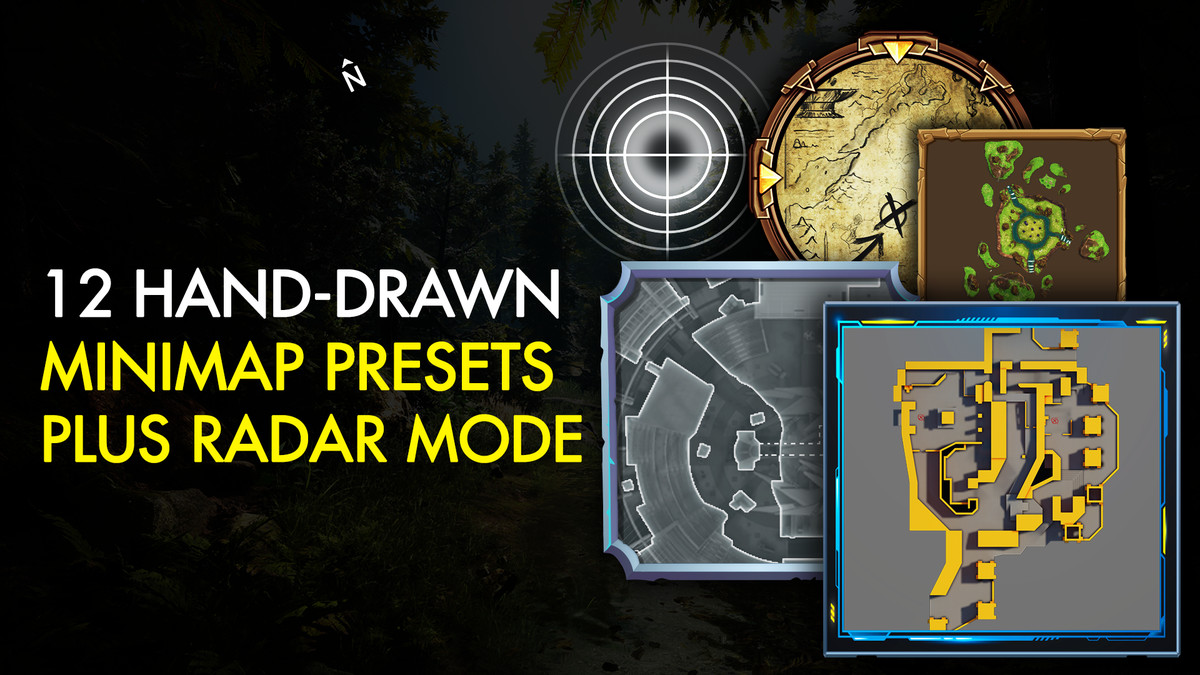
- Includes 12 ready-to-use styles + custom: torn paper, solid box/circle, 6 fantasy, 3 sci-fi variations.
- Configure size, style, alpha, zoom range, camera snapshot mode and projection, icon size, and more. Includes buttons for zooming in/out and maximize.
- Support for LUT textures for unlimited color customization.
- Show the real world view or a custom user map/texture.
- Zoom/pan the contents.
- Full screen mode.
- Map icons with optional text overlay and cardinals.
- Clickable mini-map (example included to add/remove POIs by the user).
- Optional cone of view draws the player's field of view on the mini-map.
- Optional animated circle effect when POIs appear on the mini-map.
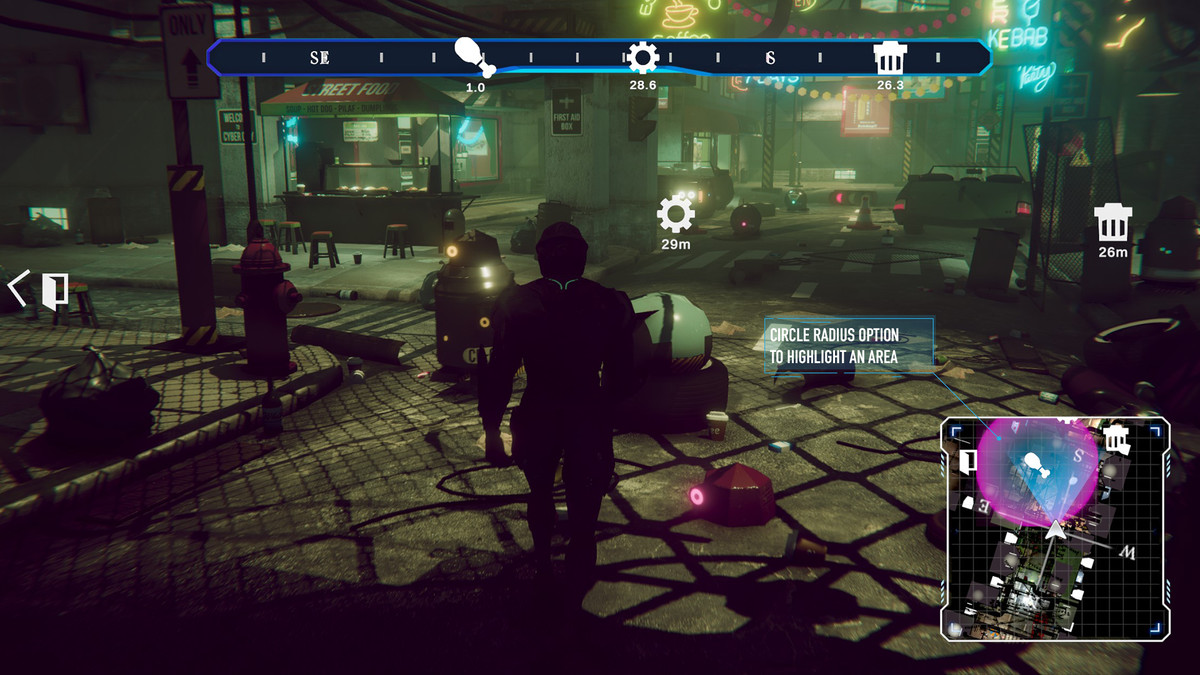
- Optional circle around POIs to illustrate area of influence or search radius.
Fog of War
Occludes the unexplored areas on the mini-map. Option to automatically clear the fog as the player moves.
- Clear entire fog areas as the player enters them, based on fog volumes added to the scene.
- Save and restore the discovered state with the new Save / Load State API.
Radar
Toggle the mini-map into radar mode, which draws a procedural radar with accurate ring positions based on the desired distance.
- Customize ring width, color, opacity and scale distance in meters.
- Optional scan animation effect with sample presets.
Screen Indicators
- Display an on-screen icon with optional title & distance over visible or in-range POIs.
- Display off-screen indicators with an anti-overlap system that stacks indicators on the edges to avoid cluttering.
Save / Load State (New in v4)
Capture a compass' runtime state into a compact blob you store in your own save file, and restore it later: fog of war discovery, the active route and its progress, visited POIs, runtime-created POIs and the mini-map view. Pick exactly which subsystems to save with a simple scope flag.
Extras:
- World Scan effect: run one or multiple simultaneous visual scans anywhere in the world, revealing and activating POIs and displaying them on the mini-map and compass. Includes event support to trigger actions when POIs are detected.
- Light Beacons that briefly highlight a POI in front of your player by rendering a vertical beam from the POI to the sky.
- Heartbeat option: plays a custom audio clip at a variable interval based on distance.
- Multi-scene support: existing POIs can preserve their visited state between scene changes.
From the makers of Compass Navigator Pro, trusted across multiple versions with responsive support and continuous updates.
📖 Documentation | 💬 Support | 🎬 YouTube
Technical details
- Latest version
- 6.0.4
- Updated
- Sep 4, 2026
- Unity
- 2022.3+
- Pipelines
- Built-in, URP, HDRP
- Category
- UI, Camera & Tools