Cloud Shadows FX
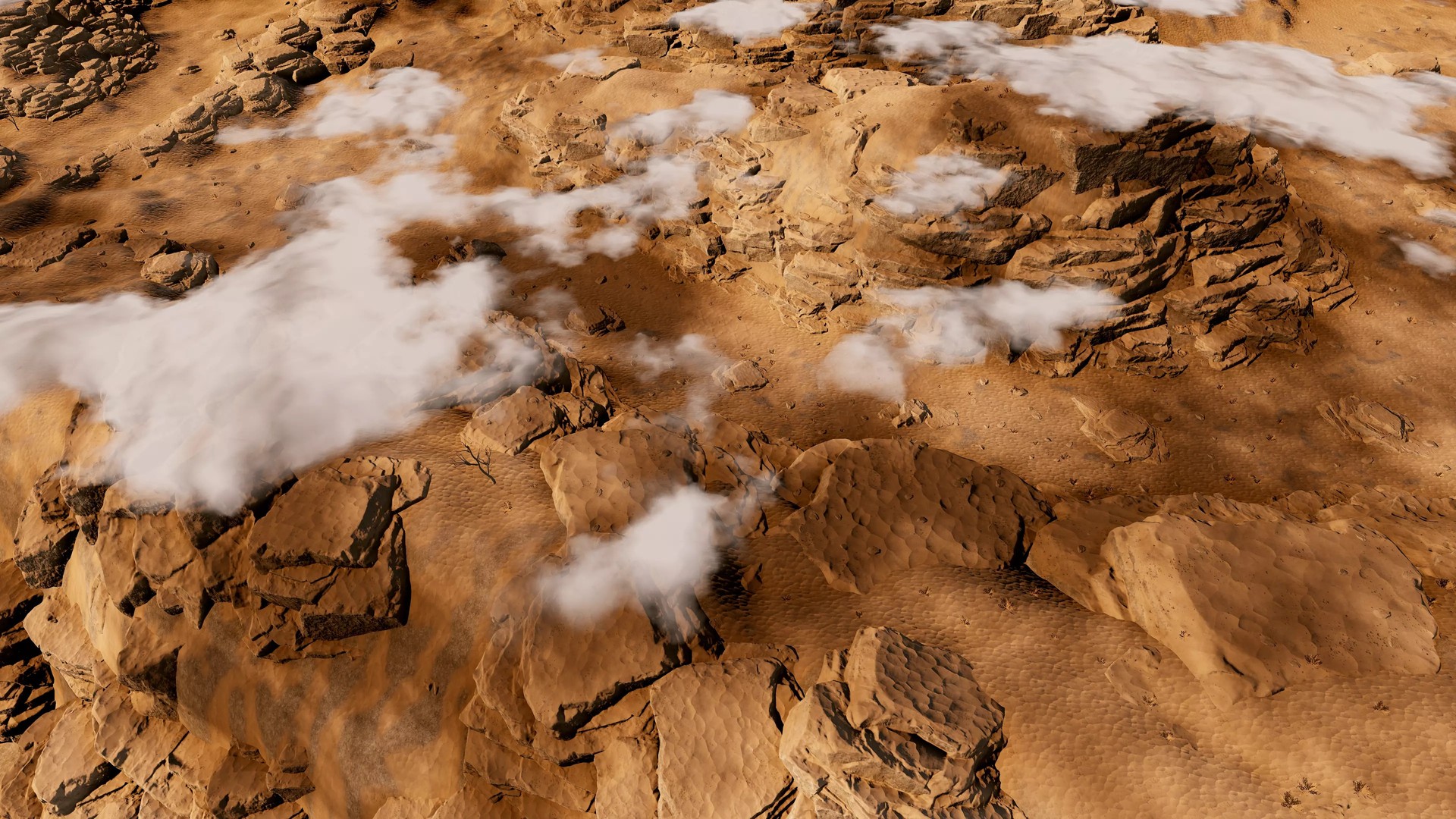
The easiest way to add great-looking, smooth and performant cloud shadows to your landscapes in Built-in and URP.
Version 3.2 · Updated Sep 4, 2026 · Unity 2022.3+
Secure checkout on our store. View cart
Key Features
Videos & Screenshots
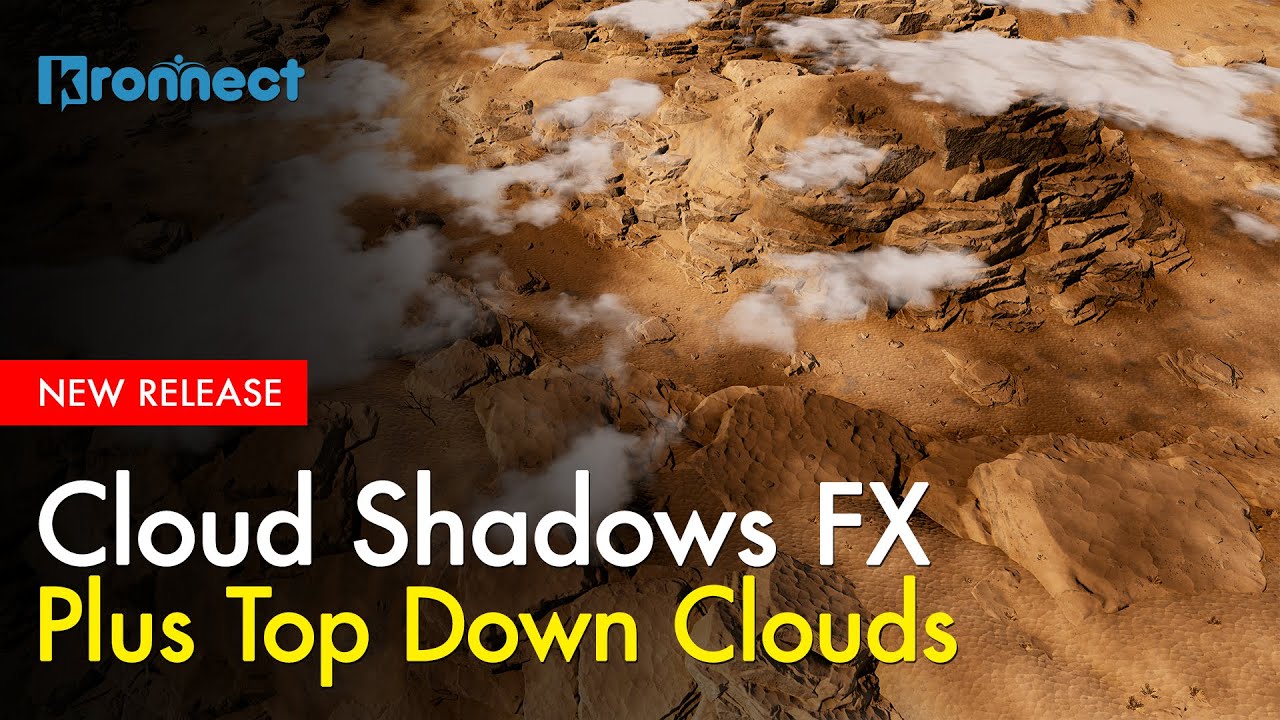 VIDEO
VIDEO 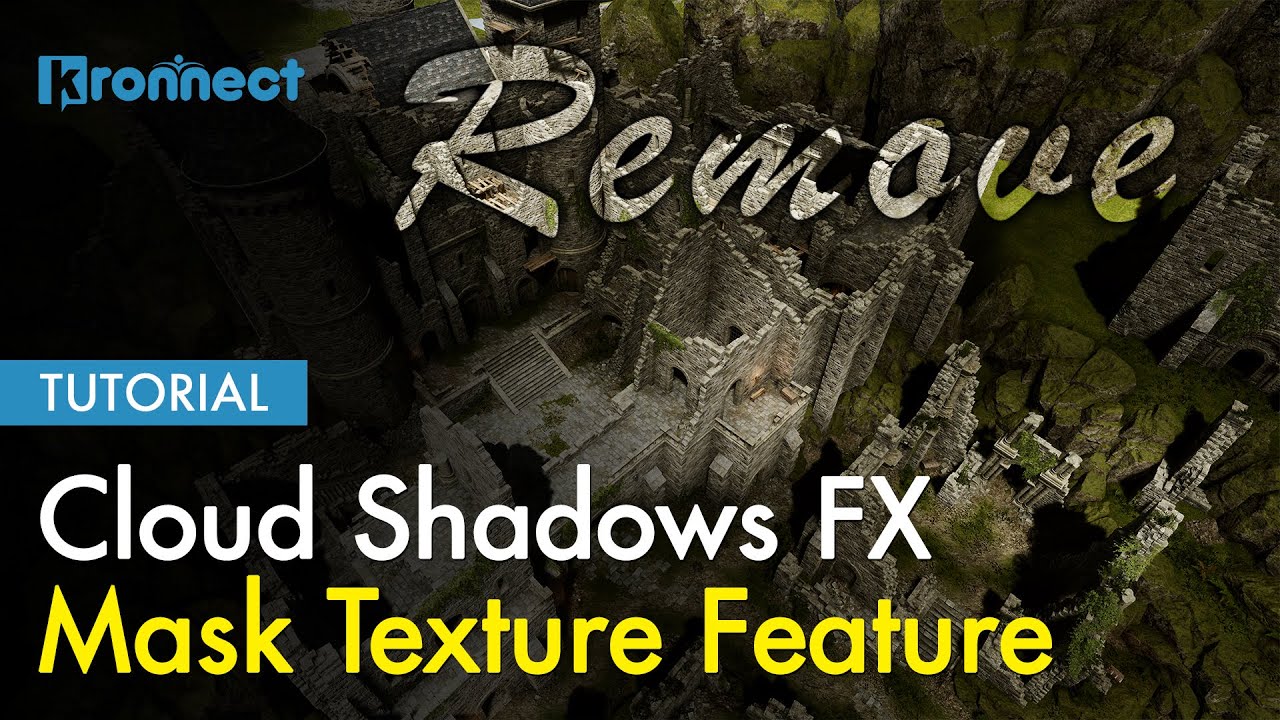 VIDEO
VIDEO 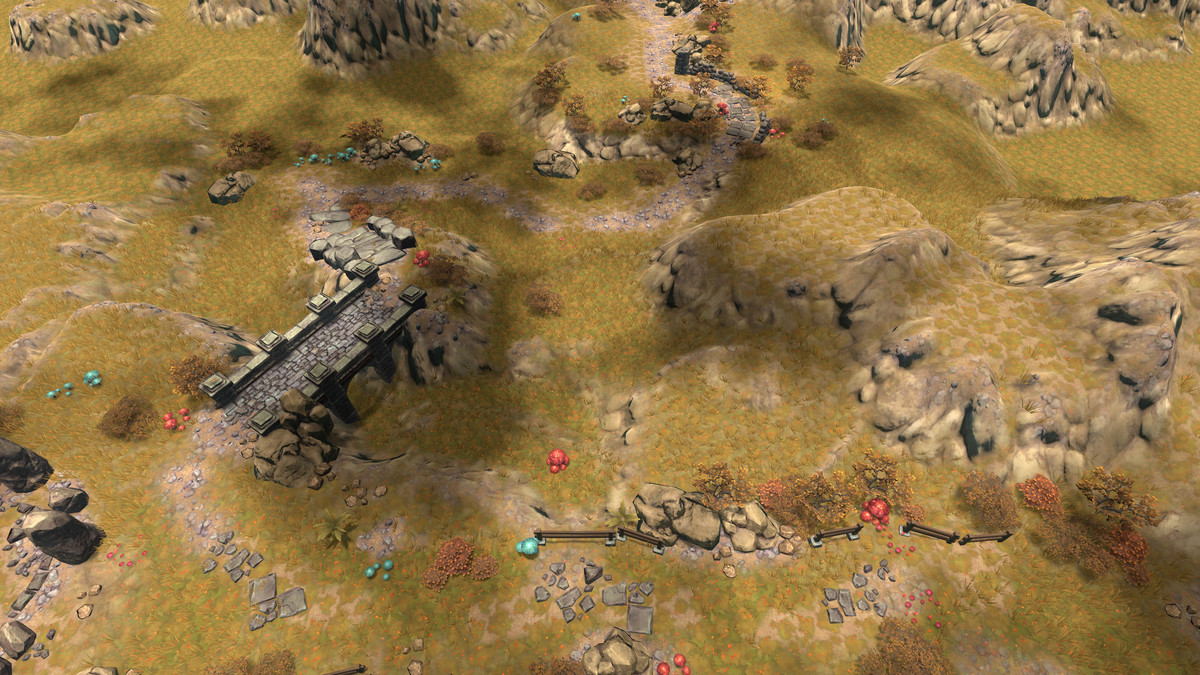
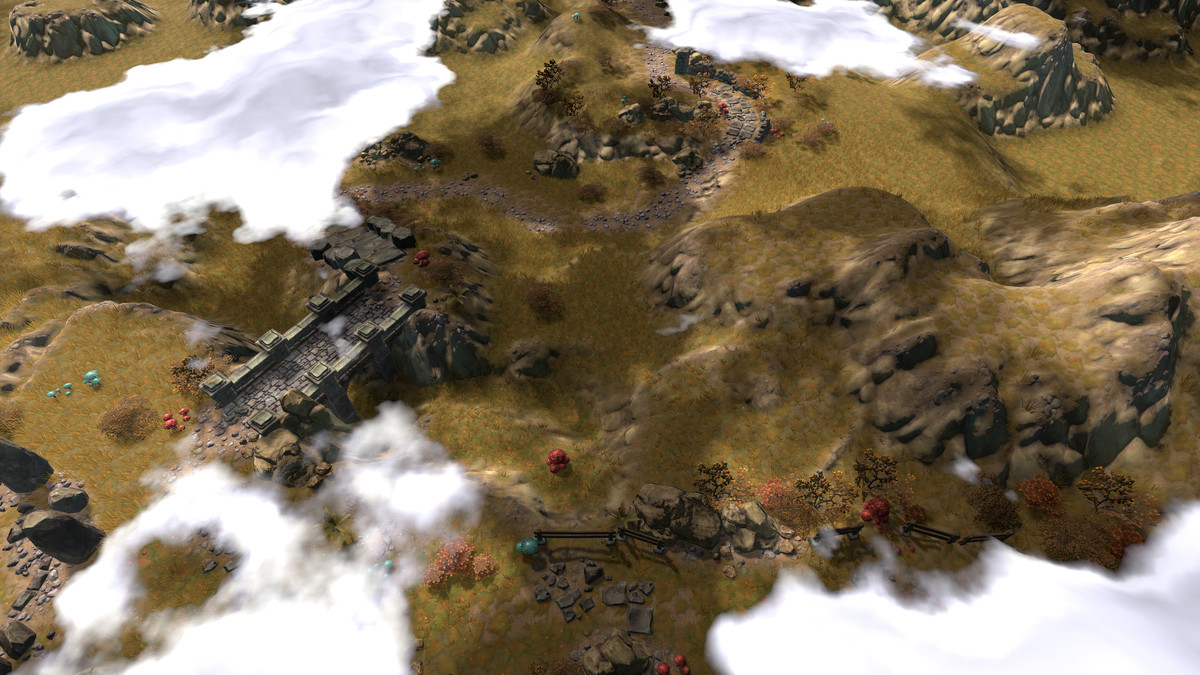
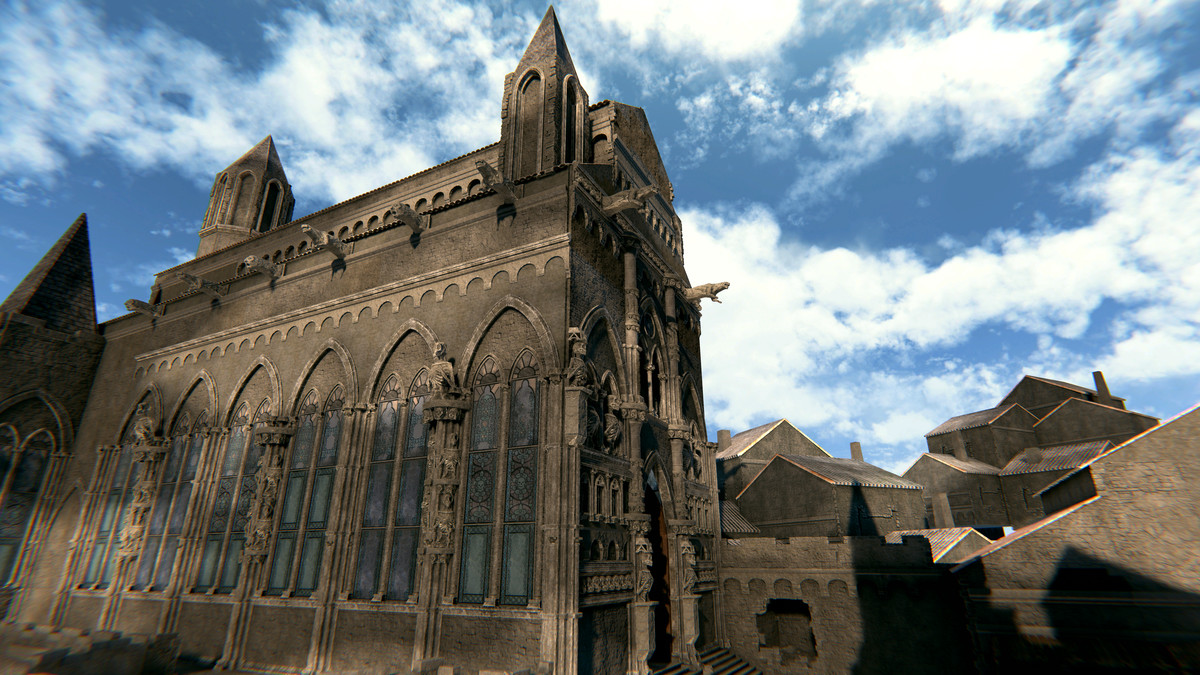
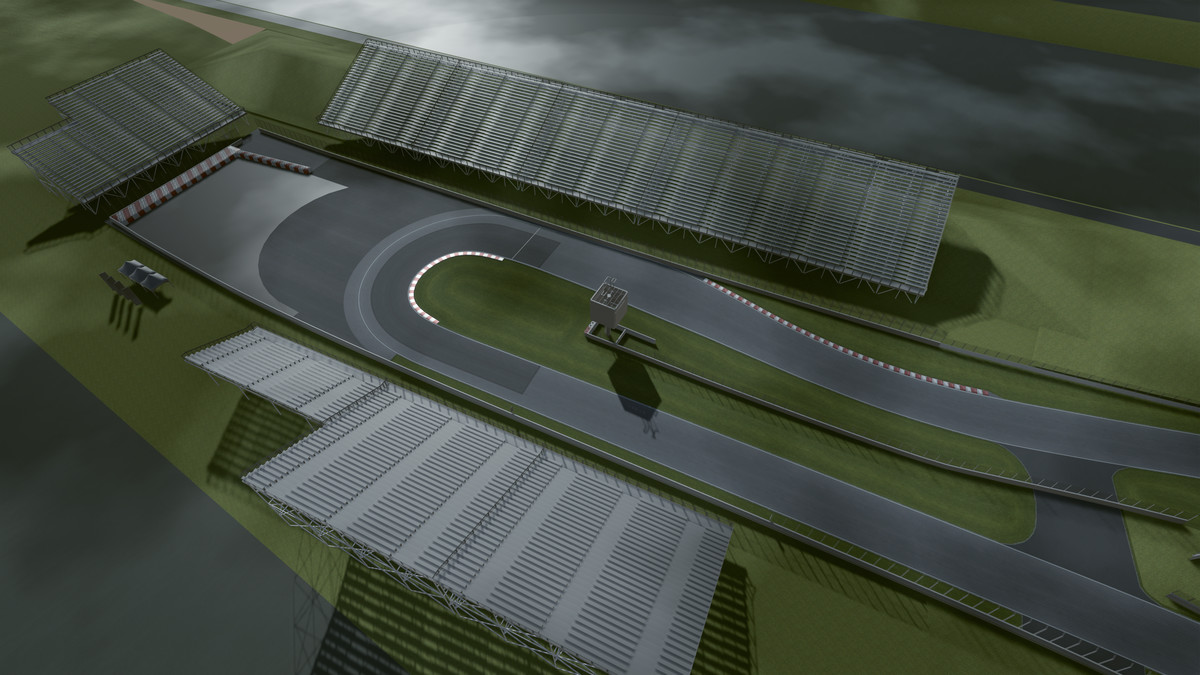
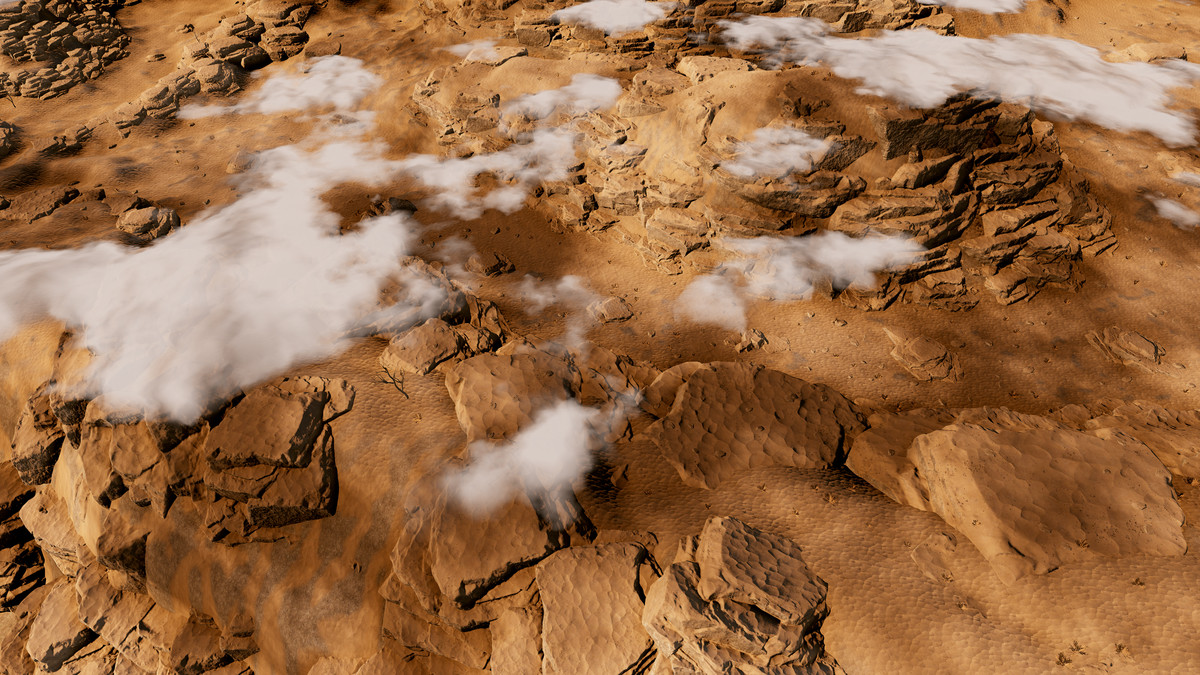
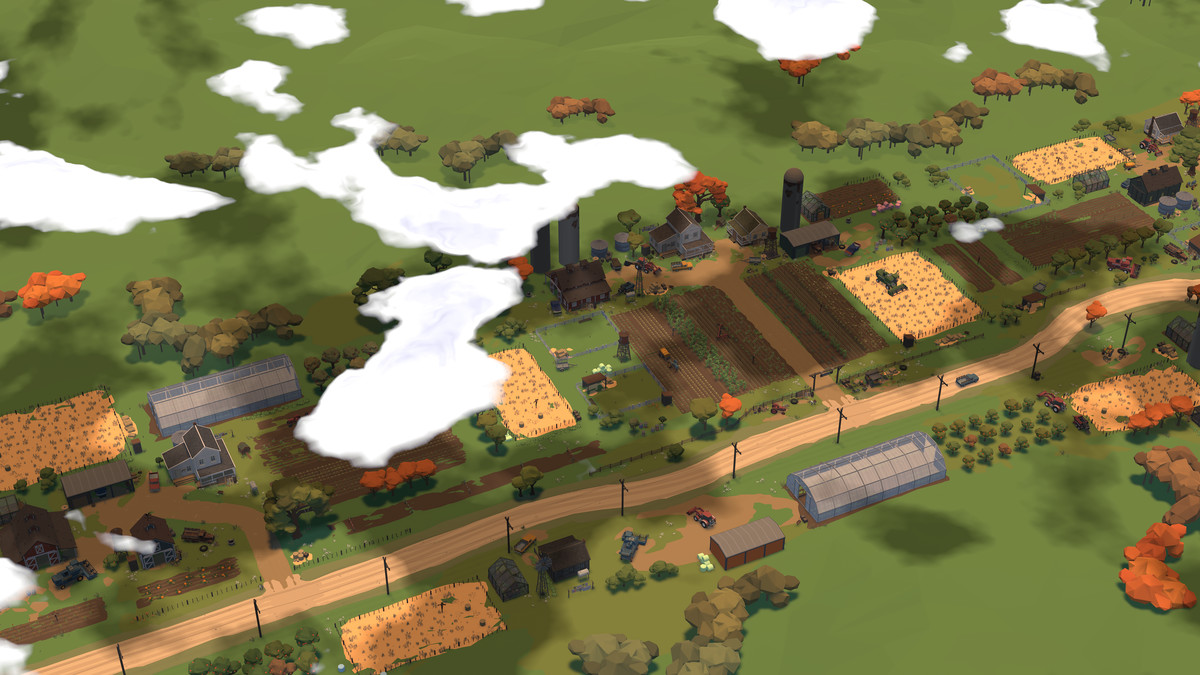
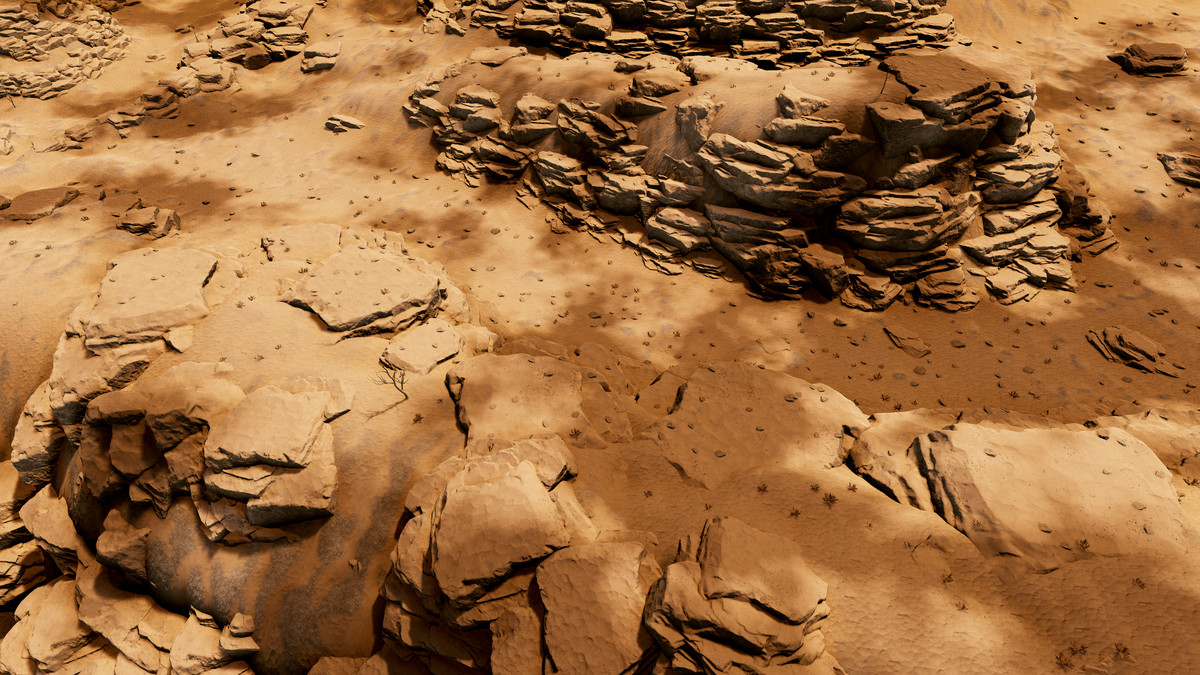
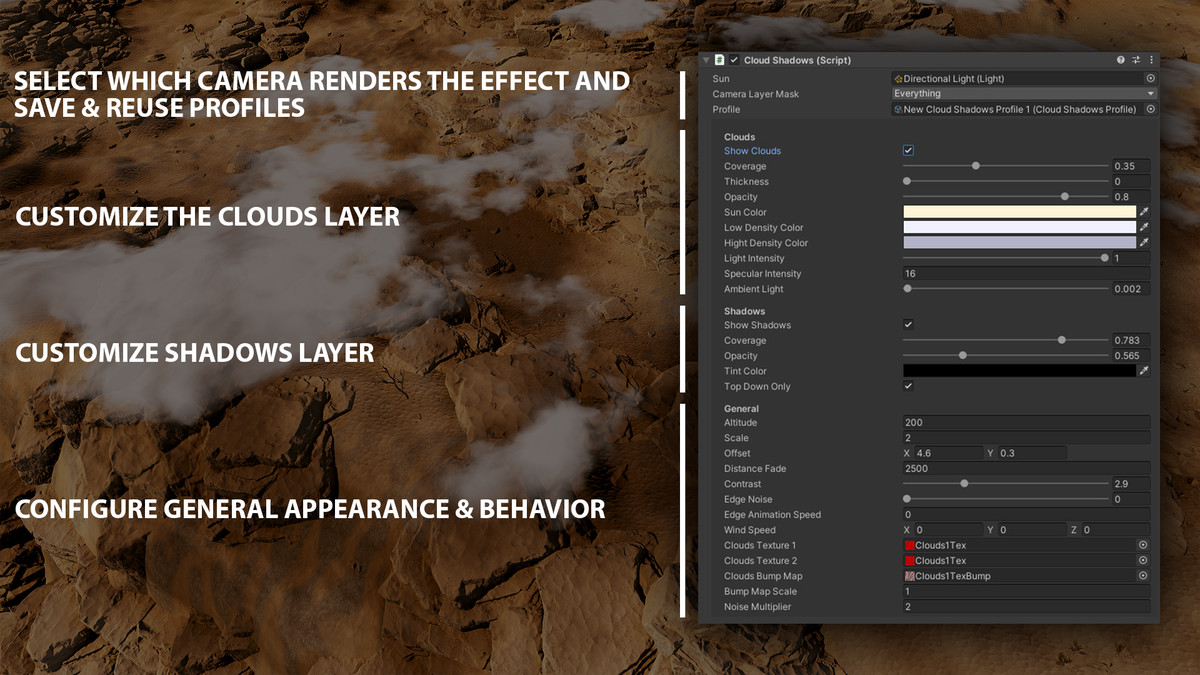
About Cloud Shadows FX
Cloud Shadows FX is the easiest way to add great-looking, smooth and performant cloud shadows to your landscapes in built-in and URP.
Key Features
- Friendly setup. Import the asset, add the effect to your scene as you would create a GameObject and customize to your liking.
- Customizable. As all of our assets, Cloud Shadows FX provides many inspector settings that let you configure any aspect of the shadows, including coverage, opacity, distance fade, animation & wind speed, customizable textures, etc.
- Profile based. All settings are stored in a cloud shadows profile asset which you can reuse across scenes or easily switch in the inspector.
- Super smooth. The technique used allows you to create super smooth shadows at any distance, with any degree of opacity/transparency and no noise/dithering.
- Colored shadows: shadows can use a tint color for special environments/effects.
- Extra cloud layer: in addition to shadows, the effect can also render a layer of clouds which are aligned with the shadows. These clouds are not volumetric, thus are performant and great for top-down games.
- Coverage Mask: let you specify areas where cloud shadows shouldn't be visible. Includes an in-SceneView painter.
- Includes one demo scene.
Compatibility
- Tested on Windows, Mac, Android, iOS and WebGL.
- Supports built-in and URP.
- Compatible with Unity 2022 and Unity 6, including Render Graph.
- In URP, make sure Depth Texture option is enabled.
- Supports perspective & orthographic cameras in 3D scenes.
- Doesn't support 2D scenes.
Related assets:
- Cloud Shadows FX is included in our Ultimate Bundle.
📖 Documentation | 💬 Support | 🎬 YouTube
Technical details
- Latest version
- 3.2
- Updated
- Sep 4, 2026
- Unity
- 2022.3+
- Pipelines
- Built-in, URP
- Category
- Atmosphere & Lighting