Using Shader Graph
beginner faqVoxel Play 3 · Troubleshooting & FAQ
You can use Shader Graph to create your own overriding materials in Voxel Play.
Please check "Override Materials" feature for more details about how to use your own shaders with the render types included with Voxel Play (like Opaque-3 textures, CutOut, etc.)
UV coordinates
When using greedy meshing, UV coordinates can exceed the usual 0..1 range. For this reason, make sure the texture assigned to the material has the tiling set to Repeat and not Clamp.
Normal Maps
It's important to know that cube geometry generated by Voxel Play doesn't include tangents. This means that normals must be provided in world space:
In the Graph Inspector, set Fragment Normal Space to World. Then, use the Normal Unpack node to decompress your normal map texture as shown in the screenshot below:
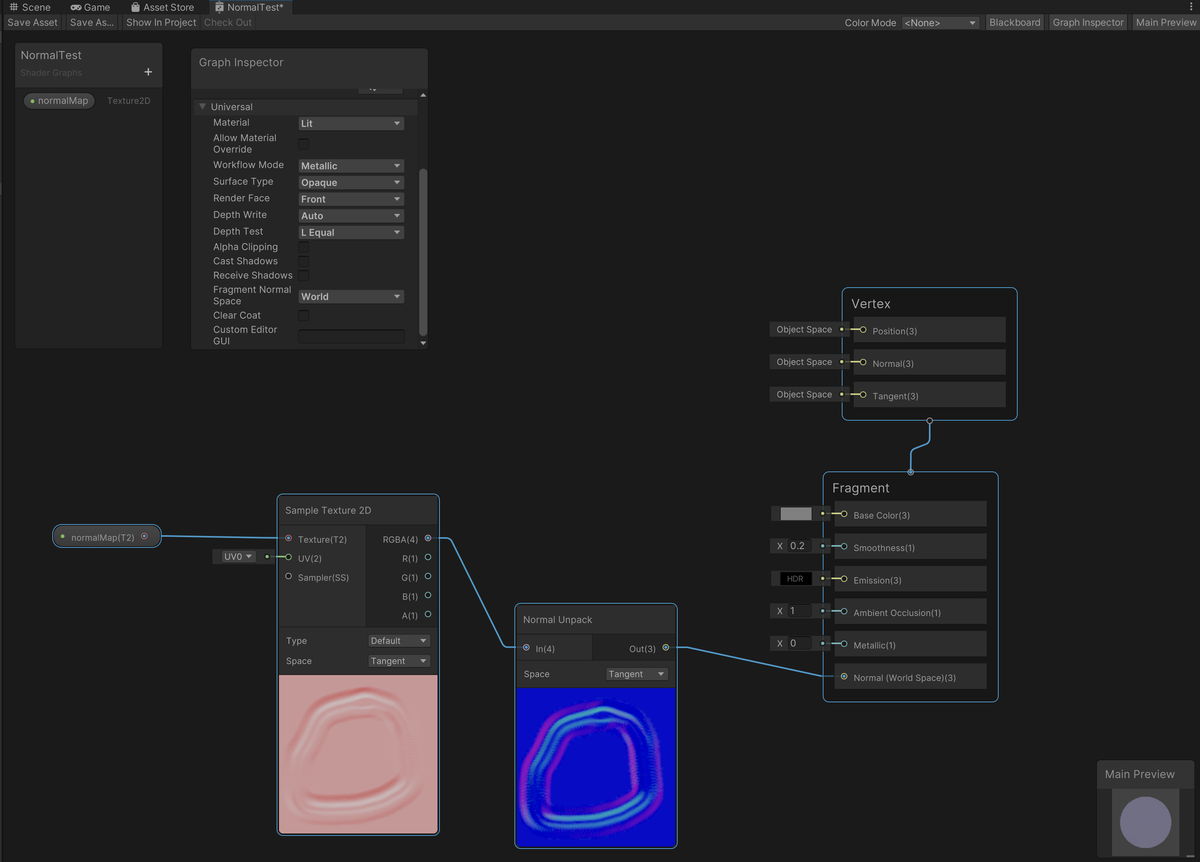
Now, assuming that your voxel definition has the correct setup to override the default material ...
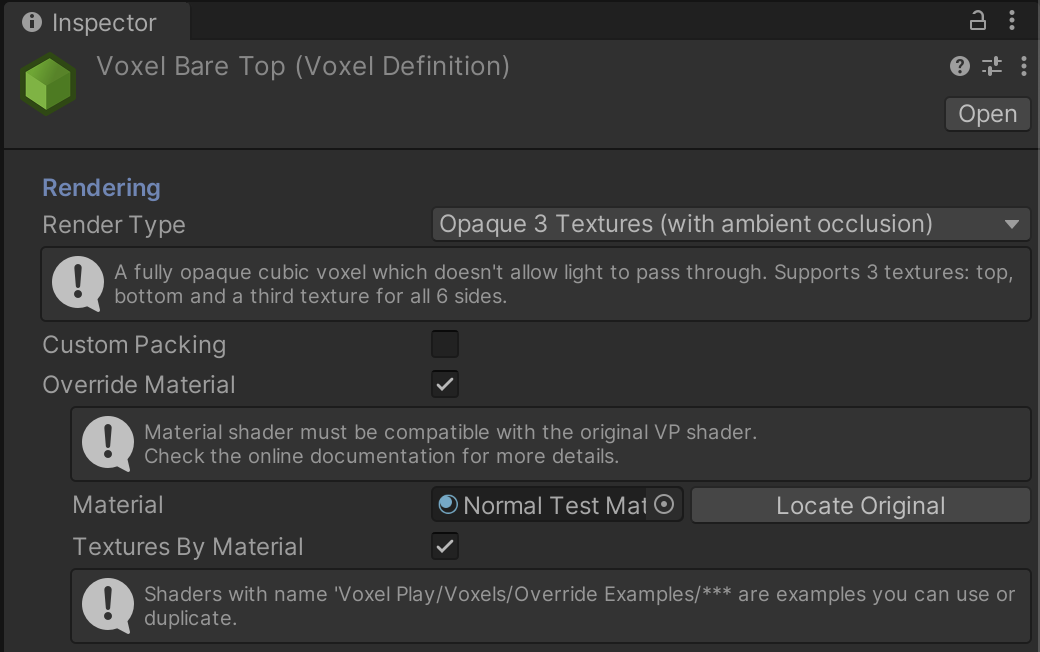
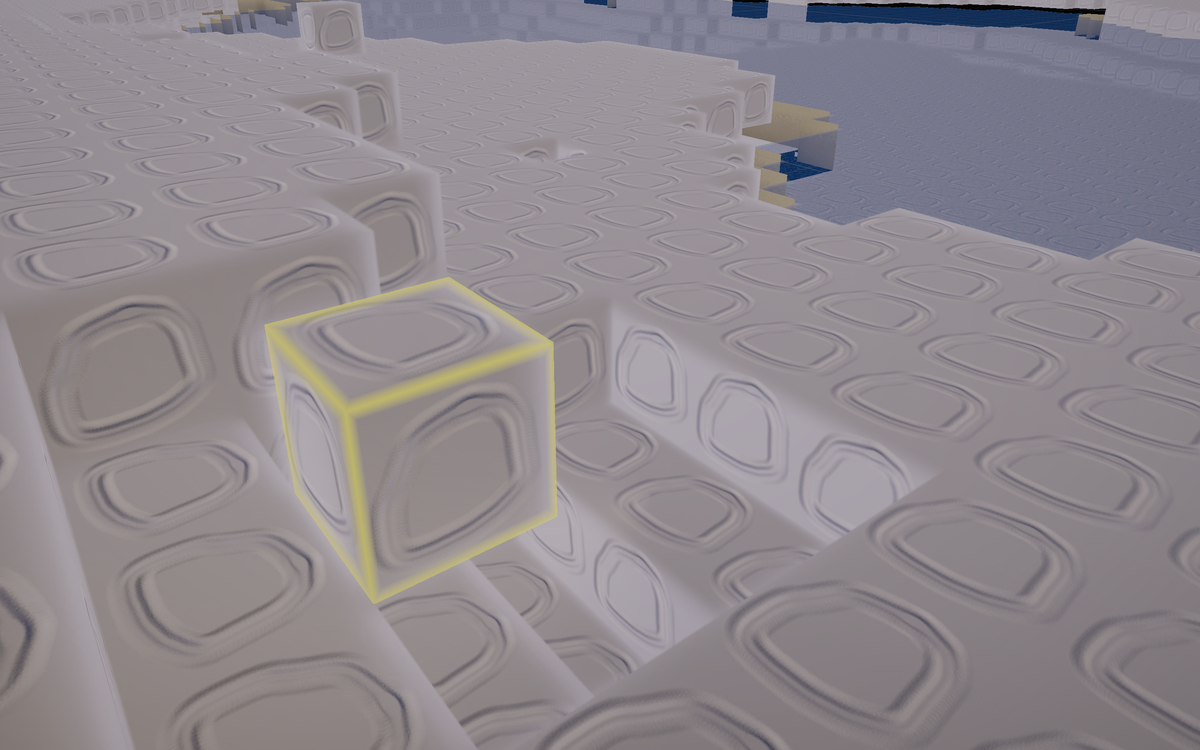
... you should see your shader graph material in the generated voxels: