Rotated Voxels
beginner faqVoxel Play 3 · Troubleshooting & FAQ
There're two ways to rotate voxels in Voxel Play
Native / Texture Rotation
This option is only available for voxels defined as Opaque 6-Textures (check the Voxel Definition):
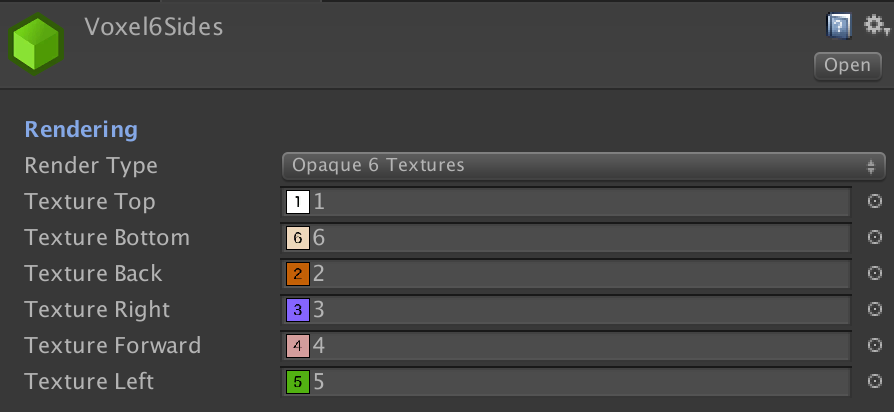
Voxels of this type can be rotated using VoxelSetTexturesRotation or VoxelRotateTextures method. This method modifies custom flags in the voxel inside the chunks array which are recognised by the renderer and the appropriate side texture is applied depending on the current rotation.
This is the preferred way to rotate a voxel.
Free Voxel Rotation
Any voxel can be rotated with arbitrary rotations using VoxelRotate or VoxelSetRotation methods. These methods will convert the voxel to Dynamic which means an independent gameobject with an unique transform is created at the voxel position replacing it visually. All dynamic voxels use the same material so they batch dynamically. Call VoxelGetDynamic to get the GameObject for any voxel.
By creating voxel definitions of type "Custom" you can define arbitrary rotations, translations and scales for each of them.
Check out this video to learn how to create a second voxel definition that includes a 90º rotation around the y-axis: