Integration with Highlight Plus
beginner faqVoxel Play 3 · Troubleshooting & FAQ
It's possible to use Highlight Plus to replace the default highlighter included in Voxel Play.
To do so, follow these steps:
1.- Download and import Highlight Plus from the Asset Store.
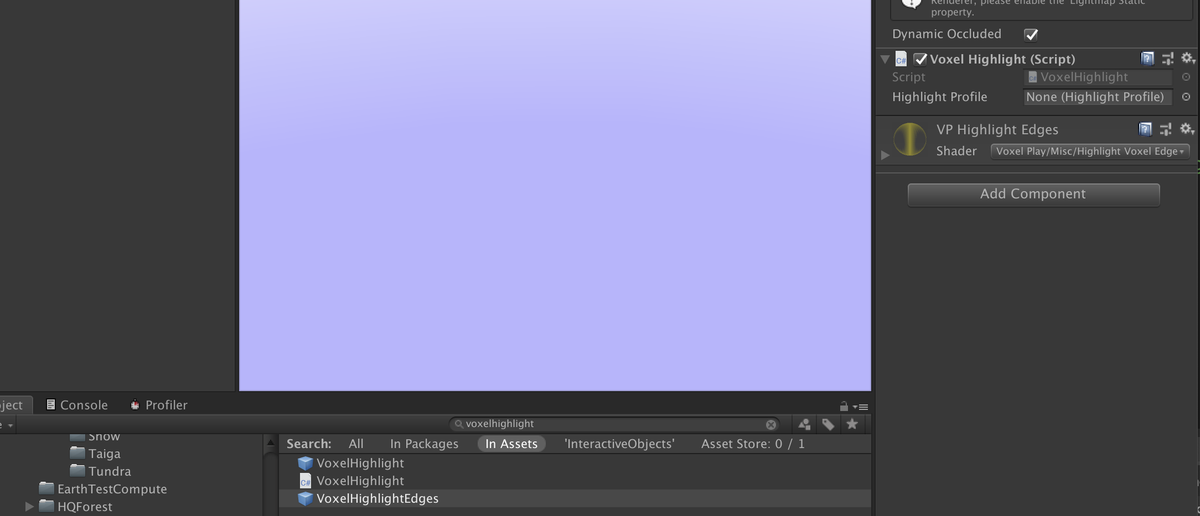
2.- Locate and double click the "VoxelHighlight" script to open it (use the Search box in Project Panel to locate the script):

3.- Uncomment the first line to enable the integration and save the changes:
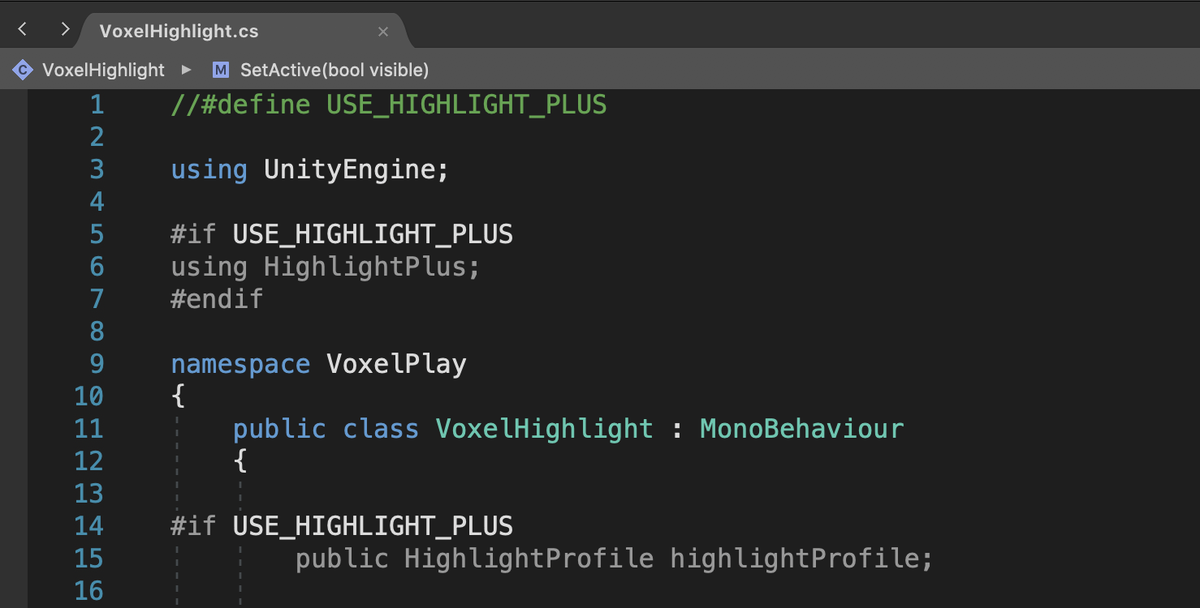
4.- Now, Voxel Play will use Highlight Plus as highlighting system.
5.- You can customize the highlight effect as well using a Highlight Plus Profile. Locate the VoxelHighlightEdges prefab, open it and notice there's a Highlight Profile field in the Voxel Highlight component. Assign your profile to this field and save the changes to the prefab.