Demo Scene
beginner tasksEdge Fusion (HDRP) · Common Tasks
Edge Fusion (HDRP) includes a demo scene that showcases the effect across different object types, materials, and lighting setups.
Opening the Demo Scene
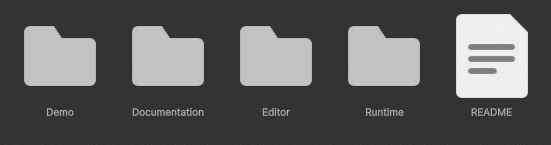
- In the Project window, navigate to Assets > EdgeFusionHDRP > Demo.
- Open the demo scene file.
- Enter Play mode to see edge blending in action.
What the Demo Covers
- Multiple object types with different materials and edge conditions.
- Blend Layer configuration — see how layer selection affects which edges are blended.
- Per-object overrides using the
EdgeFusionObjectcomponent. - Quality presets from Very Low to Ultra for side-by-side comparison.
- Debug and Compare modes for visual inspection.
Tip: Use the demo scene as a sandbox to experiment with settings before applying Edge Fusion to your own scenes.
Was this page helpful?
Suggest an improvement
Help us improve this documentation page.