Demo Scenes
beginner tasksVolumetric Lights 2 (Built-in) · Common Tasks
Demo Scenes
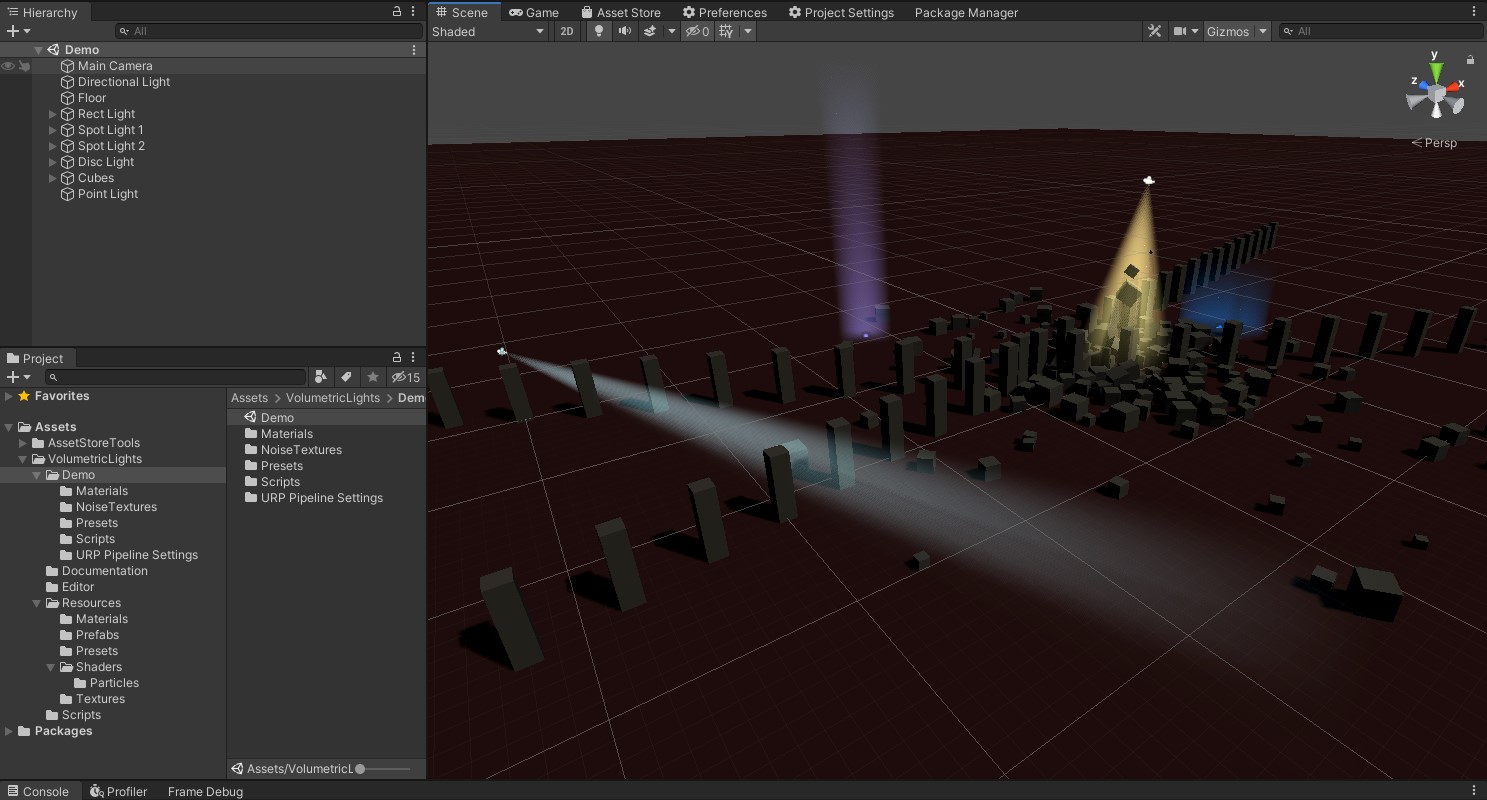
Volumetric Lights 2 includes two demo scenes that showcase the asset's features. Use them to familiarize yourself with the different settings before configuring your own lights.
Opening the Demo Scenes
- After importing the asset, navigate to the
VolumetricLights/Demo/Scenesfolder in the Project panel. - Open any demo scene by double-clicking it.
- Enter Play Mode to see the volumetric effects in action.
Mobile Performance Demo
The demos have been tested on mobile devices with good results. Below is a capture running on iPhone 7:
What to Explore
- Select individual lights in the hierarchy to see their Volumetric Light component settings.
- Toggle Shadow Occlusion on and off to see the difference.
- Try enabling Dust Particles on a spotlight for atmospheric effect.
- Experiment with Use Noise and different noise textures for organic variation.
Was this page helpful?
Suggest an improvement
Help us improve this documentation page.