Introduction
beginner start hereGlobal Snow · Start Here
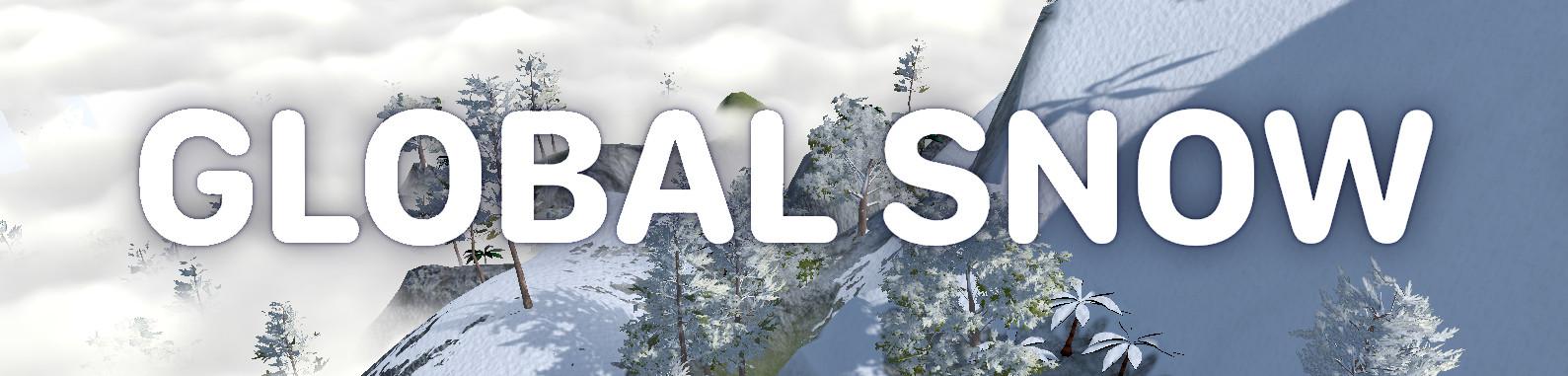
What is Global Snow?
Global Snow is a drag-and-drop snow solution for Unity that transforms any scene into a winter landscape with a single component. It supports both the Built-in Render Pipeline and URP (Universal Render Pipeline), shipping as two separate packages in one purchase.
The effect renders realistic snow coverage over your entire scene using deferred or forward rendering techniques, with automatic occlusion so snow does not appear under roofs, inside buildings, or beneath other geometry.
Award-winning publisher — Kronnect was nominated for Publisher of the Year at the Unity Awards 2023.
Key Features
Snow Rendering
- Realistic relief shading — raymarched 3D waves over the snow surface with occlusion shadows and glitter.
- Automatic coverage — zenithal depth pass detects which surfaces are exposed to snowfall.
- Quality presets — Best Quality, Medium, and Fastest presets for quick tuning.
- Distance optimization — simplified shader for far-away snow to save GPU cost.
Snow Interactions
- Footprints — human-shaped footprint decals with fade-out duration.
- Terrain marks — collision-driven deformable trails from any object (characters, vehicles, projectiles).
- Snowfall — built-in particle system with configurable intensity, speed, and wind.
- Snow dust — wind-driven dust particles near ground level.
- Camera frost — screen-space frost overlay for immersive cold environments.
Coverage Control
- Layer mask exclusion — exclude entire layers from snow coverage.
- Per-object exclusion — attach
GlobalSnowIgnoreCoverageto any GameObject. - Coverage mask — paint snow on/off using an alpha mask texture with a built-in Scene View editor.
- Snow volumes — trigger-based zones that disable snow when the player enters (e.g., indoors).
- Moving object shader — dedicated Standard-based shader for characters and vehicles that need stable snow coverage.
Pipeline Support
- Built-in RP — deferred (recommended) and forward rendering paths.
- URP — deferred rendering path with Render Graph compatibility.
Requirements
| Requirement | Minimum |
|---|---|
| Unity version | 2022.3 LTS or later |
| Render pipeline | Built-in RP or URP |
| Rendering path | Deferred (recommended) or Forward (Built-in only) |
| Graphics API | DirectX 11+, Metal, Vulkan, OpenGL Core |
| Platform | Desktop, Consoles (mobile via decal variant) |
Package Contents
| Folder | Contents |
|---|---|
Resources/Workflow_Deferred | Shaders and materials for the deferred rendering path. |
Resources/Workflow_Forward | Shaders and materials for the forward rendering path (Built-in only). |
Resources/Common | Shared textures, prefabs (snowfall, snow dust, volumes, erasers), and footfall audio clips. |
Demo | Example scene with first-person controller. Delete before shipping your project. |
Next Steps
- Quick Start — set up Global Snow in under 5 minutes.
- How It Works — understand the rendering techniques behind the effect.
- Parameters — full reference of all inspector settings.
Was this page helpful?
Suggest an improvement
Help us improve this documentation page.