Introduction
beginner start hereGrids 2D · Start Here
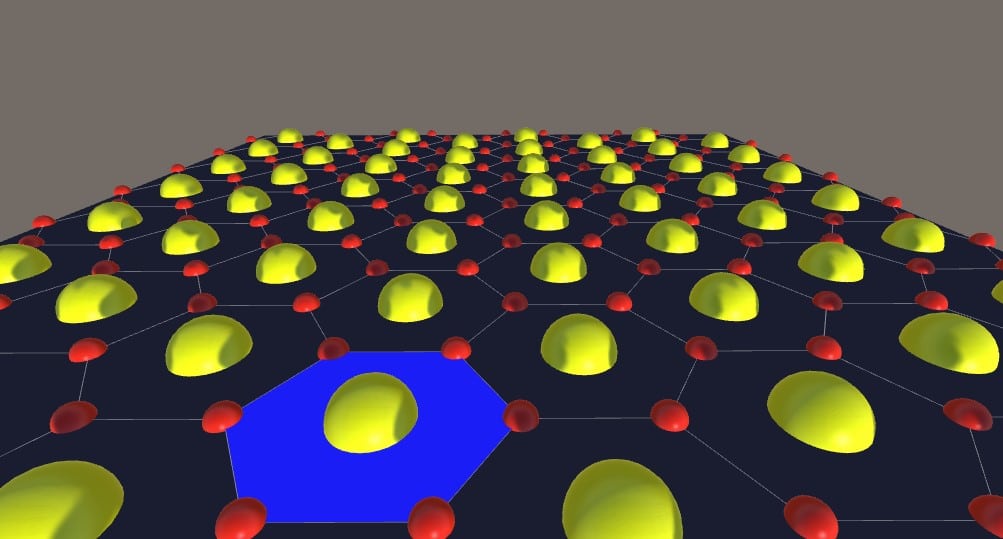
What is Grids 2D?
Grids 2D is a high-performance Unity asset for creating configurable, optimized 2D grids. Built for Unity 2022.3 and later, it supports three grid topologies — Voronoi (irregular), box, and hexagonal — with a powerful two-level region system: cells and territories.
The grid is rendered as a flat 2D overlay with full support for highlighting, selection, coloring, texturing, and A* pathfinding. Everything is controllable from the Inspector or via a comprehensive C# API.
Looking for 3D terrain grids? — If you need grids on Unity Terrain or 3D objects, check out Terrain Grid System, the 3D-capable sibling of this asset.
Key Features
Grid Types
- Voronoi (Irregular) — organic, randomized cell layouts with configurable relaxation for more uniform shapes.
- Box — standard rectangular grid with rows and columns.
- Hexagonal — hexagonal grid with regular hexagon support and configurable sizes.
Cells & Territories
- Two-level hierarchy — cells are the basic units; territories group multiple cells together.
- Highlight & selection — configurable hover highlighting for both cells and territories, with customizable colors.
- Colorize & texture — fill cells or territories with colors, textures, or use a canvas texture for seamless region painting.
- Visibility masks — use alpha textures to show/hide cells or define territory shapes from image data.
Pathfinding
- Built-in A* pathfinding — multiple heuristic algorithms (Manhattan, Euclidean, Diagonal, etc.).
- Cell groups — assign cells to groups for filtered pathfinding and line-of-sight queries.
- Custom crossing costs — per-cell and per-edge cost configuration for realistic movement.
Editor Tools
- Grid Editor — paint cell properties, textures, and territory assignments directly in the Scene view.
- Export/Import — save and load grid configurations via the Grid2DConfig component.
Common Use Cases
- Turn-based strategy games (tactical grids, territory control).
- Board games and puzzle games with cell-based mechanics.
- Map editors and level design tools.
- Data visualization overlays (heatmaps, region analysis).
- Educational applications with interactive grids.
System Requirements
| Requirement | Details |
|---|---|
| Unity version | 2022.3 LTS or later |
| Render pipeline | Built-in, URP, or HDRP |
| Platforms | Windows, macOS, Linux, iOS, Android, WebGL, consoles |
Next Steps
Ready to get started? Head to the Quick Start guide to add a grid in under 5 minutes, or explore the Settings reference for a full breakdown of all Inspector parameters.
Was this page helpful?
Suggest an improvement
Help us improve this documentation page.