Mount Points
intermediate conceptsWorld Map 2D Edition · Core Concepts
Mount Points
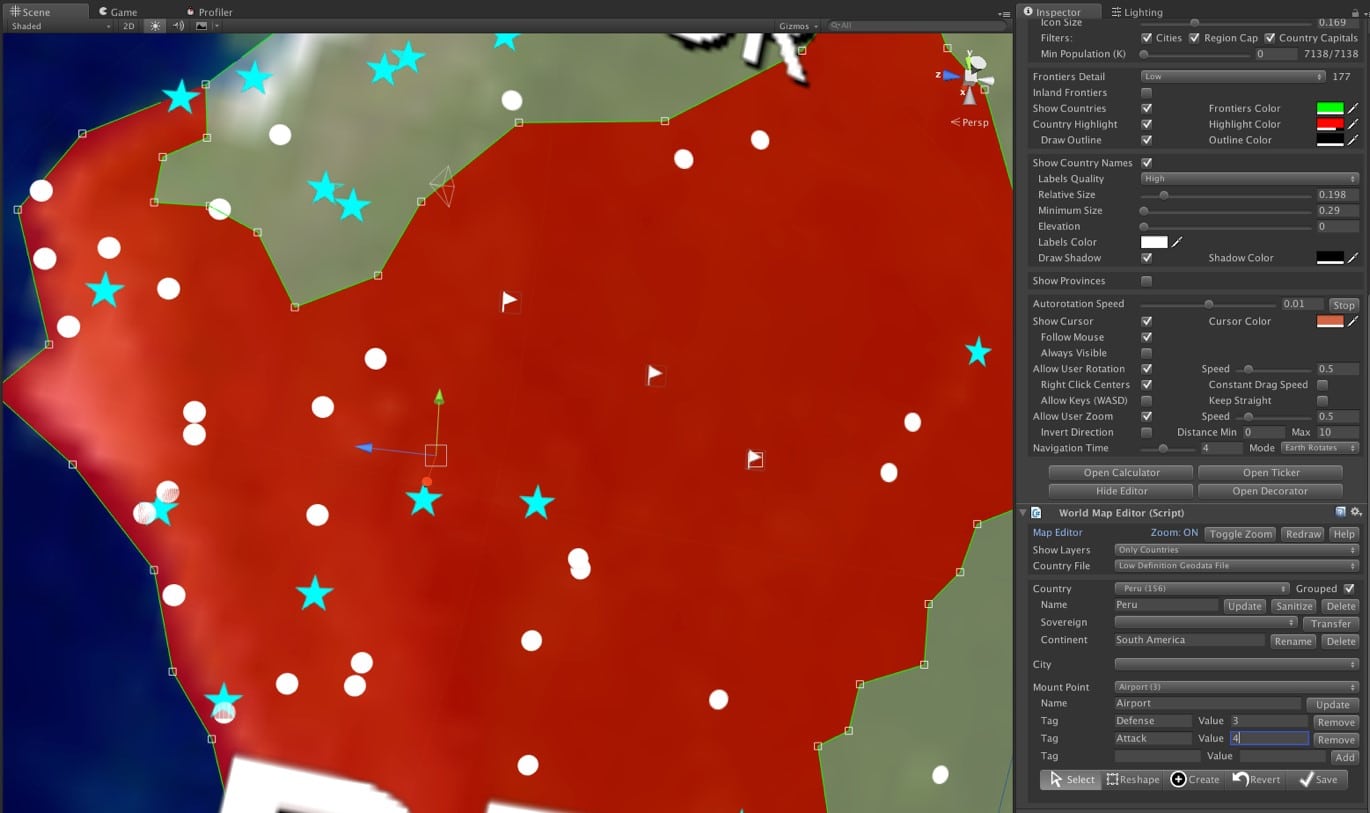
Mount Points are user-defined markers created in the Map Editor. Each mount point includes a name, a class identifier (a user-defined number), and a collection of tags.
Use Cases
Mount Points are useful for adding custom points of interest (POIs) or strategic locations such as airports, military bases, resources, and other landmarks. Each mount point supports an arbitrary number of tags (key-value string pairs), for example:
("Defense", "3")and("Attack", "2")("Capacity", "10")and("Mineral", "Uranium")
Important Notes
- Mount Points are invisible during play mode — they serve as placeholders for your game objects.
- Access the full list via the
mountPointsproperty of the map API. - In the Editor (design time only), mount points appear as flag icons.
Data Structure
MountPoint
Fields: name, type (int), countryIndex, provinceIndex, unity2DLocation (Vector2), customTags (Dictionary<string, string>).
Was this page helpful?
Suggest an improvement
Help us improve this documentation page.