Introduction
beginner start hereSplit Screen Pro · Start Here
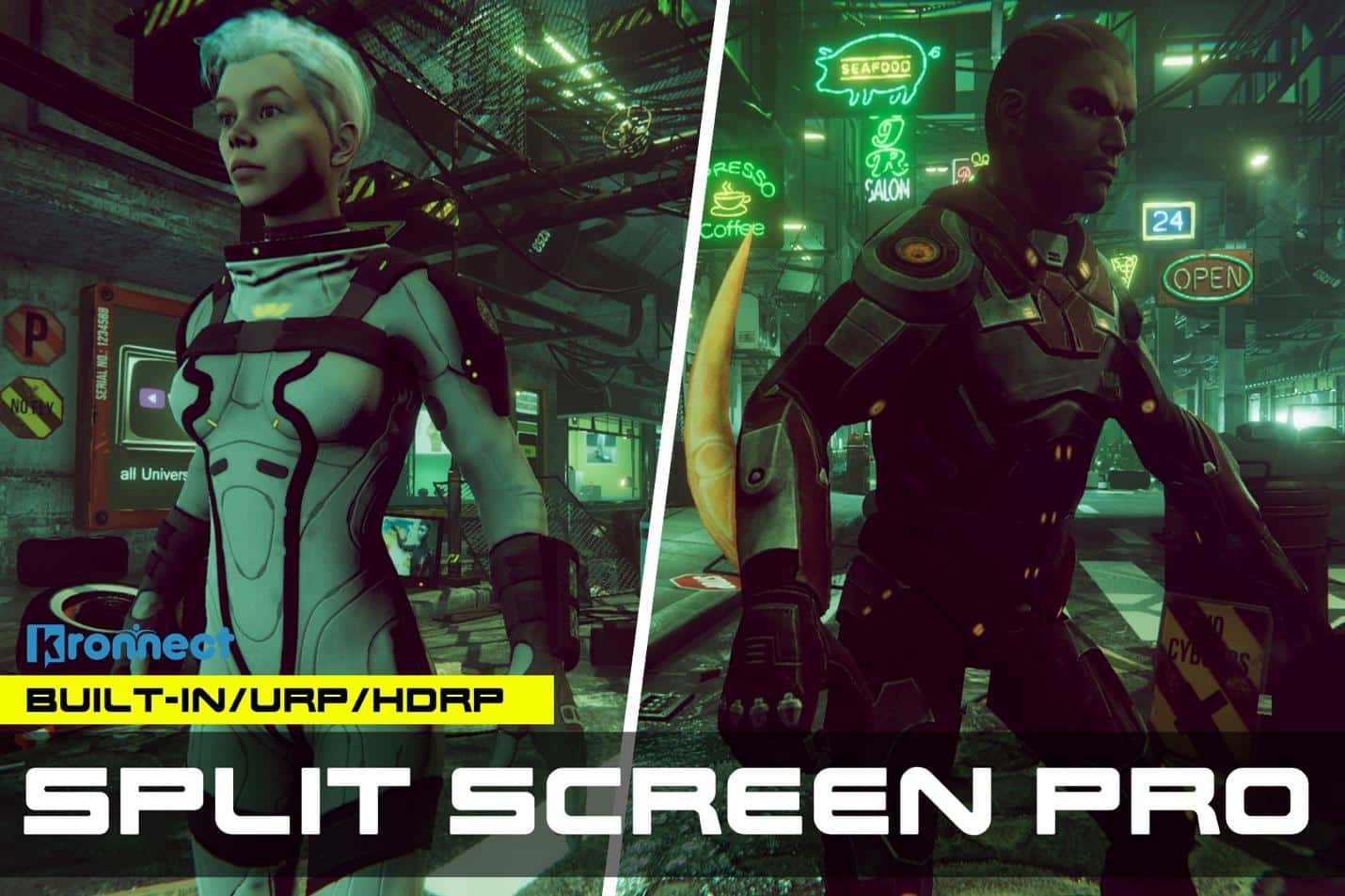
What is Split Screen Pro?
Split Screen Pro is a camera compositing system for Unity that enables dynamic split-screen multiplayer for two players or targets. The asset automatically detects when two targets separate and shows a dynamic split line, dividing the view into two halves — one per player.
The system includes extensive customization options for both split behavior and visual appearance, producing results comparable to AAA couch co-op games.
Pipeline support: Split Screen Pro works with Built-in, URP, and HDRP render pipelines. Unity 2022.3 or later required.
Key Features
Split Screen Modes
- Automatic Split — dynamically splits when players separate, merges when they are close.
- Fixed Split — permanent split with independent camera control.
- Independent Split — each camera's rotation and distance can be independently controlled.
- Single Camera — follow Player 1 or Player 2 only (no split).
Camera Control
- Auto-Managed Distance — camera zooms out as players separate, then splits at max distance.
- Custom Distance When Split — set a different camera distance for split-screen mode vs single-screen mode.
- Occlusion Handling — camera moves closer when walls or objects block the view.
- Rotation Control — vertical and horizontal rotation with clamping and smoothing.
Visual Customization
- Split Line — configurable width, color, and fade duration.
- Downsampling — reduce rendering resolution for better performance on mobile.
- HDR Support — compose both images on an HDR buffer for post-processing.
- Camera ID Labels — show which camera belongs to which player.
Audio Splitting
- Split Audio — sounds are played from the nearest player position.
- SplitAudioSource component — attach to AudioSources for automatic mirroring.
Requirements
| Requirement | Details |
|---|---|
| Unity version | 2022.3 LTS or later |
| Render pipeline | Built-in, URP, or HDRP |
| Platform | All platforms supported by Unity |
Next Steps
Ready to get started? Head to the Quick Start guide to have split-screen working in minutes, or explore the Settings reference for the full parameter list.
Was this page helpful?
Suggest an improvement
Help us improve this documentation page.