Introduction
beginner start hereDynamic Fog & Mist 2 (Built-in) · Start Here
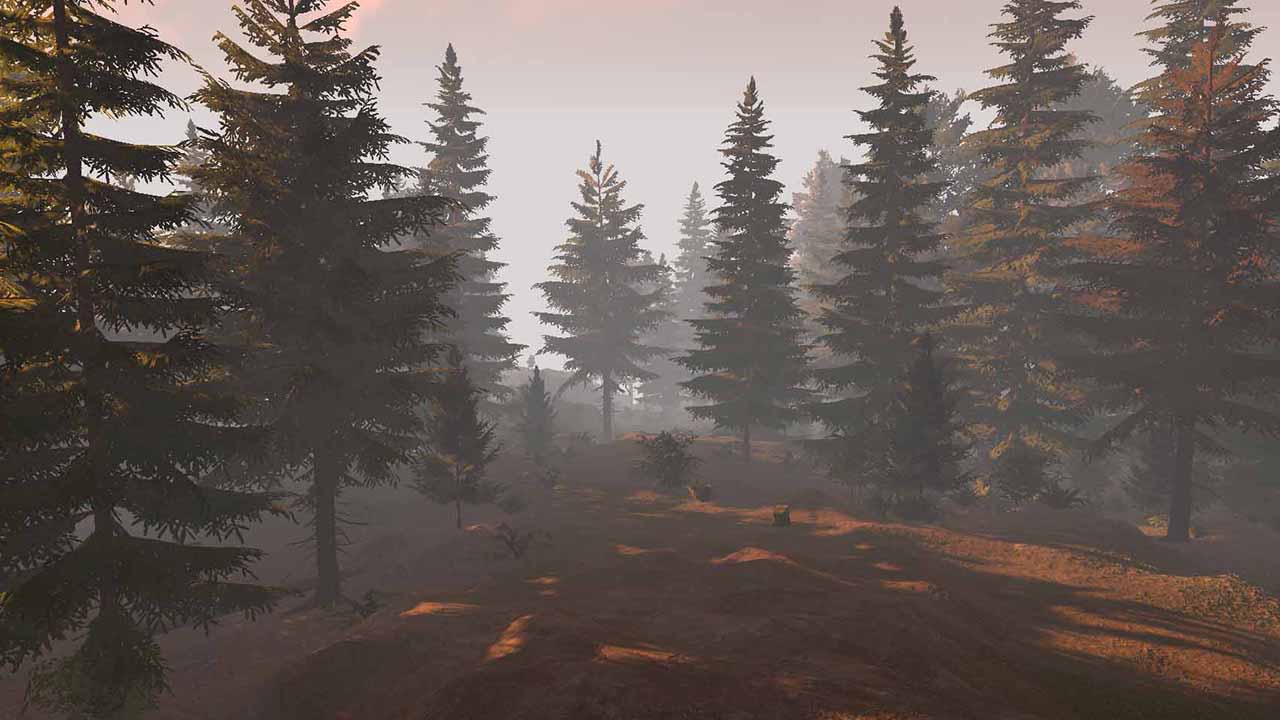
What is Dynamic Fog & Mist 2?
Dynamic Fog & Mist 2 is a fast, flexible fog package for Unity's Built-in Render Pipeline. It adds live, animated fog, mist, and sky haze to your scenes through a full-screen image effect, custom fog materials, or a dedicated fog-of-war prefab.
The asset ships with 7 fog shader variants (from desktop quality to ultra-light mobile), 15 fog materials with integrated shaders, and Post-Processing Stack v2 extensions so you can plug the effect directly into Unity's post-processing pipeline.
Award-winning publisher — Kronnect was nominated for Publisher of the Year at the Unity Awards 2023.
Key Features
Fog Rendering
- 7 shader variants — Desktop (dual-noise, volumetric), Mobile (single-noise, no-haze, simplified, basic), and Orthogonal modes.
- Sky Haze — atmospheric haze layer with independent color, speed, and opacity controls.
- Gradient fog — two color selectors for artistic fog gradients.
- Built-in presets — Clear, Mist, Windy Mist, Ground Fog, Fog, Heavy Fog, Sand Storm, and Custom.
Fog of War
- Image-effect mode — clear circular or rectangular fog areas via scripting.
- Dedicated prefab — optimized mesh-based fog of war for top-down perspectives (no image effect overhead).
- Fog-of-war holes — place hole objects in the hierarchy for static clearings.
Integration Options
- Camera script — add
DynamicFogorDynamicFogExclusiveto the camera. - Post-Processing Stack v2 — use as a pluggable volume effect (requires importing the included package).
- Custom fog materials — per-object fog via specialized shaders (fastest on mobile).
VR & Platform Support
- VR ready — full support for Single Pass Stereo Rendering (Oculus, OpenVR).
- Cross-platform — desktop, mobile (iOS/Android), WebGL, and consoles.
Requirements
| Requirement | Minimum |
|---|---|
| Unity version | 2022.3 LTS or later |
| Render pipeline | Built-in Render Pipeline |
| Graphics API | Any (DirectX, OpenGL, Metal, Vulkan) |
| Platform | Desktop, Mobile, WebGL, Consoles |
Next Steps
- Quick Start — get fog running in your scene in under 5 minutes.
- Fog Effect Types — understand the 7 shader variants and when to use each one.
- Scripting Reference — control fog at runtime via C#.
Was this page helpful?
Suggest an improvement
Help us improve this documentation page.