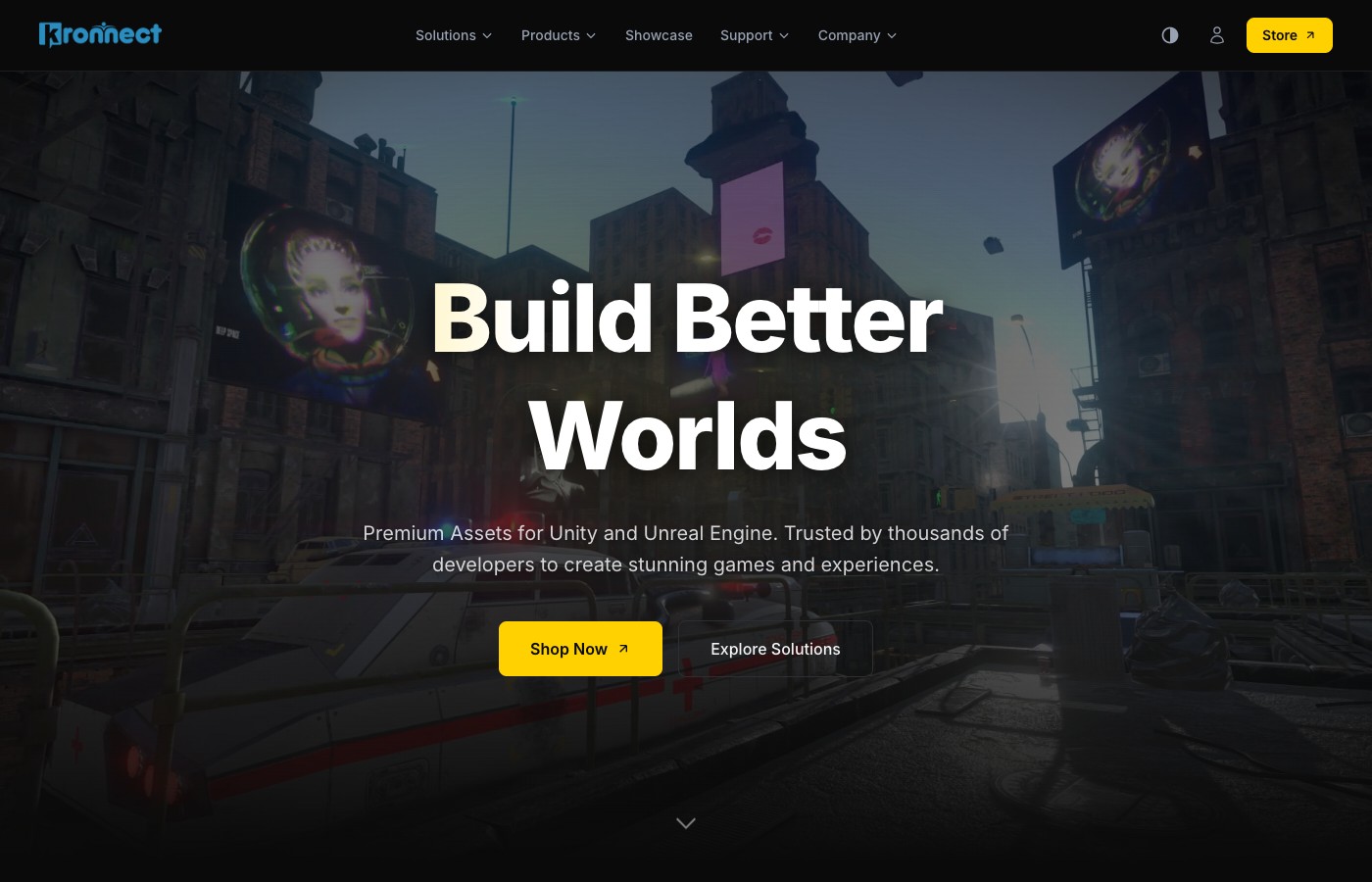
We've been working on a new version of kronnect.com for a while now, and it's finally ready. This isn't a coat of paint on the old site - we rebuilt the whole thing from scratch, and we're pretty happy with how it turned out.
This post walks through all the major additions. If you've been using Beautify, Volumetric Fog, Voxel Play, or any of our other assets, there's a lot here that should make your day-to-day easier.
New Design and Color Themes
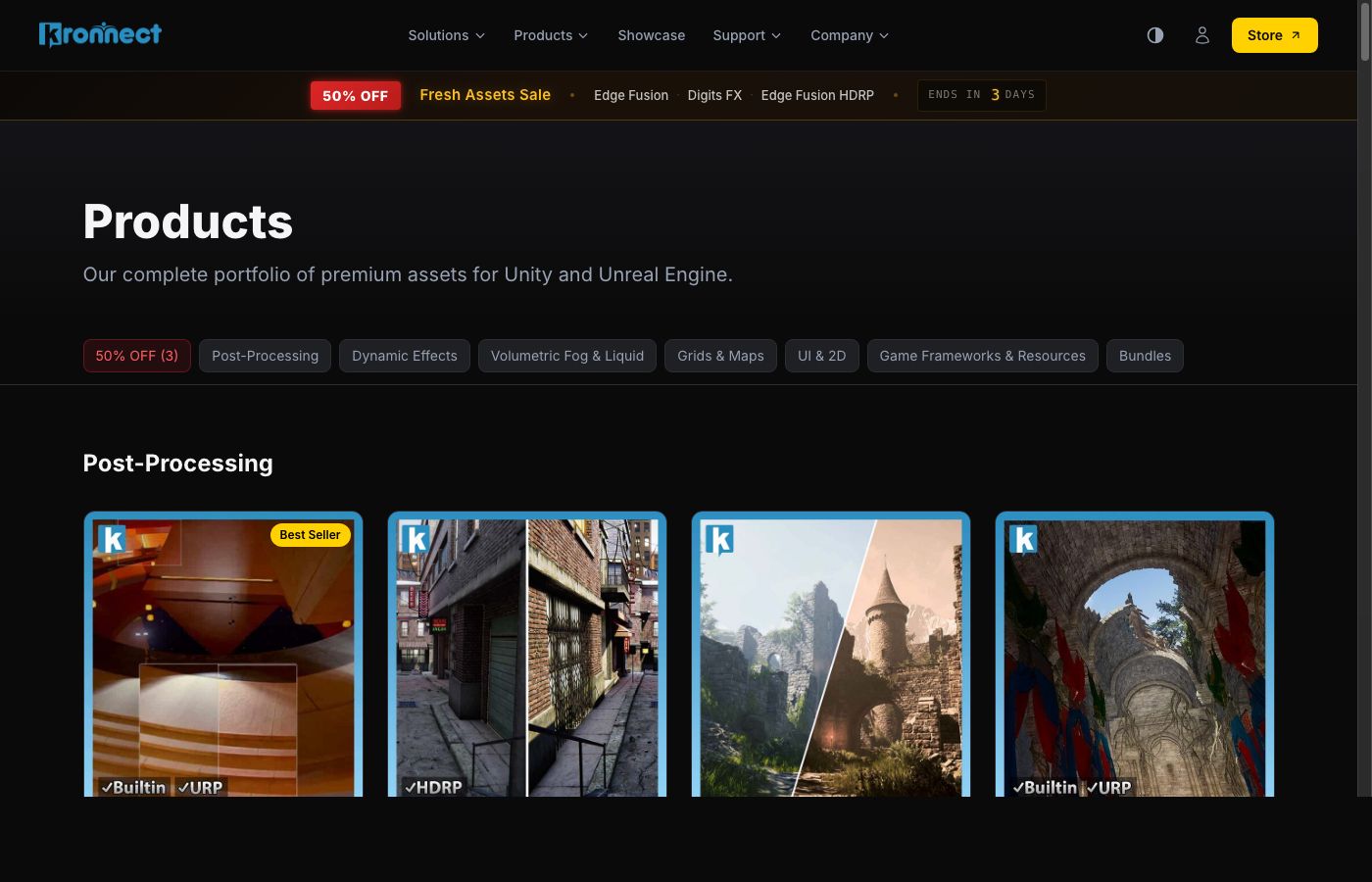
The most obvious change is the look. Everything is cleaner, faster, and works properly on phones and tablets now (the old site... didn't always). But the part we're most excited about is the theme system. You can pick between five color schemes: Dark, Light, Midnight, Sepia, and High Contrast. The site remembers your pick, so it'll look the way you want it every time you visit.
Documentation Hub
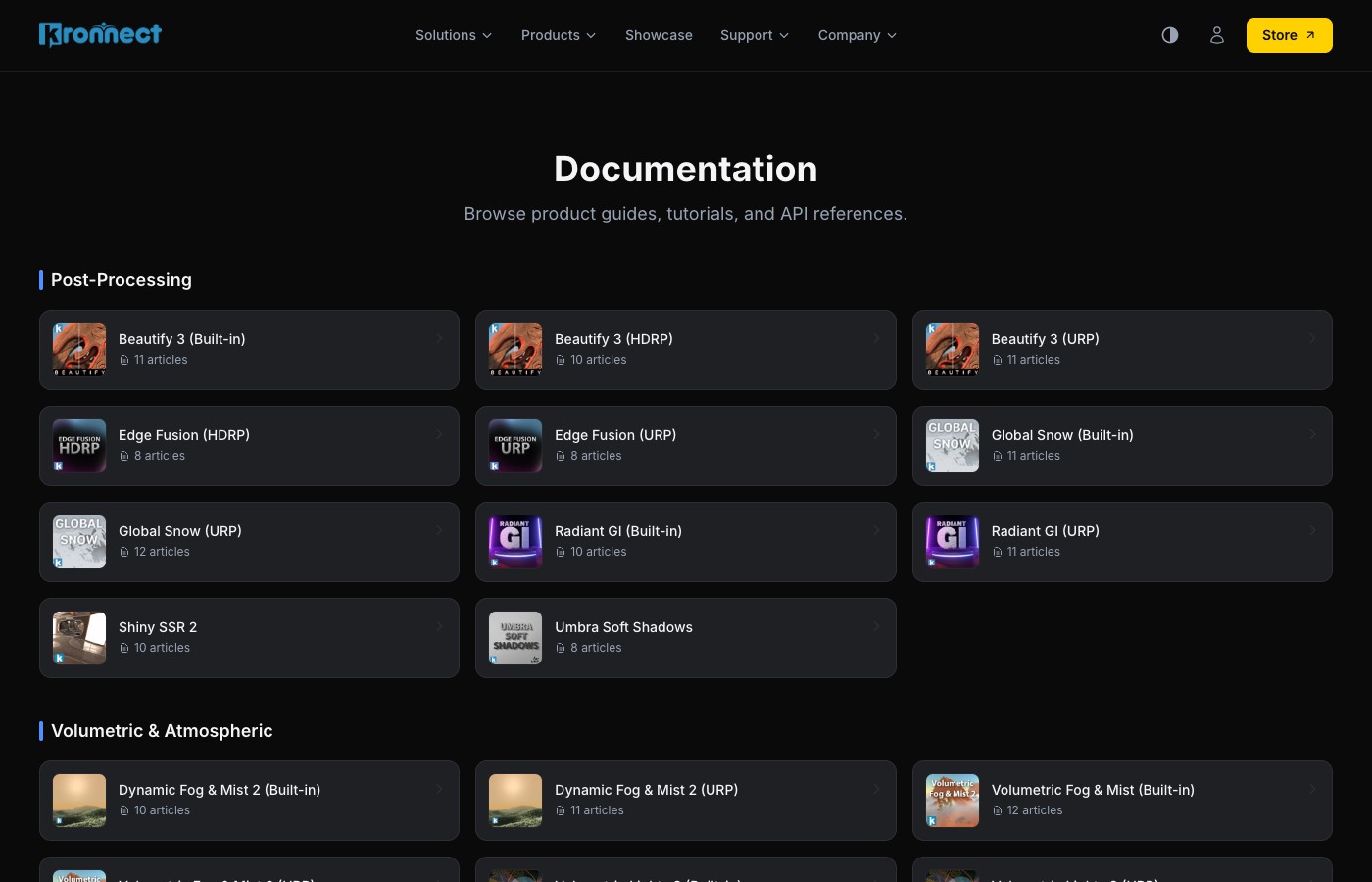
We write a lot of documentation. Over 484 articles across all our products, actually. The problem was that finding what you needed wasn't always easy. So we built a proper documentation section with categories (Post-Processing, Dynamic Effects, Volumetric Fog and Liquid, Grids and Maps, UI and 2D, Game Frameworks) and pipeline filters. If you're working with URP, you can filter out everything else and only see URP-relevant docs. Same for HDRP and Built-in.
There's also full-text search now, so you can type something like "fog density scripting" and jump straight to the right article. Each product card shows how many articles it has, and we keep adding more with every update.
Downloads and License Management
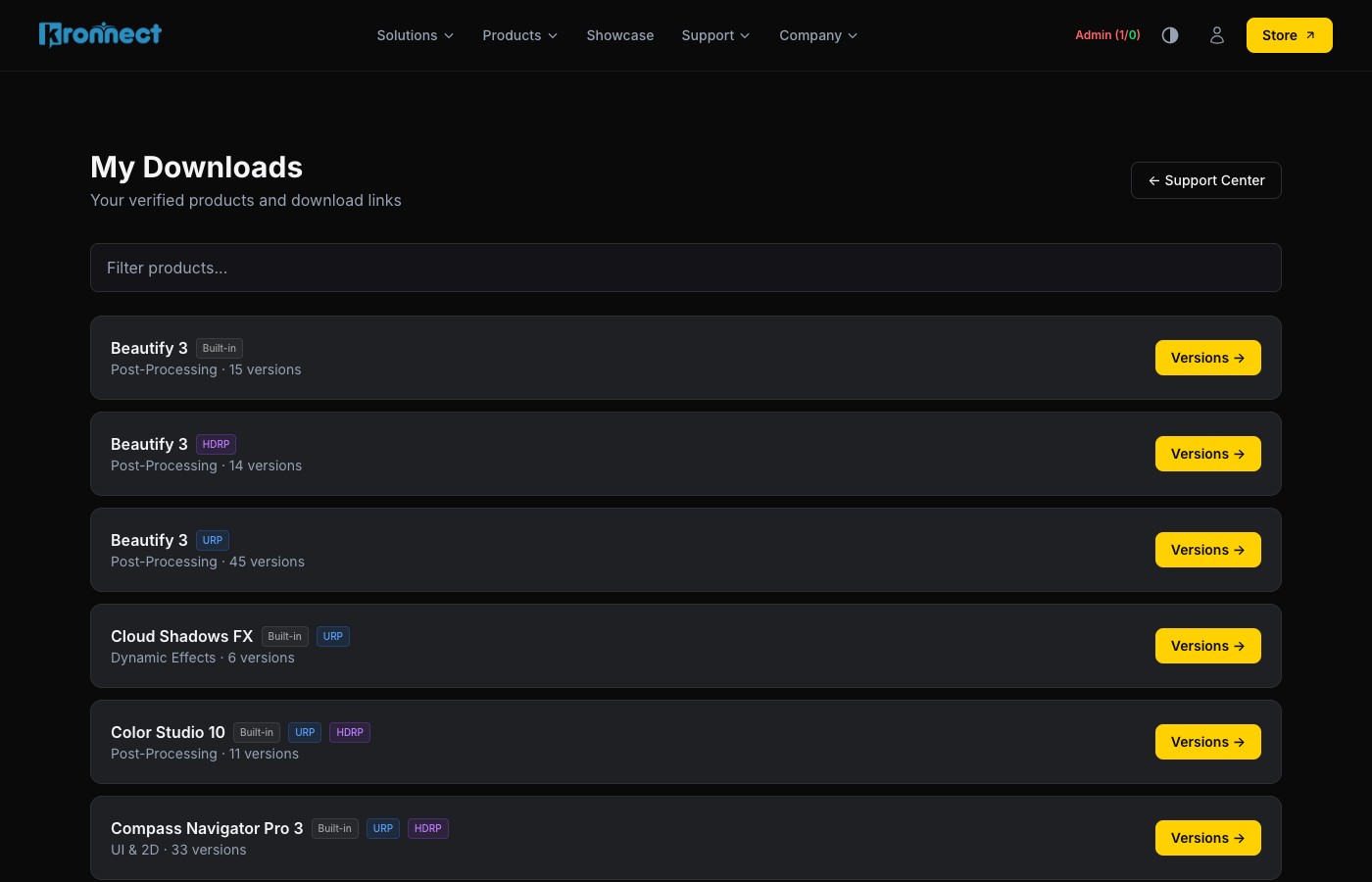
This was a big one. You can now verify your purchases directly on the website and manage everything from a personal dashboard. It works with both the Unity Asset Store (invoice number) and our own Kronnect Store (order number + email). Once you verify a product, it stays linked to your account.
The dashboard shows you all your assets with their pipeline badges, version info, and download links. And if there's a newer version available since you last checked, you'll see a "New update" badge right there. Simple, but it saves a lot of back-and-forth.
AI Support Assistant
This one took the most work and we're really proud of it. There's now an AI assistant built into the Support Center that can answer technical questions about any of our products. You pick the asset and render pipeline, ask your question, and it gives you an answer pulled directly from our documentation - with links to the relevant pages.
It's not a generic chatbot. The assistant has been trained on our entire documentation library and the actual source code of our assets. That means it doesn't just explain concepts - it can generate working C# scripts that show you how to use specific APIs, properties, and methods in your own project. Ask it "how do I add a POI to the compass at runtime?" and you'll get a ready-to-use script, not a vague description.
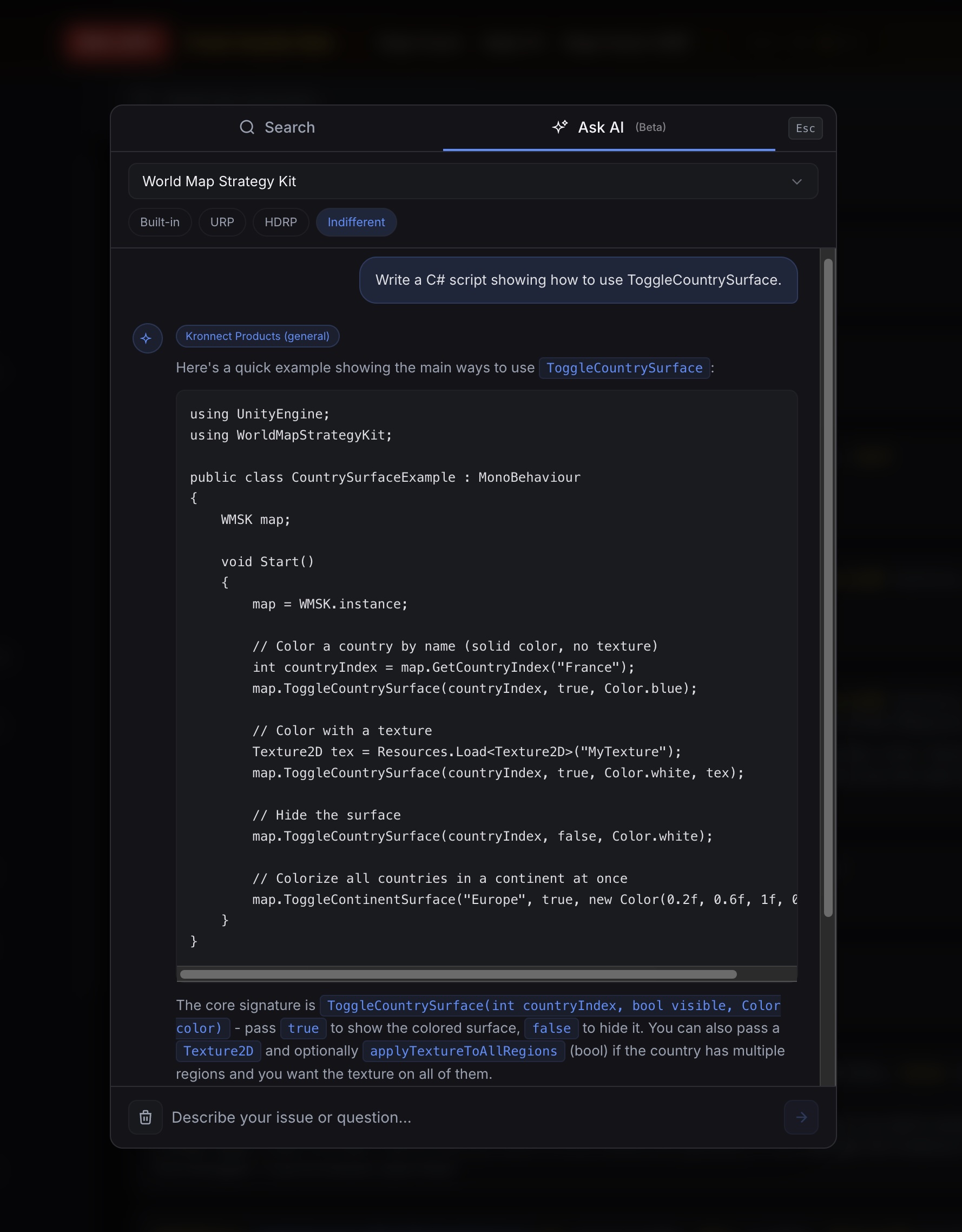
It also remembers context within a conversation, so you can ask follow-up questions like "now make it fade out after 5 seconds" and it'll modify the script accordingly.
We were careful about accuracy: the assistant only answers based on our actual docs and code. If it doesn't have enough information, it'll tell you that instead of making something up. We'd rather give you no answer than a wrong one.
Quick Script Generation in the Docs
We also added a shortcut directly in the documentation. When you're browsing the API reference of any product, you'll see a small sparkle icon on each property and method. Click it and the AI assistant opens with a pre-filled request to generate a sample script for that specific member. It's the fastest way to go from "what does this property do?" to "here's how I use it in code" without leaving the docs page.
You need a verified license to use the AI assistant. You can open it from the Support Center, hit Cmd+J (Ctrl+J on Windows) from anywhere on the site, or use the sparkle buttons in the API docs.
Reward Program
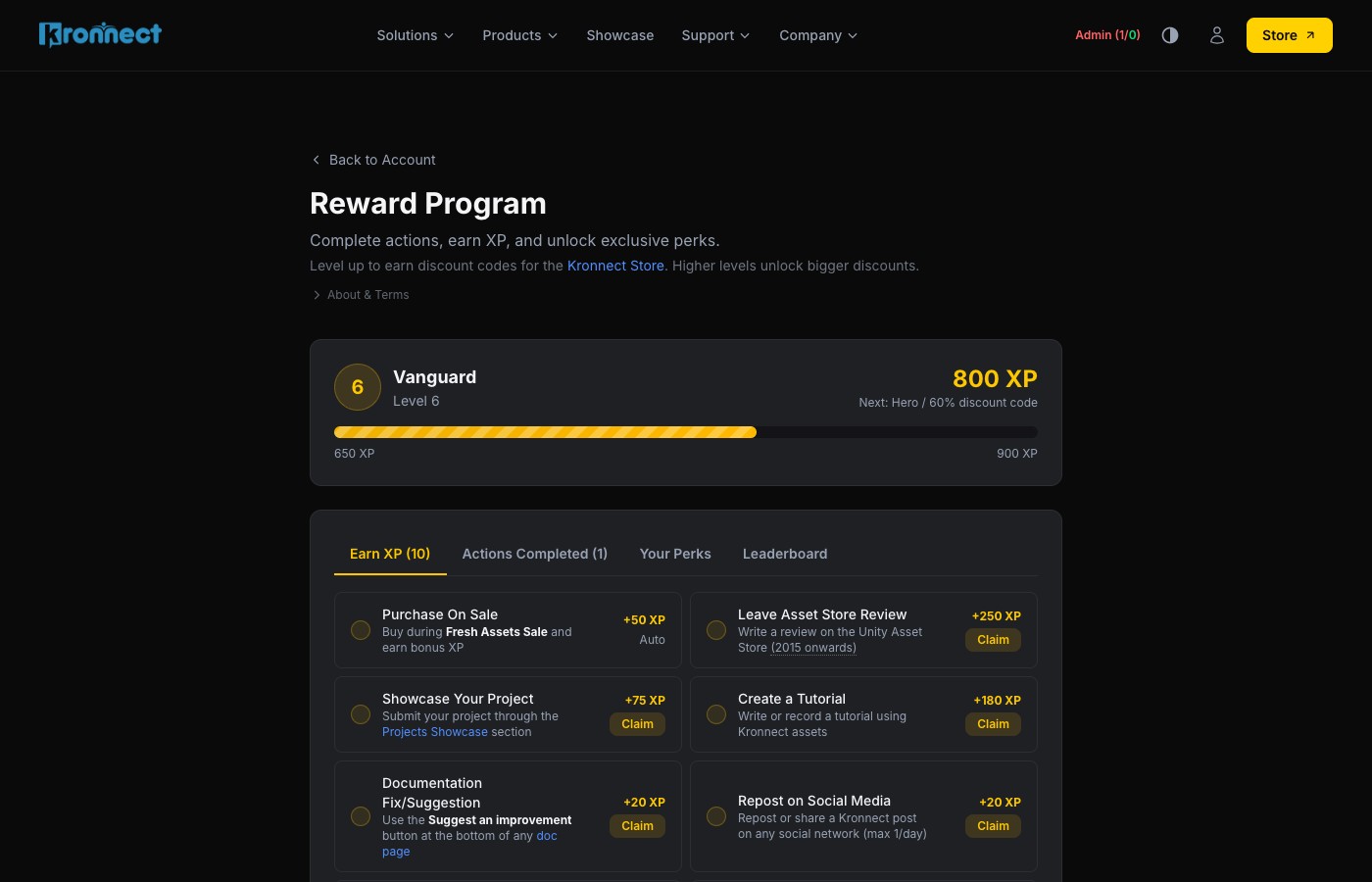
We put a lot of care into every asset we make. We genuinely believe each one brings something unique to the table, and we'd love for everyone to have better opportunities to use them. That's really what this program is about - a way to give back to the people who support us through word of mouth, reviews, and recommendations, with growing discounts as a thank-you.
When you create an account, you start at level 1 (Explorer) and earn XP for things like:
- Writing a review on the Asset Store
- Sharing a project that uses our assets
- Creating a tutorial or guide
- Referring someone who makes a purchase
- Submitting a solid bug report with a repro project
There are nine levels total. As you climb, you unlock discount codes for the Kronnect Store - they get bigger as you level up. Each code is single-use and valid for 60 days. We review every claim manually to keep things fair, so it rewards real contributions, not spam.
Your level and XP bar show up in the site header once you're logged in, and there's a full dashboard with your history, pending reviews, perks, and a community leaderboard. We'll be adding more ways to earn XP and new rewards over time. Thank you, really, for being part of this.
Smarter Discord Bot
If you're on our Discord server, you've probably noticed the support bot has gotten a lot better recently. We've been putting serious work into it.
The bot now covers 33 product channels and uses the same documentation backend as the website's AI assistant. When you post a question in #beautify or #volumetric-fog, it already knows which product you're asking about and pulls the most relevant docs to answer. No need to tag it or specify the product in most channels.
Some things worth highlighting:
- It includes links to the relevant doc pages in its replies, so you can dig deeper if the quick answer isn't enough.
- It tracks the conversation, so if you're discussing Highlight Plus and then ask "how do I change the outline color?" it knows what you mean.
- When it's not confident enough about an answer, it flags it for us to review. Common questions get instant replies; tricky ones still get human attention.
- For URP setup questions, it suggests Kronnect Hub (our free configuration tool) automatically.
Automatic Purchase Verification
The bot can also verify your Unity Asset Store purchases directly on Discord. Just provide your invoice number and it'll validate the purchase and grant you access to the right product channels instantly - no waiting, no manual process. It's the fastest way to get into the private channels after buying an asset.
The bot also knows what it shouldn't try to handle. If someone asks about refunds or licensing, it points them to contact@kronnect.com instead of making up an answer. Feature requests get acknowledged and logged.
Our goal with the bot is simple: we want it to be useful, knowledgeable, and there for you when we're offline or busy working on the next update you asked for. There are a lot of questions that are already covered by the documentation, and we think our time is better spent building new features and improvements rather than repeating those answers manually. That said, we're constantly reviewing how the bot performs, tuning its responses, and correcting them on the fly to make sure you're getting the best guidance possible.
Why We Did All This
Honestly? Because we needed to. We're a small team and our community has grown a lot. We can't personally answer every setup question in every timezone, but we can build tools that give you good answers fast. We can't track down every user to tell them a new version is out, but we can build a dashboard that shows it. We can't reward every review and tutorial personally, but we can build a system that does.
We're developers ourselves, and we built the site we'd want to use. Everything ties together in the Support Center - the AI assistant, downloads, bug reports, and Kronnect Hub (our free URP setup tool) are all one click away from a single page.
What's Coming
More reward actions, more documentation with every product release, and ongoing improvements to both the website AI and the Discord bot based on the questions we see coming in. If something's not working well or you have ideas, we want to hear about it - hit us up on Discord or email contact@kronnect.com.
Thanks for being part of this. Go explore the new site and let us know what you think.